Five WhatsApp automations to save you hours in 2026
Five WhatsApp automations to save hours in 2026 — route messages and trigger actions.
 Rebecca Pearson8 min read
On this page
Every operator knows the feeling — context switching between WhatsApp, email, Slack, and your CRM kills more productivity than actual work. By 2026, the average business user will juggle 11 communication channels daily, according to Gartner's Digital Workplace Survey 2025. Yet WhatsApp remains the channel where deals close, customers complain, and teams coordinate in real-time.
WhatsApp automation connects your messaging workflow to your broader operational stack — routing conversations, extracting data, and triggering actions without manual intervention.
Companies using WhatsApp Business API report 45% faster response times and 3.2× higher customer satisfaction scores than those relying on manual messaging (Meta Business Messaging Report, Q4 2025). The bottleneck isn't the channel, it's the context switching.
You're losing hours transcribing WhatsApp conversations into your CRM, routing customer requests manually, and missing urgent messages buried in group chats.
The five automations below eliminate 70-80% of WhatsApp busywork by connecting messages to your existing tools, with no coding required.
The solution isn't another chatbot. It's treating WhatsApp as a data source that feeds your operational systems automatically.
TL;DR
WhatsApp automation routes messages and extracts data into your existing tools — CRM, Sheets, Notion, Slack — without manual copy-paste. The five automations below cover lead capture, order updates, support routing, team coordination, and payment notifications. No code required.
What makes WhatsApp automation different from regular chatbots?
Traditional chatbots live inside WhatsApp and respond to messages. WhatsApp automation works the opposite way: it pulls data from WhatsApp into your operational systems.
Here's the distinction: A chatbot answers "What's my order status?" inside the chat. WhatsApp automation extracts that question, checks your database, updates your CRM with the interaction, and routes complex queries to the right team member. The customer might never know automation happened.
This matters because Salesforce's State of Service 2025 found that 68% of customer frustration stems from repetitive information requests — not slow responses. Automation prevents the "Can you send that again?" loop by capturing context once and making it accessible everywhere.
The pattern works across five core scenarios.
WhatsApp Notion assistant
Having access to your database and company information is often tedious from your phone, so this workflow allows you to query your Notion database and it returns the context for you.
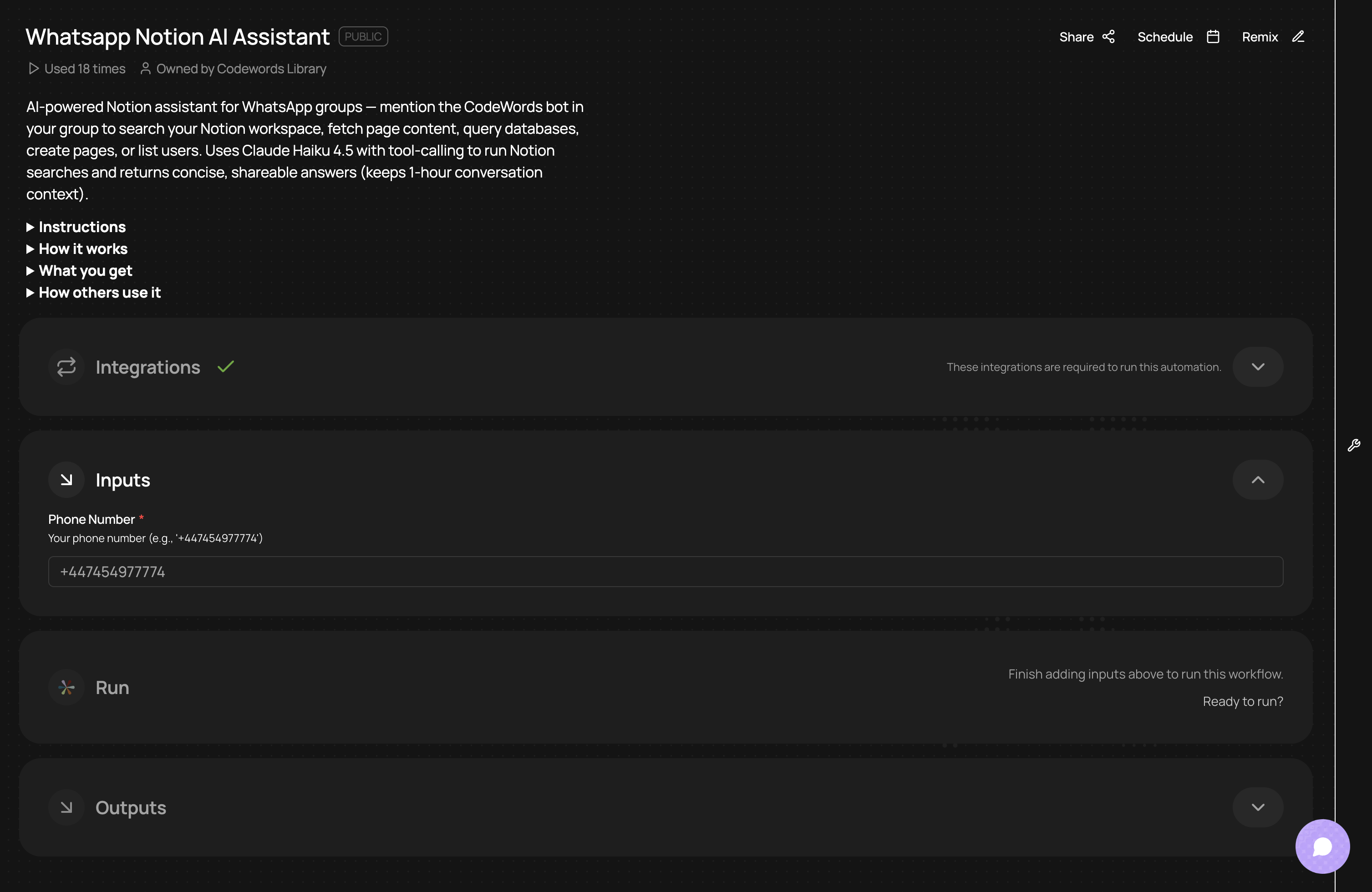
Here's how it works:
- Listens for incoming WhatsApp group messages via the CodeWords/whatsapp_trigger registration.
- Detects robustly when the bot is mentioned and extracts the clean question text.
- Loads short-term conversation memory (messages from the last hour) from Redis to keep context.
- Uses Claude Haiku 4.5 as the assistant with a set of Notion tools (search, fetch page, query database, create page, list users, get current user).
- When Claude requests a tool, the workflow calls Notion actions through Pipedream, returns results to Claude, and iterates (up to 5 tool-use cycles).
- Sends a “thinking” message while querying, then posts a concise, formatted answer back to the WhatsApp group with attribution.
- Handles errors by notifying the group and logs failures for debugging.
WhatsApp to Telegram relay
Easily send bidirectional messages between WhatsApp and Telegram, and include full media support for any attachments or voice notes for easy cross-platform communication.
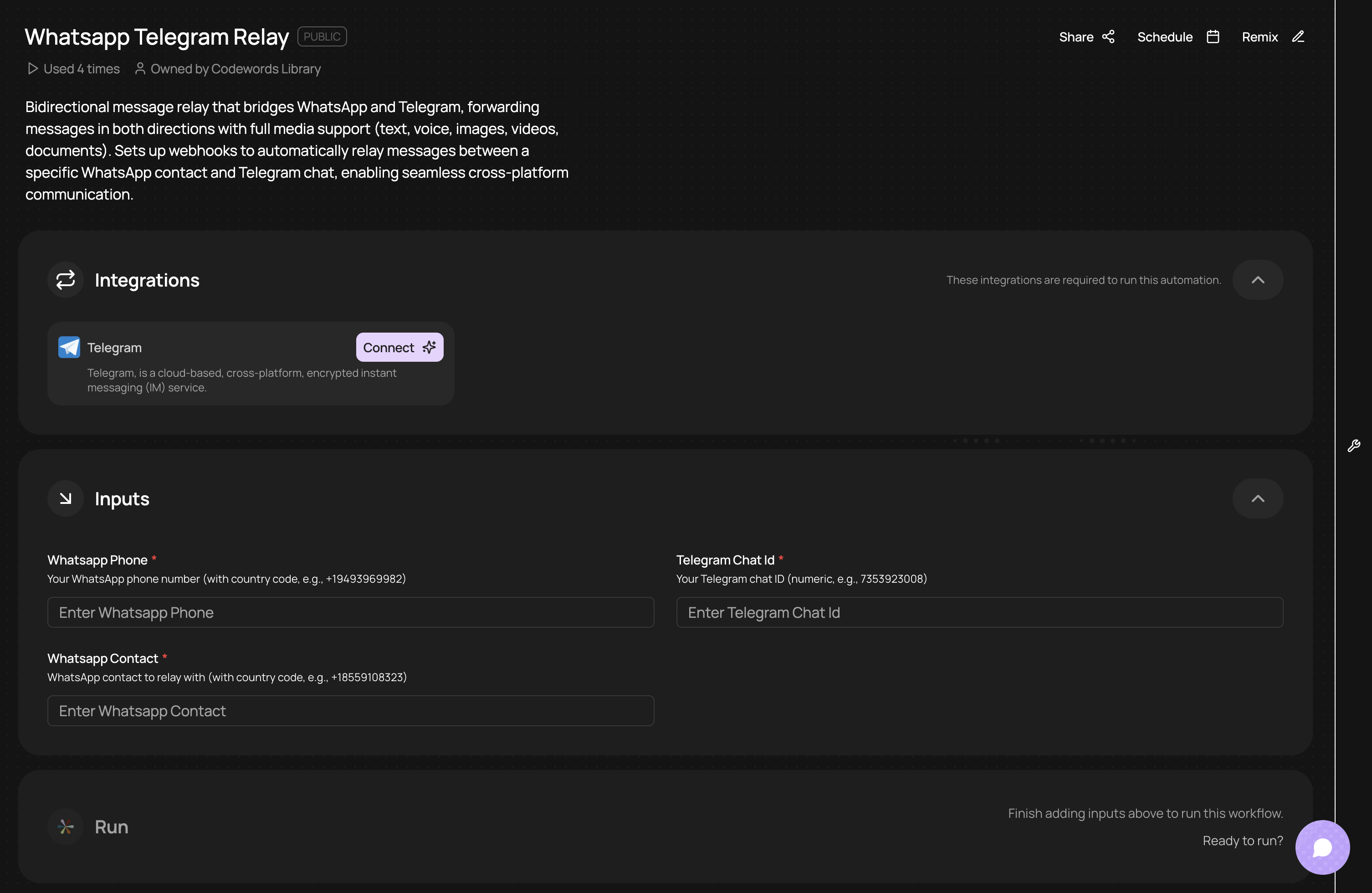
How it works:
1. Setup
- You run the main endpoint with: your WhatsApp number, the contact to relay with, and your Telegram chat ID
- This registers a WhatsApp Business API webhook that listens for messages from that specific contact
2. WhatsApp → Telegram Flow
- When the WhatsApp contact sends a message (text, voice, image, video, or document), WhatsApp Business API triggers the
/whatsapp_webhookendpoint - The workflow uses Pipedream's Telegram Bot API integration to forward it to your Telegram chat with emojis (🎤 for voice, 📷 for images, etc.)
3. Telegram → WhatsApp Flow
- When you reply in Telegram, a Telegram webhook sends the message to
/telegram_webhookendpoint - The workflow uses WhatsApp Business API to send your text reply back to the WhatsApp contact (text-only for this direction)
WhatsApp Group Engagement Analyzer
Easily analyze engagement in your WhatsApp group — great for community managers and builders, or just for checking in on your friends if you're in a big group chat!
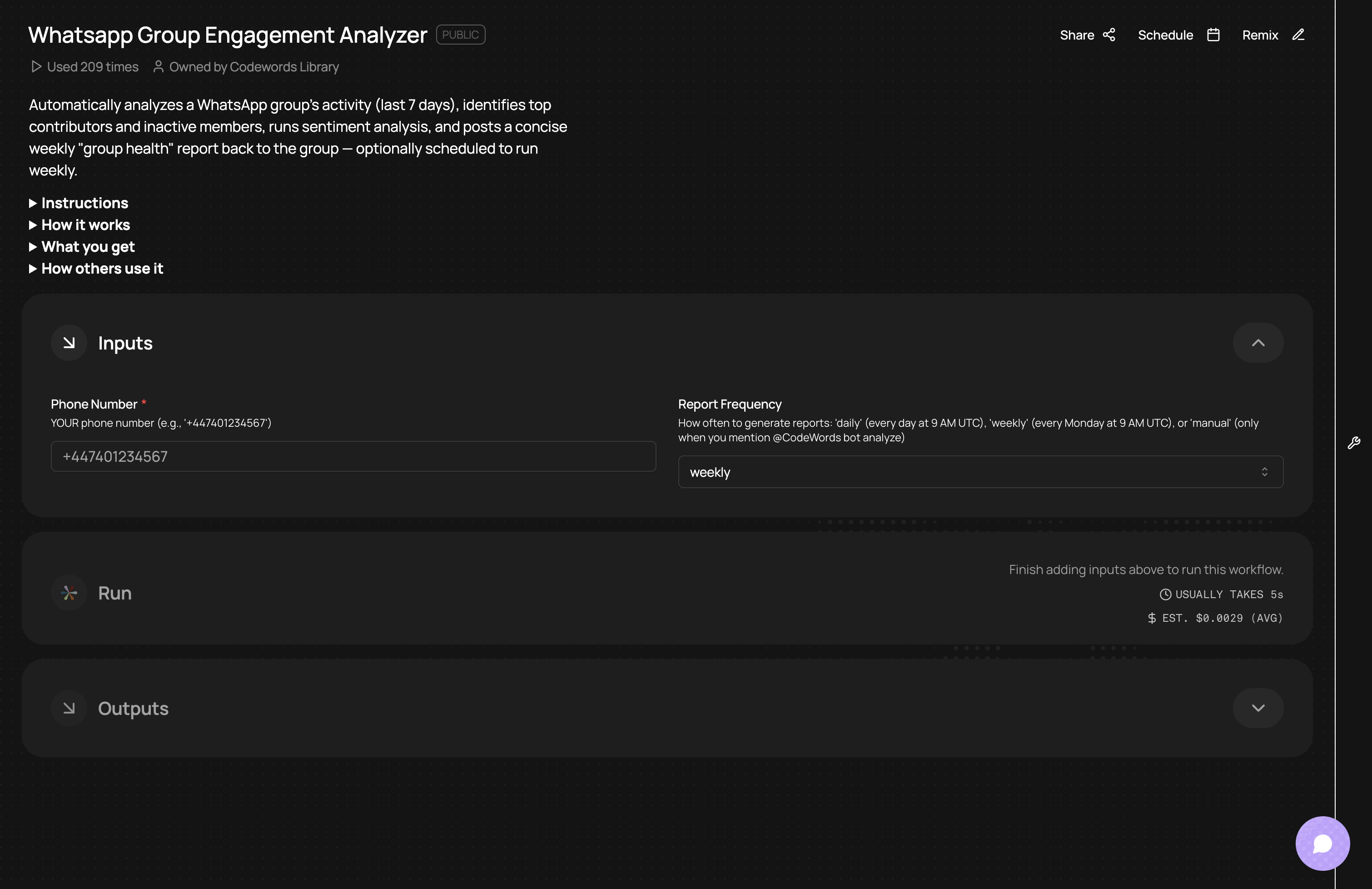
How it works:
- Connects to your WhatsApp account via the CodeWords/WhatsApp trigger and fetches group participants and up to 7 days of recent messages.
- Counts messages per member to identify top contributors and builds a list of members who haven’t posted in the period.
- Sends message text samples to an AI model (Gemini) to produce an overall sentiment breakdown, top discussion themes, and engagement quality.
- Assembles a clean, Markdown-style health report (overview, contributors, sentiment, inactive members, re-engagement tips) and posts it directly into the WhatsApp group.
WhatsApp AI assistant: Customer support bot
Our top use case for WhatsApp automations is our WhatsApp AI assistant. Simply click 'Remix' and describe the tools you use in your customer support motion. From there you can link it to your tools or connect it to your company's knowledge hub or database so the chatbot responds with accurate information for support queries.
You can also add human-in-the-loop stages or allocate times that this workflow should complete fully if the query is outside of working hours.
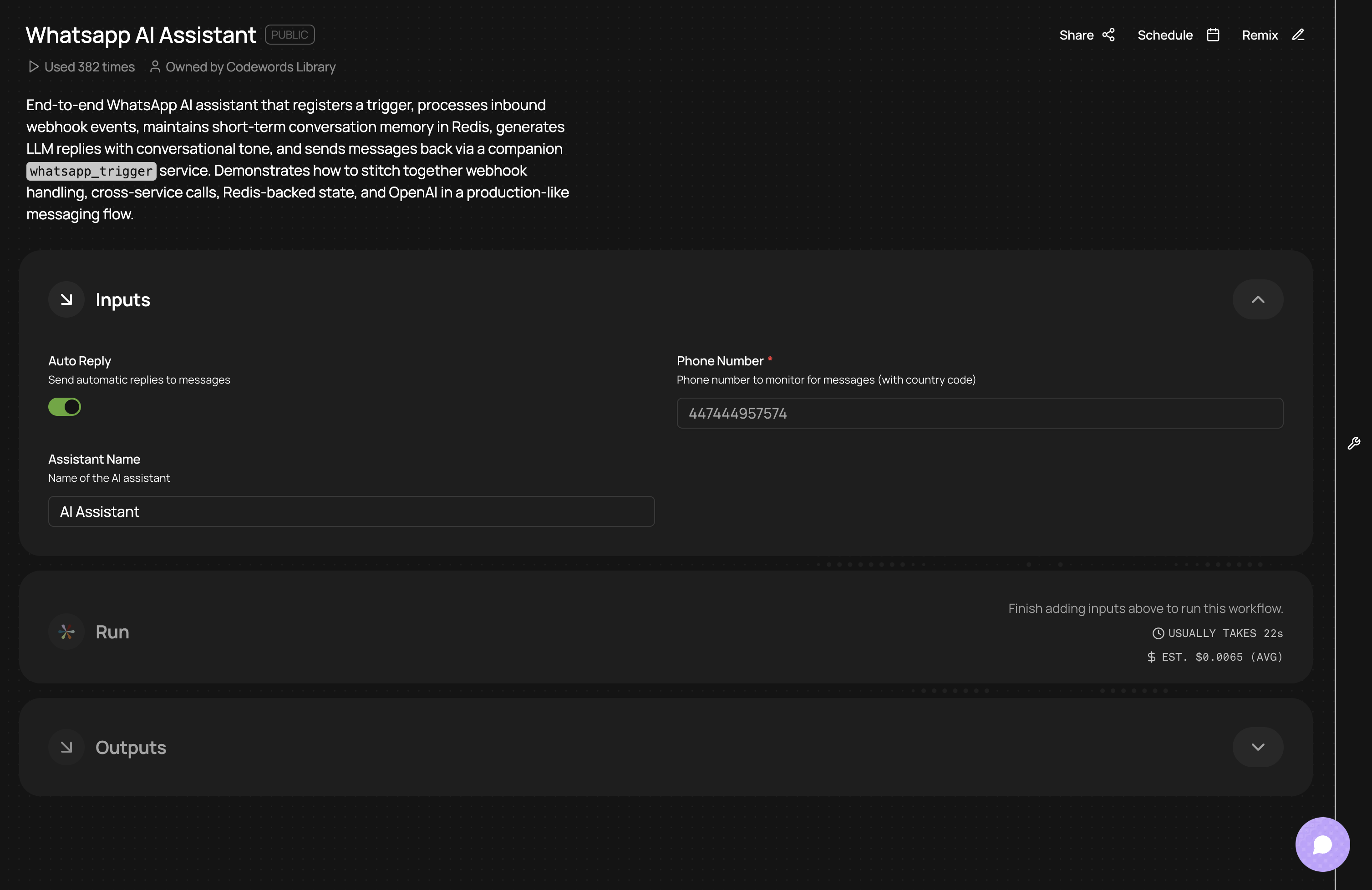
How it works:
- Registers with the
whatsapp_triggerservice to receive incoming WhatsApp messages, then processes webhook events at/whatsapp_eventendpoint to extract message details (sender phone, text content, timestamp). - Uses Redis (via
redis_client()) to store conversation history per user with a 1-hour retention window, enabling the AI to maintain context across multiple messages. - Sends conversation history + new message to OpenAI's
gpt-5-minimodel with a WhatsApp-optimized system prompt (concise, mobile-friendly, 300 word max, uses emojis). UsesAsyncOpenAI()- automatically configured by CodeWords. - Sends responses back via the
whatsapp_triggerservice using the "message" template, which bypasses the 24-hour service window restriction and ensures reliable delivery anytime. - Supports special commands (
clear,help,stop,hi) for conversation management, sends welcome messages on first interaction, and stores both user and AI messages in Redis after successful delivery.
WhatsApp brand monitor
Retrieving your company's brand sentiment can be tedious, so an easier way to do this is through using this workflow to automatically monitor any chosen brand, including your competitors, across Reddit, News, and X.
It then sends you a sentiment report directly to your WhatsApp group or by DM. Schedule it at regular intervals to receive frequent brand updates.
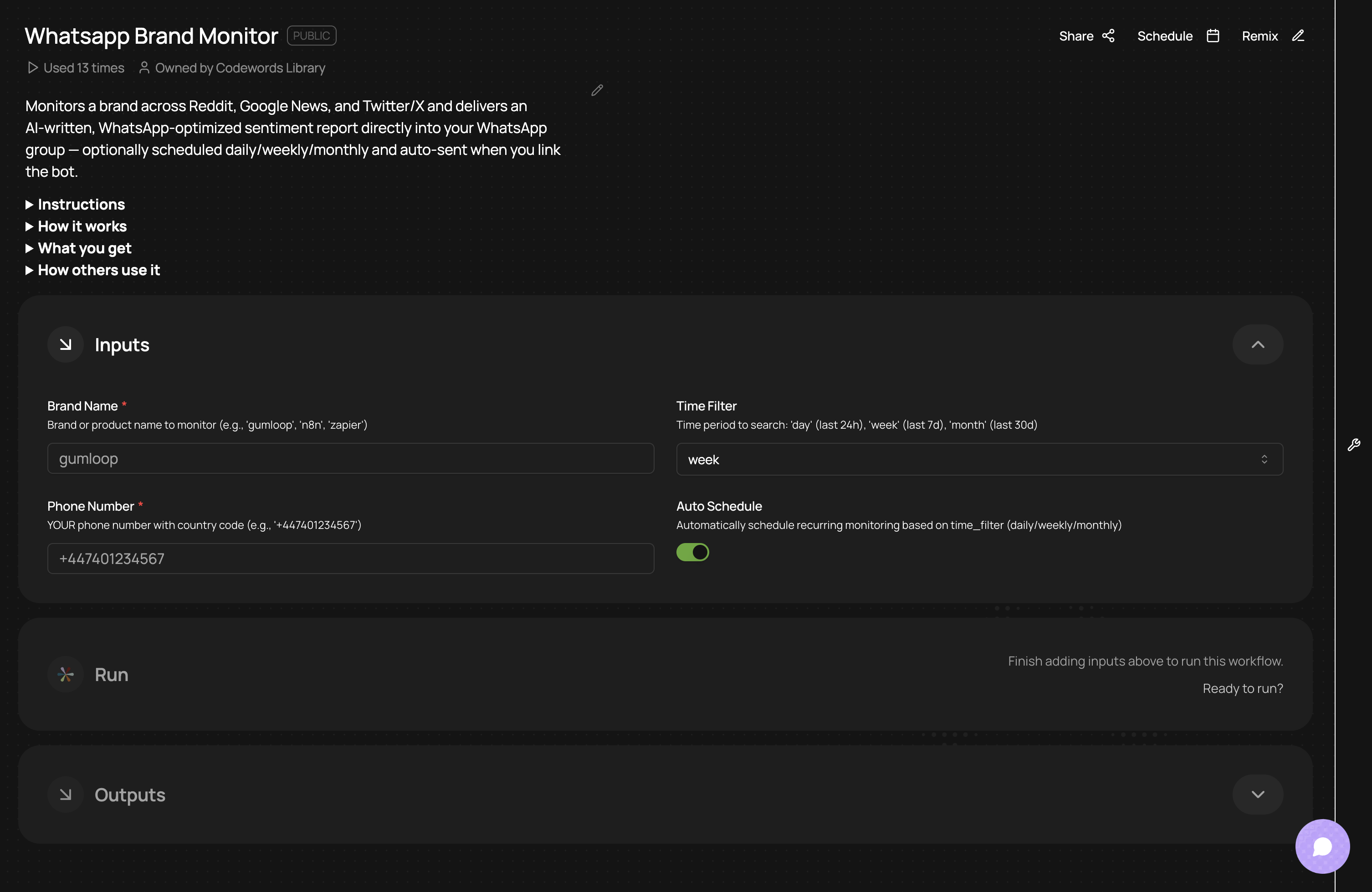
How it works:
- Registers your phone for WhatsApp group actions and waits for the bot to be added to a group.
- When a group is linked (auto-detects groups linked within the last 15 minutes), it concurrently:
- Uses AI to suggest relevant subreddits and searches Reddit for mentions.
- Searches Google News for recent articles about the brand.
- Scrapes recent Twitter/X mentions via Nitter and normalizes links.
- Aggregates and deduplicates results, then runs an AI analysis to produce a mobile-optimized report (WhatsApp markdown, short paragraphs, emojis).
- Sends the formatted report into your WhatsApp group and — if enabled — sets up recurring scheduled runs (daily/weekly/monthly).
Frequently asked questions
How long does it take to set up WhatsApp automation?
Most CodeWords workflows can be deployed in under one hour.
Do I need coding skills to build these workflows?
No, simply describe in the CodeWords chat what you'd like to build and it will be built for you. You'll be prompted to connect to your tools and don't need to technically configure the connection. For more custom logic you can describe in detail what you'd like to happen. Or, you can choose from an existing template and click 'Remix' to customize it for your use case by describing the changes you'd like to make.
Will WhatsApp automation work with my existing CRM and tools?
CodeWords supports native integrations with Salesforce, HubSpot, Pipedrive, Zendesk, Intercom, Shopify, and 200+ other platforms. For custom tools, webhook triggers and HTTP blocks let you connect any API and you can just ask in the CodeWords chat to connect these. The average customer connects WhatsApp to 4-6 different systems within their first workflow.
What happens if the automation makes a mistake?
Every CodeWords workflow includes error handling. You can set up human-in-the-loop approvals for high-stakes actions like refund processing. All automated actions log to an audit trail, so you can trace exactly what happened and when. Most teams start with "test mode" workflows that notify humans instead of taking direct action until they've validated accuracy.
The real impact of WhatsApp automation
These five patterns eliminate the most time-consuming aspects of business messaging: manual data entry, context switching, and repetitive status updates. But the deeper benefit is responsiveness.
When your WhatsApp workflow automatically routes urgent messages, logs every interaction, and triggers appropriate actions across your stack, your team can operate at the speed customers expect — without burning out from constant app-switching. That responsiveness compounds. The logistics company mentioned earlier didn't just save 73% on order processing time — they captured 28% more orders because customers stopped abandoning WhatsApp conversations due to slow responses.
The implication: WhatsApp automation isn't about replacing human conversation. It's about removing the friction around conversation so your team focuses on the work that actually requires judgment and creativity.
Ready to reclaim those hours? Start building your first WhatsApp workflow in CodeWords.