The 12 best workflow automation software platforms for 2026
Find workflow automation platforms that build reliable, low-friction digital teammates.
 Rebecca Pearson12 min read
On this page
- What is the best AI-native workflow automation software?
- How do visual workflow automation tools compare?
- Which automation platforms are best for enterprises?
- What other workflow automation software should be considered?
- What are the most common questions about workflow automation?
- From building connections to building intelligence
Automating work is not about connecting apps. It's about building a second, invisible employee who executes your business logic flawlessly. This employee never sleeps, never makes mistakes, and scales instantly. The challenge is that most tools force you to become either a visual programmer or a professional developer to build this digital teammate. The best workflow automation software is the one that lets you translate your operational intent into action with the least friction.
So how do you choose the right platform? Many operators get stuck managing a brittle web of simple automations that break under pressure or face an enterprise tool so complex it requires a dedicated team. According to a 2023 Forrester report, 80% of organizations plan to expand their automation efforts, making this choice critical. This guide provides a framework for selecting a platform based on your team’s skill and your operational complexity, moving beyond generic feature lists. This guide will show you real CodeWords workflows.
You feel the drag of manual, repetitive work that consumes hours of your team’s day. The promise of workflow automation is to reclaim up to 30% of that time within the first quarter by building a resilient, intelligent operational core for your business. The solution isn't just about picking a tool with more connectors; it's about adopting a new method of building that matches the speed of your ideas.
TL;DR - Choosing the Right Workflow Automation Software
- Automation Expansion: 80% of organizations plan to expand automation efforts to manage economic pressure and operational risk (Forrester, 2023).
- AI-Native vs. Visual: The key differentiator is between traditional visual builders and newer AI-native platforms that use natural language to create and debug workflows.
- Focus on Skill Alignment: The right tool aligns with your team's existing capabilities, enabling builders to create without depending on engineers.
What is the best AI-native workflow automation software?
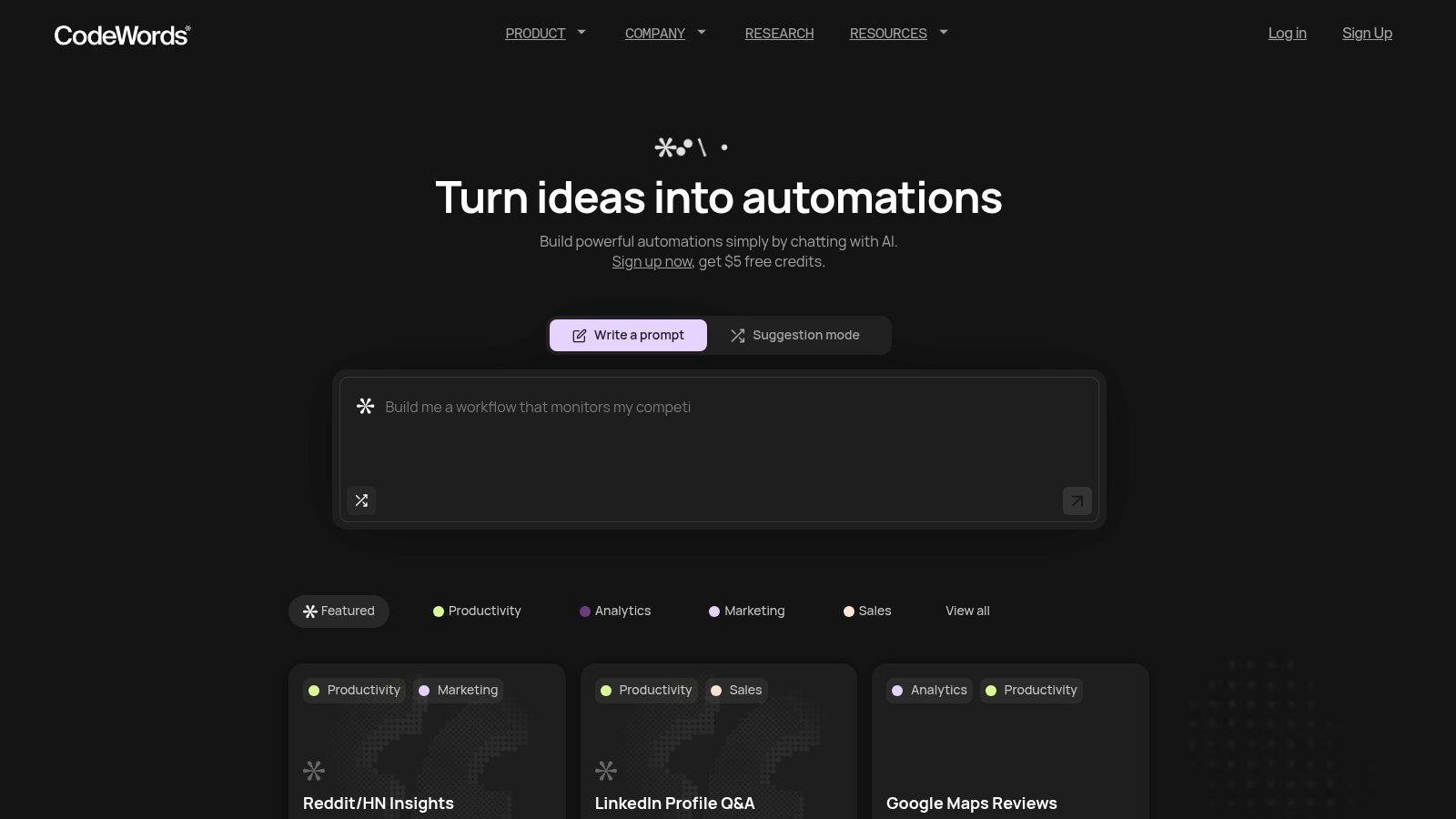
CodeWords is the best workflow automation software for its unique AI-native approach. Instead of using a visual builder, users describe their desired automation in plain English. The platform then generates, configures, tests, and deploys the underlying workflow. This conversational method fundamentally lowers the barrier to entry, allowing non-technical operators and founders to build sophisticated, multi-step automations in minutes.
This is not just a simpler interface; it's a more direct path from intent to execution. By building on a code-based foundation rather than rigid visual blocks, CodeWords offers a higher degree of flexibility and power that rivals more technical tools without demanding the same steep learning curve. It transforms the process of automation from a technical puzzle into a simple conversation.
Key features & use cases
CodeWords excels where speed and accessibility are critical. A library of 3,000+ integrations connects everything from Salesforce to Slack, making it a powerful central hub for business processes. Users can start with pre-built templates for common tasks such as screening resumes, analyzing Trustpilot reviews, or monitoring websites for changes.
Best for:
- Marketing & Growth: Automating social media scheduling, mining Reddit for brand mentions, or labeling new leads in a CRM.
- Operations & Founders: Streamlining repetitive tasks like generating reports, onboarding new users, or syncing data between platforms.
- Sales & CS: Automating prospect research on LinkedIn, sending personalized follow-ups, and creating support tickets from Slack messages.
Pricing and onboarding
The platform offers a usage-based pricing model, which provides flexibility for users to start small and scale. New signups receive starter credits, enough to build and run several initial automations. According to CodeWords, a non-technical user can build their first functional automation in under ten minutes.
-
Chat-first AI assistant radically simplifies workflow creation.
-
Massive connectivity with 3,000++ integrations.
-
Automatic testing and debugging reduces technical friction.
-
Code-backed foundation offers more power than typical no-code tools.
-
Strong community with a large library of pre-built templates.
-
Usage-based pricing can be unpredictable for high-volume workloads.
-
Lacks public enterprise-grade compliance certifications, requiring validation for strictly regulated industries.
Website: https://codewords.ai
How do visual workflow automation tools compare?
Visual builders like Zapier and Make represent the traditional approach to no-code automation. They offer intuitive, graphical interfaces that empower users to connect applications without writing code. However, there’s a problem most tools ignore: as workflows grow in complexity, visual canvases can become difficult to manage, debug, and scale.
2. Zapier
Zapier is the most recognizable name in no-code automation, functioning as the digital glue that connects thousands of applications. Its strength lies in its simplicity, making it one of the best workflow automation software options for teams that need to deploy automations quickly. Users create "Zaps", linear, multi-step workflows, that trigger actions in one app based on events in another.
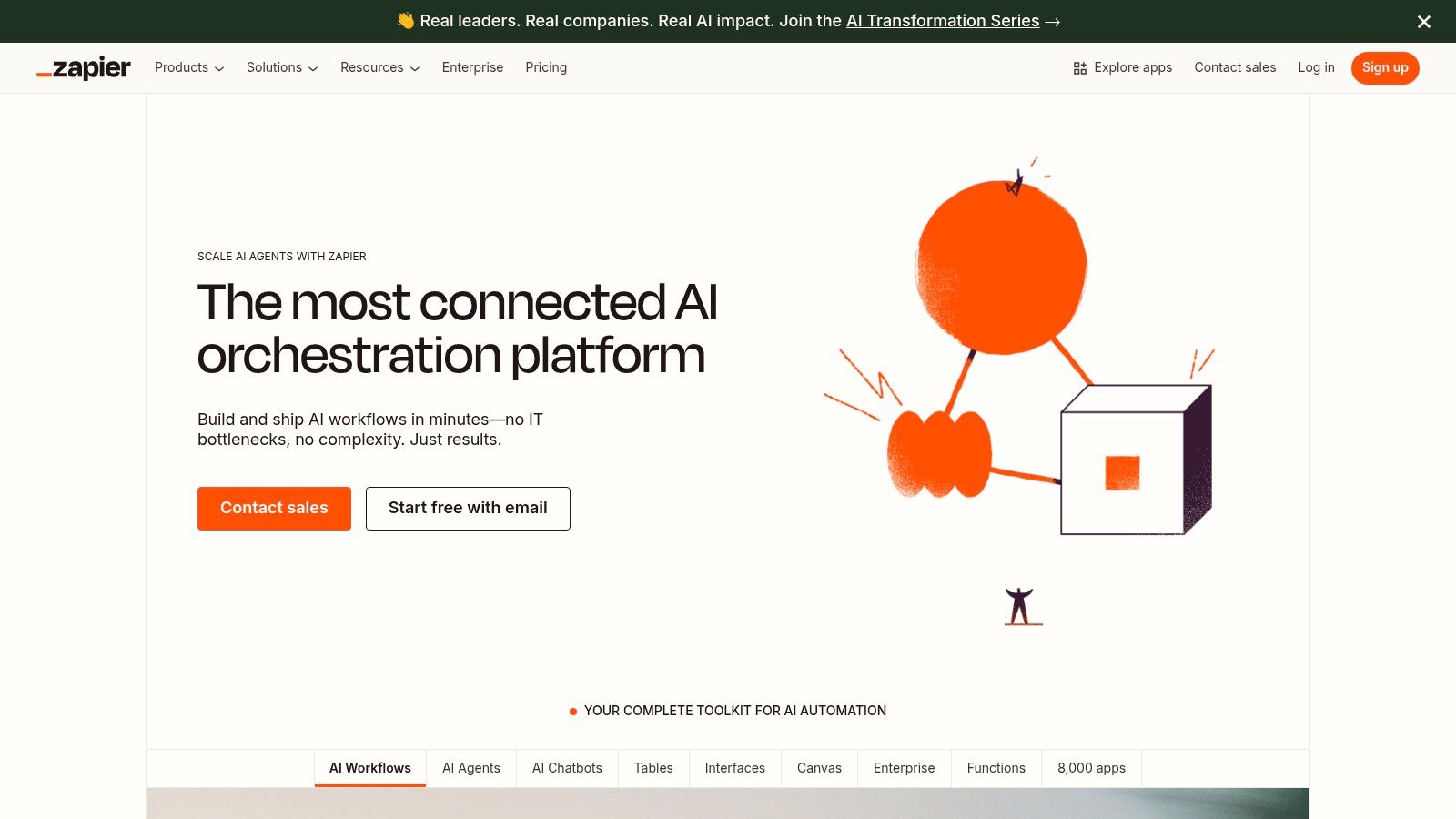
The platform now offers built-in data storage with Zapier Tables and form creation with Interfaces. This allows users to build more self-contained solutions.
- Best For: Marketing, sales, and operations teams needing fast, self-serve integrations.
- Standout Feature: A library of over 8,000 app connectors.
- Pricing: Starts with a free plan. Paid plans begin at $19.99/month (billed annually) and scale based on task usage.
- Pros: Extremely user-friendly. The rich ecosystem provides a fast time-to-value.
- Cons: The task-based pricing model can become expensive at high volumes. Complex logic may require a different solution. For other options, you can explore various Zapier alternatives.
Visit Website: https://zapier.com/
3. Make (formerly Integromat)
Make uses a drag-and-drop canvas where users build "scenarios" with modules and routers, allowing for complex branching logic. This modular approach makes it one of the best workflow automation software options for technical teams who need to visualize intricate data flows.
Its strength lies in its transparency; you can see exactly how data moves between each module, making debugging more intuitive than in linear tools. For a deeper look, see our in-depth review of Make (formerly Integromat).
- Best For: Technical users and operations managers who need to build and debug complex, multi-path workflows.
- Standout Feature: The visual scenario builder provides exceptional visibility into data flow and enables sophisticated logic without code.
- Pricing: Features a generous free forever plan. Paid plans start at $9/month (billed annually).
- Pros: The visual interface simplifies the creation of complex branching logic. Its pricing can be cost-effective for workflows with many steps.
- Cons: The operation-based pricing model can be confusing to estimate. For different models, research various Make alternatives.
Visit Website: https://www.make.com/
Which automation platforms are best for enterprises?
Enterprise platforms focus on governance, security, and scalability. They are designed to manage mission-critical automations across large organizations, often integrating with both cloud and on-premise legacy systems.
4. Microsoft Power Automate
For organizations in the Microsoft ecosystem, Power Automate is a clear choice. It integrates cloud-based flows with Robotic Process Automation (RPA) for desktop tasks. This allows teams to automate everything from SharePoint updates to legacy desktop application data entry from a single platform.
Its strength is its native integration with Microsoft 365, Dynamics 365, and Azure. The platform also includes process mining capabilities to help businesses identify automation opportunities.
- Best For: Enterprise environments that operate primarily on Microsoft software.
- Standout Feature: Deep, native integration with the Microsoft stack and the inclusion of both cloud (DPA) and desktop (RPA) automation.
- Pricing: Offers multiple plans. Paid plans are licensed per user (starting at $15/user/month) or per flow.
- Pros: Unmatched integration with Microsoft products. Strong administrative controls and security features.
- Cons: The licensing model can be complex. Connecting to non-Microsoft applications can require more setup.
Visit Website: https://www.microsoft.com/power-platform/products/power-automate/pricing
5. n8n
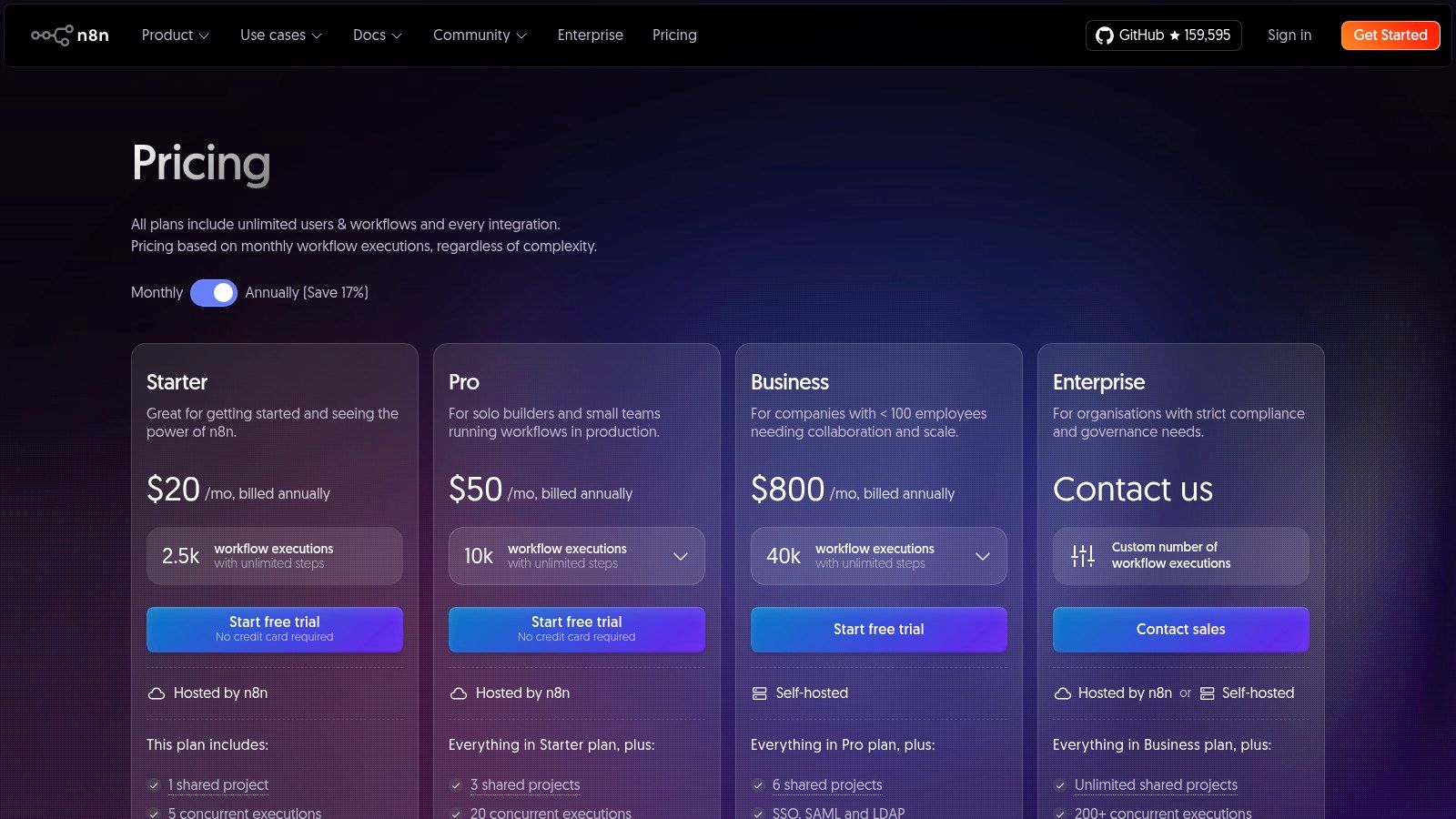
n8n offers an open, extensible platform with both cloud and self-hosted options. This model makes it a top choice for developers and organizations that prioritize data control and customization. Users can run n8n on their own infrastructure, ensuring sensitive data never leaves their environment.
The platform’s node-based visual editor is powerful, allowing for complex logic and data transformations.
- Best For: Technical teams, developers, and security-conscious organizations.
- Standout Feature: A dual-deployment model offering both a managed cloud service and a self-hosted version for data privacy.
- Pricing: Starts with a free self-hosted plan. Paid plans are based on workflow executions, starting at ~$20/month for 2,500 executions.
- Pros: Transparent, execution-based pricing is cost-effective. The self-hosting option provides unparalleled data control.
- Cons: Has a steeper learning curve. The connector library is less extensive than market leaders.
Visit Website: https://n8n.io/pricing/
6. Workato
Workato is an enterprise-grade Integration Platform as a Service (iPaaS), designed for complex, mission-critical automations. It handles sophisticated business processes, data synchronization, and API management, making it one of the best workflow automation software choices for companies that require robust governance.
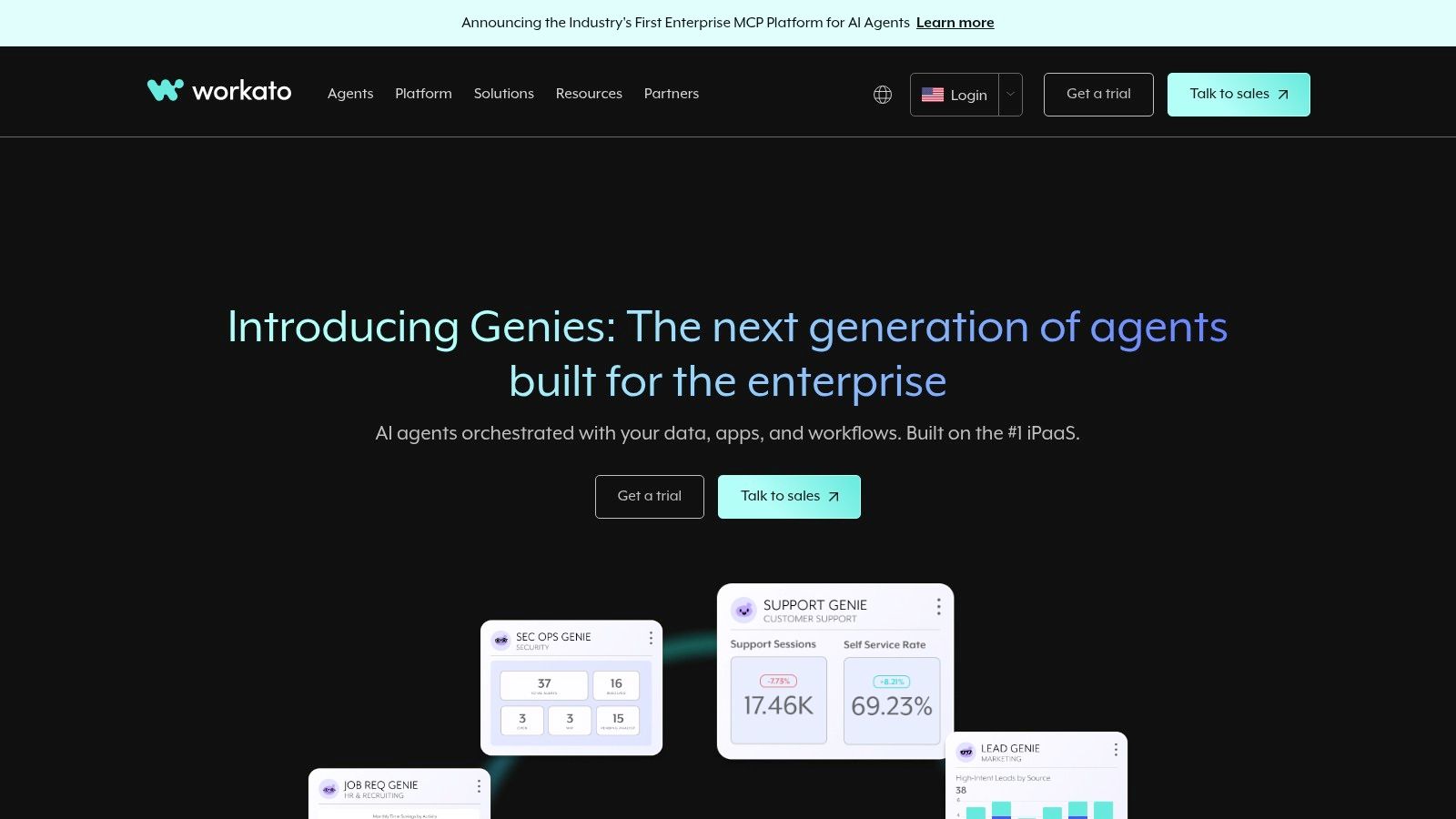
The platform is built around "recipes," which are automated workflows. Workato provides extensive tooling for lifecycle governance and error handling.
- Best For: IT, finance, and operations teams in mid-market to enterprise companies.
- Standout Feature: Enterprise-grade governance and security features, including audit logs and role-based access control.
- Pricing: Quote-based and tailored to specific needs.
- Pros: Highly scalable and built for mission-critical processes.
- Cons: The sales-led pricing model lacks transparency for smaller teams. Its feature set can be overkill for simple automations.
What other workflow automation software should be considered?
Beyond the main categories, several other platforms serve specific needs, from embedded integrations to developer-centric process orchestration. Here's the deal:
7. Tray.io
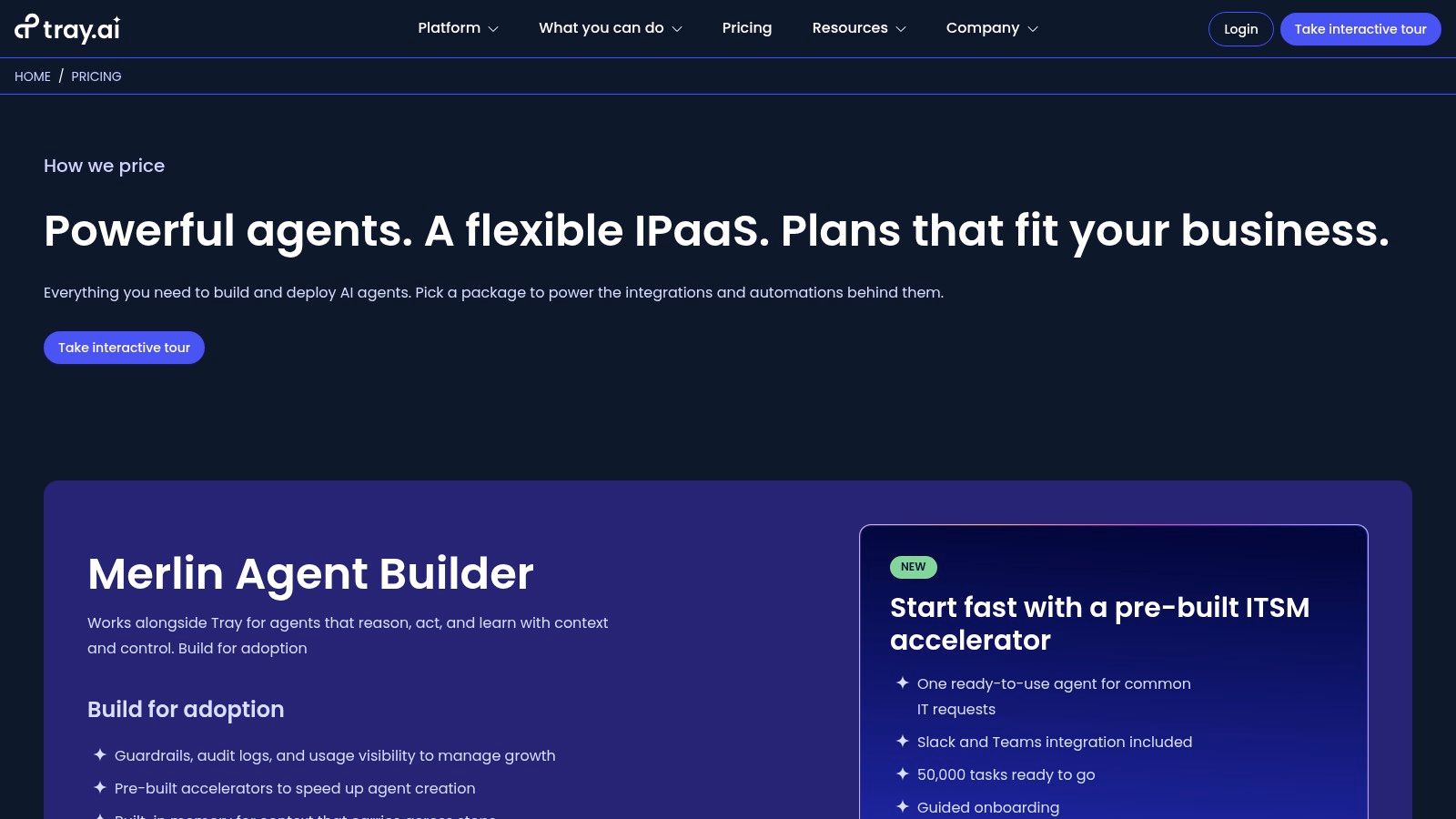
Tray.io is a low-code, enterprise-grade iPaaS for complex, high-volume automations. It excels in scenarios requiring sophisticated logic and the ability to embed integrations directly into a product, making it a strong choice for SaaS companies building customer-facing marketplaces.
- Best For: IT, operations, and product teams needing to manage internal workflows or build customer-facing integration marketplaces.
- Standout Feature: The Tray Embedded solution for building native integrations within a SaaS application.
- Pricing: Quote-based and requires a sales consultation.
Visit Website: https://tray.ai/pricing
8. Camunda
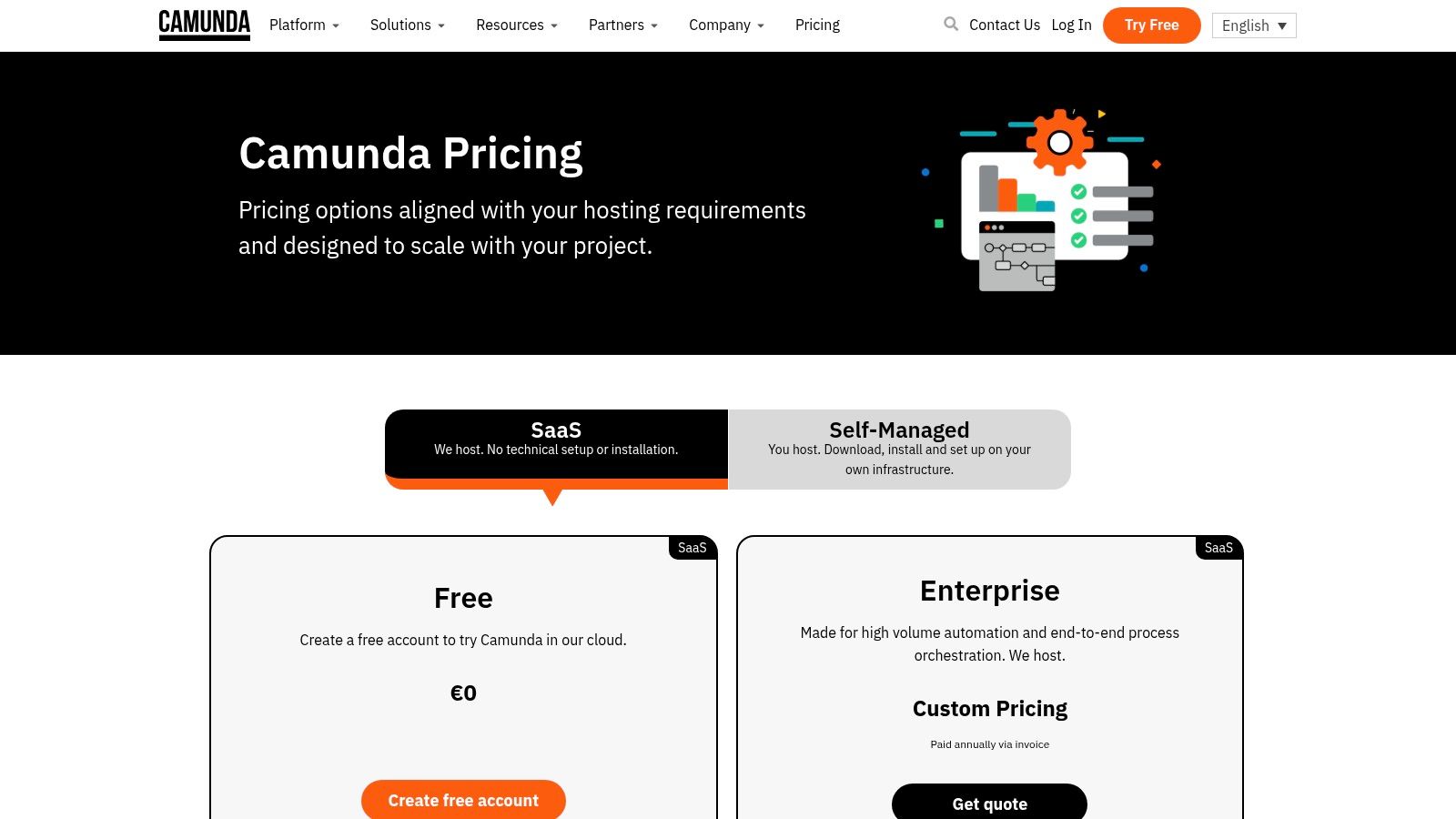
Camunda is engineered for complex, mission-critical process orchestration. It is developer-centric, utilizing standards like BPMN to design, automate, and monitor long-running processes, making it ideal for enterprises in regulated industries.
- Best For: Engineering and IT teams building core business processes in finance, insurance, and telecommunications.
- Standout Feature: Its standards-based BPMN/DMN engine allows for visual modeling of complex logic that is both human-readable and executable.
- Pricing: Offers a free plan for modeling. Professional and Enterprise plans are quote-based.
Visit Website: https://camunda.com/pricing/
9. Kissflow
Kissflow is a unified low-code/no-code platform where workflow automation is part of a broader application development ecosystem. It allows teams to create custom forms, build entire applications, and manage multi-stage approval processes.
- Best For: IT, operations, and finance teams in mid-to-large enterprises that need to govern custom internal applications.
- Standout Feature: An all-in-one platform for creating custom applications with forms, data models, and automated workflows.
- Pricing: Starts at $1,500/month (billed annually) for the Basic plan.
Visit Website: https://kissflow.com/pricing/
10. Nintex
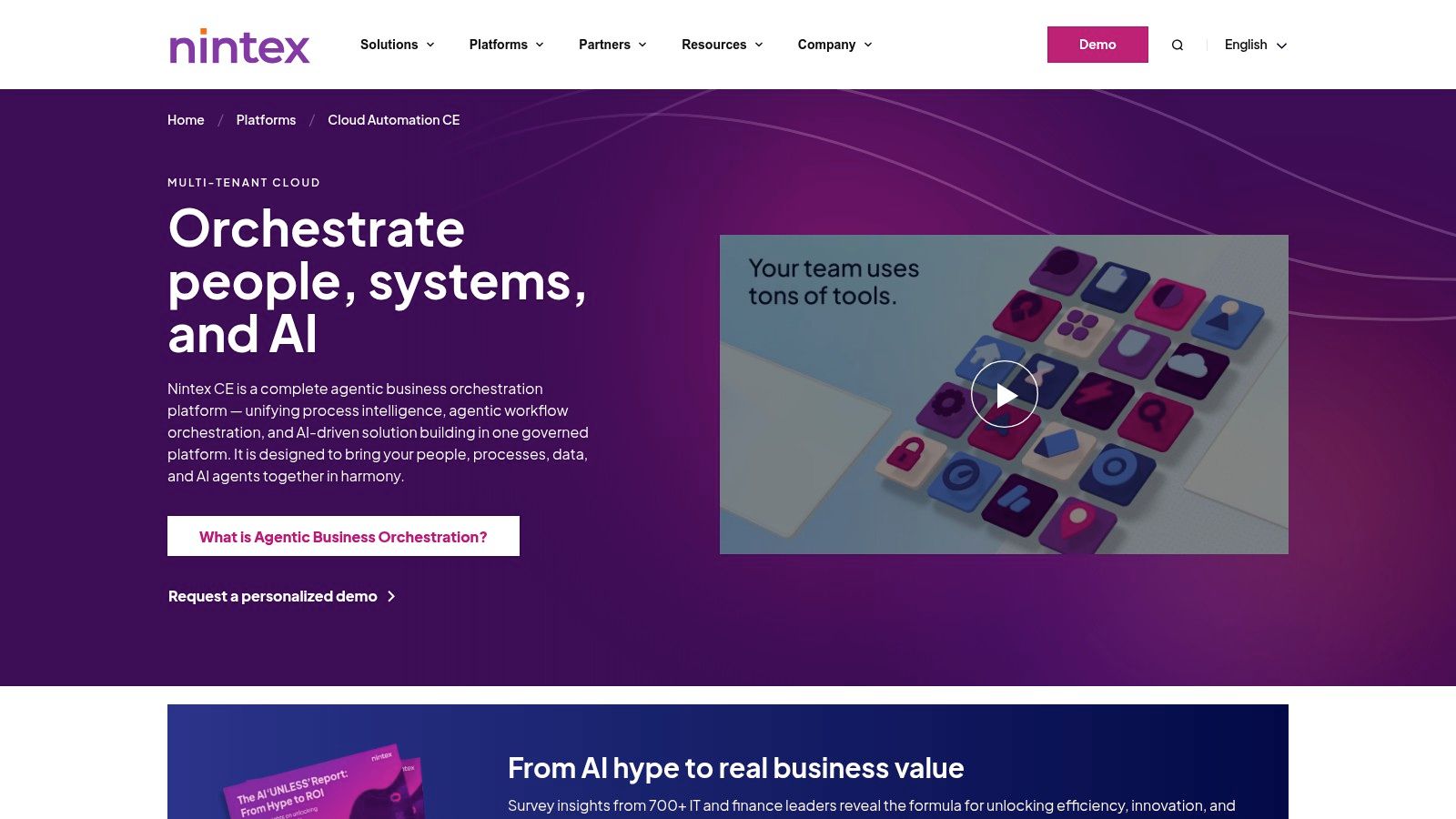
Nintex is an end-to-end process intelligence and automation platform built for enterprises in regulated industries. It combines digital process automation (DPA), RPA, document generation, and e-signature capabilities into a single suite.
- Best For: Large enterprises and public sector organizations needing a unified platform with strong governance.
- Standout Feature: An all-in-one suite that includes workflow, RPA, DocGen, and eSign, with a FedRAMP-authorized version available.
- Pricing: Quote-based and requires engaging with the sales team.
Visit Website: https://www.nintex.com/platforms/cloud-automation/
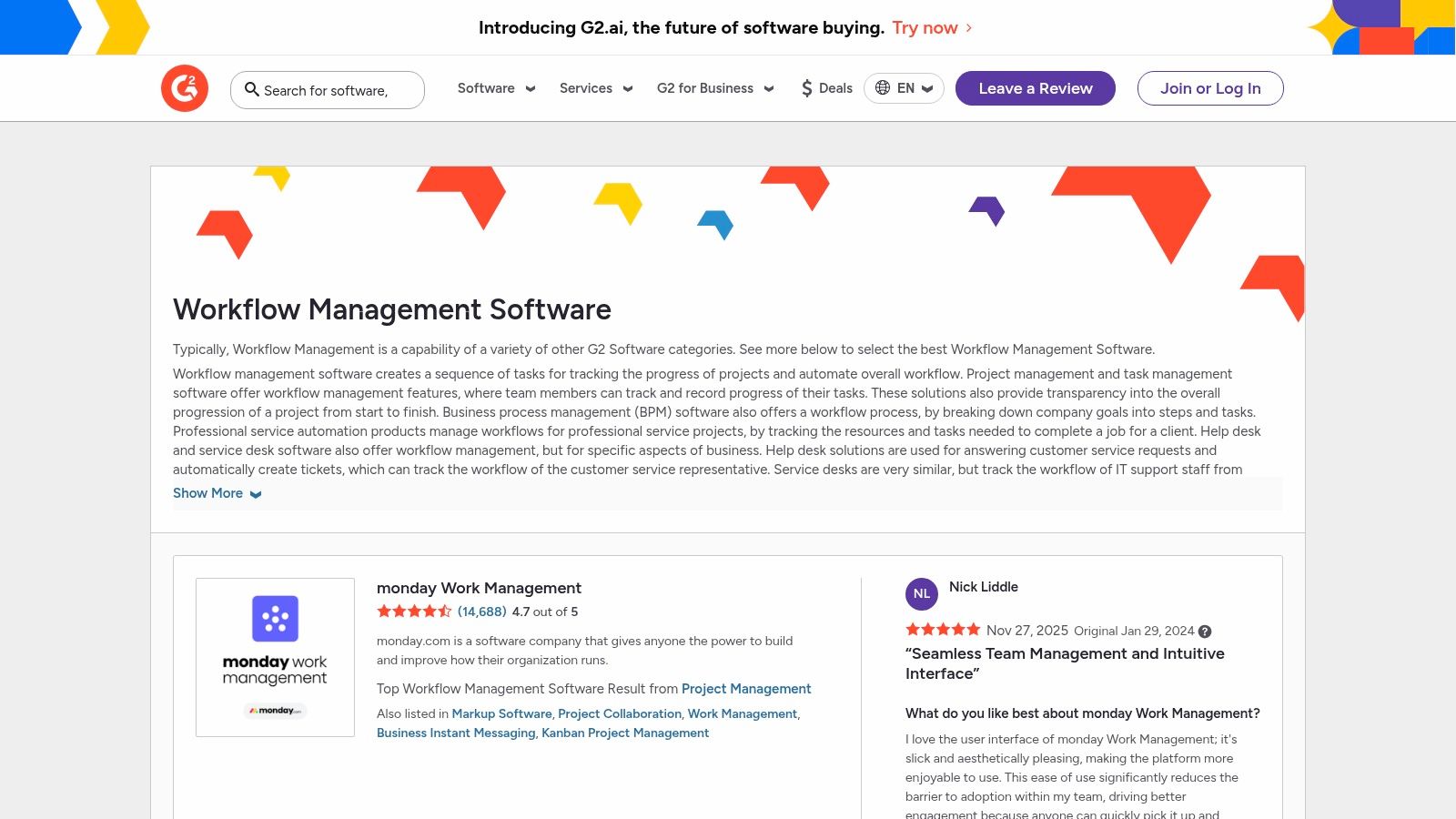
11. G2 (Workflow Management/Automation Category)
G2's Workflow Management category is an indispensable research hub. It aggregates thousands of verified user reviews, rankings, and feature comparisons, allowing teams to shortlist vendors based on real-world sentiment.
- Best For: Operations managers and IT leaders conducting due diligence before purchasing automation software.
- Standout Feature: The verified user review system and comparison grids, which allow you to filter tools by company size and user satisfaction.
- Pricing: Free to use for research.
Visit Website: https://www.g2.com/categories/workflow-management
12. AWS Marketplace (Workflow/RPA and Integration Tools)
For organizations in the Amazon Web Services ecosystem, the AWS Marketplace is a curated digital catalog for finding and deploying software. It streamlines procurement and consolidates billing under an existing AWS account.
- Best For: Enterprise and public sector organizations that use AWS and need to simplify software procurement.
- Standout Feature: Consolidated billing and the ability to purchase software using existing AWS credits.
- Pricing: Varies by vendor, with all purchases billed through your AWS account.
Visit Website: https://aws.amazon.com/marketplace/
What are the most common questions about workflow automation?
Is workflow automation the same as RPA?
No, they are different. Workflow automation connects cloud-based applications (APIs) to automate processes, while RPA (Robotic Process Automation) uses software "bots" to mimic human actions on a user interface, often for legacy desktop systems.
Can workflow automation replace jobs?
Most believe automation replaces jobs, but the opposite is often true. It typically augments human capabilities by handling repetitive, low-value tasks, freeing up employees to focus on strategic, creative, and problem-solving work that drives business growth.
How do I choose the right tool for a small business?
For small businesses, prioritize tools with a fast time-to-value, transparent pricing, and a low learning curve. Platforms like CodeWords and Zapier are excellent starting points because they allow you to automate common tasks in marketing, sales, and operations without needing dedicated IT resources.
From building connections to building intelligence
Choosing your workflow automation software is not a technical decision about APIs; it's a foundational choice about how your business will operate and scale. The real transformation occurs when you stop automating individual tasks and start architecting an intelligent operational layer for your entire organization. The implication is a shift from a reactive state — fixing broken processes — to a proactive one, where your systems anticipate needs and execute complex sequences autonomously. This creates a powerful flywheel effect where automated processes free your team to identify new opportunities for innovation.
The future of this discipline is not in more complex visual builders. It is in conversational, AI-native platforms that allow operators to translate business logic directly into automated action. By moving from clicking and dragging to describing and creating, you build a more resilient, scalable, and intelligent operational core. This is not about saving a few hours; it's about building a lasting competitive advantage.