The automation platform you choose determines which bottlenecks you eliminate and which ones you inherit. Gumloop built its reputation on visual AI workflow construction — drag-and-drop nodes that connect LLMs, data sources, and business tools without writing code. The best Gumloop alternative depends on whether you need serverless execution, deep customization, or pre-built AI agents. Gumloop excels at visual workflow building with native AI components, but struggles with scale and developer flexibility.
According to a 2024 McKinsey study, 65% of marketing and sales teams now use AI automation for at least one core workflow. The shift from simple trigger-action automations to multi-step AI orchestration has created demand for platforms that balance usability with technical depth. Not every team needs the same architecture.
TL;DR
Let's take a look at a summary of overarching comparison points.
Methodology: This analysis benchmarks five platforms across architecture, pricing, integration ecosystems, and GTM automation capabilities.
What makes CodeWords different from Gumloop?
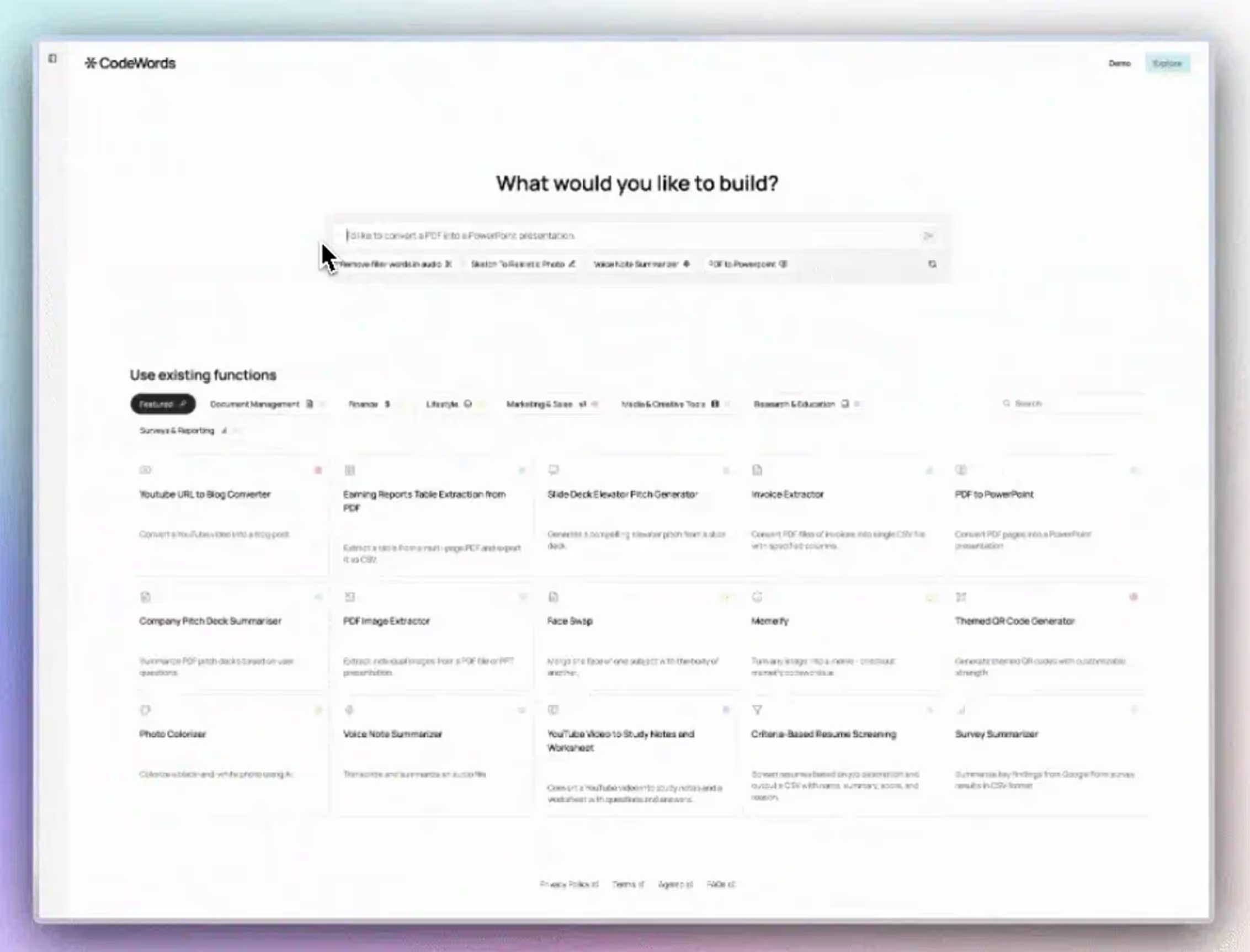
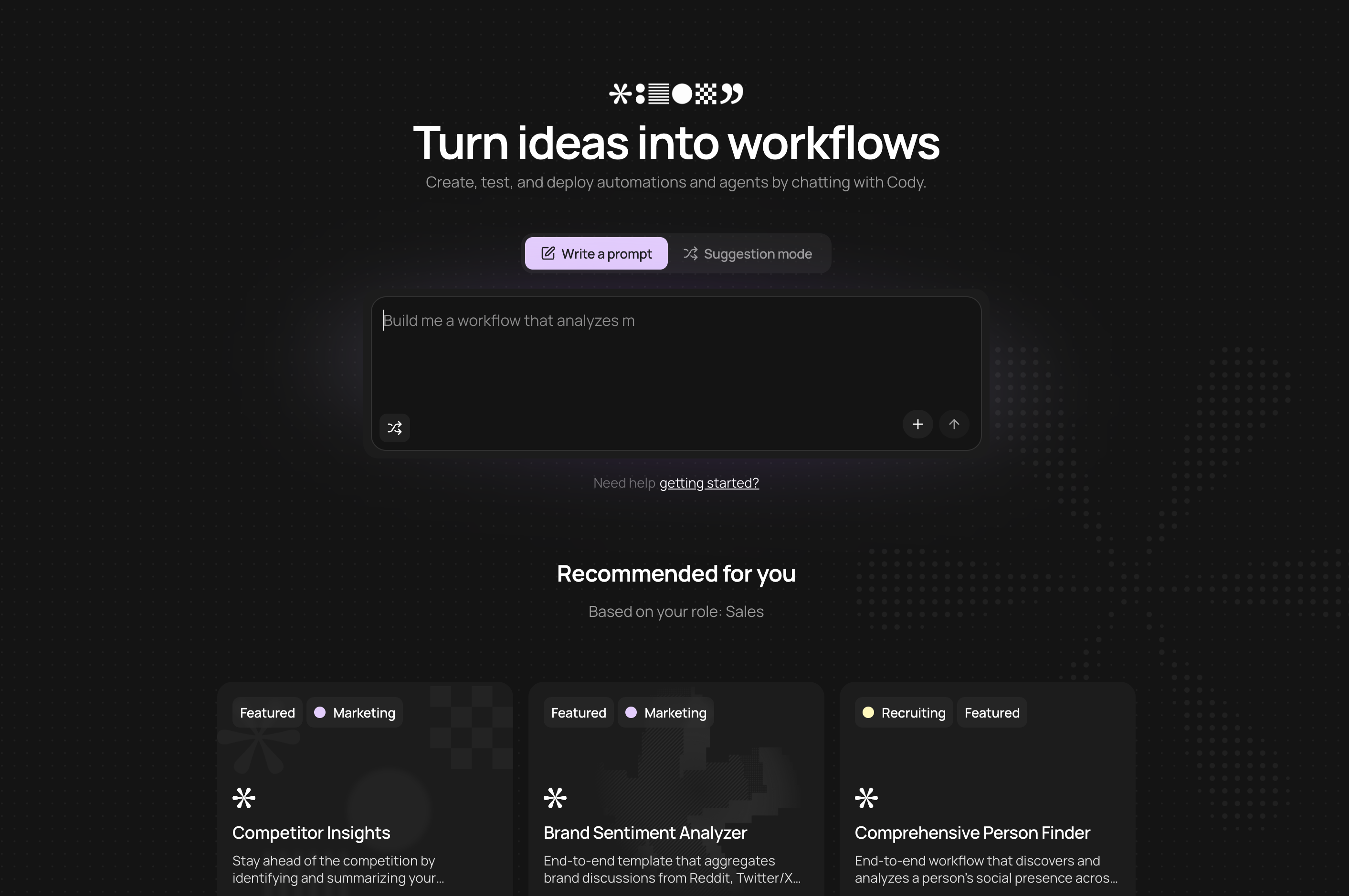
CodeWords replaces visual node-dragging with conversational workflow building backed by Python execution. The platform runs each workflow in isolated E2B sandboxes with automatic scaling, eliminating the timeout issues that plague Gumloop on complex multi-step automations. You describe what you want to Cody (the AI assistant), and it generates FastAPI microservices with PEP 723 dependency management.
The integration layer connects to 2,000+ integrations without using only proprietary connectors. This approach provides deeper access to API endpoints compared to Gumloop's pre-configured actions. Native LLM support includes OpenAI (GPT-4.1, o3), Anthropic (Claude Opus, Sonnet), and Gemini (2.5-pro, 2.5-flash) without requiring separate API management.
For GTM teams, this architecture shines in multi-stage research workflows. You can chain web scraping (Firecrawl for public pages, Chrome Extension for authenticated content), LLM analysis with validation logic, and data enrichment through SearchAPI.io or Perplexity. The built-in Redis state management handles complex orchestration that would require external databases in Gumloop. Real-time log streaming makes debugging transparent instead of guessing where workflows fail.
The learning curve is much less steep than Gumloop's visual builder. You start with your problem or idea, and describe it in the chat box, rather than starting by orchestrating visual drag-and-drop nodes. The CodeWords agent then builds it for you, instead of you having to do the manual work.
Why choose n8n over other visual workflow builders?
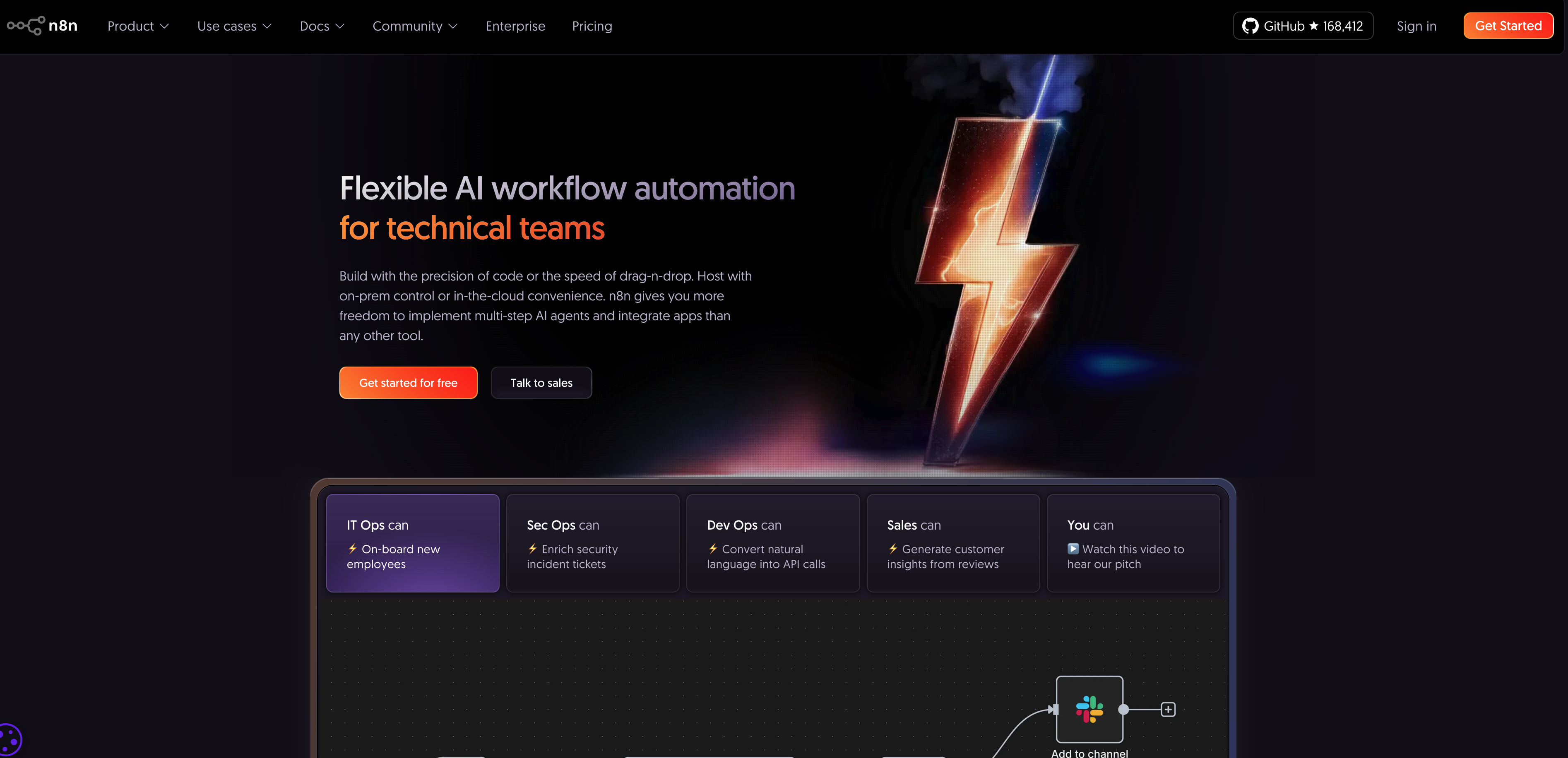
n8n prioritizes data sovereignty through self-hosted deployment. Every workflow runs on infrastructure you control, critical for GTM teams handling customer data under GDPR or CCPA requirements. Gumloop and most cloud platforms process data on their servers, creating compliance friction for sensitive lead information or proprietary research.
The platform uses JavaScript code nodes for custom logic, giving developers full control over transformation and conditional routing. This flexibility costs simplicity — n8n requires more technical depth than Gumloop's guided interface. The open-source community contributes 400+ integrations, though coverage gaps exist for newer SaaS tools compared to commercial platforms.
For GTM automation, n8n excels when workflows touch regulated data or require custom business logic that pre-built nodes can't express. Lead scoring models, custom enrichment algorithms, and complex data validation benefit from JavaScript flexibility. The self-hosted model eliminates per-execution pricing, making high-volume workflows more economical than metered platforms.
Infrastructure management creates operational overhead. You maintain servers, handle updates, and monitor uptime. Teams without DevOps resources often underestimate this burden. The cloud-hosted option ($20/month starting) removes server management but sacrifices the primary benefit of data control.
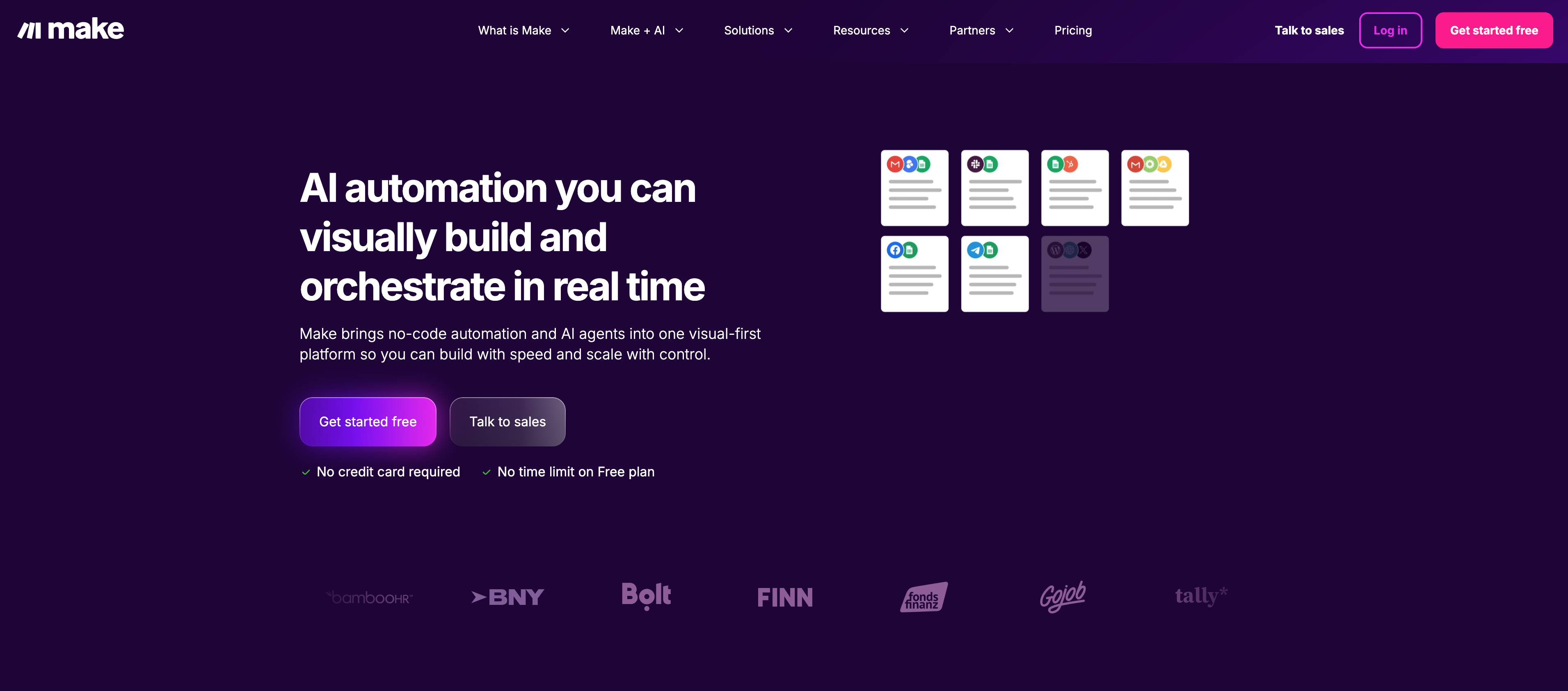
How does Make handle complex multi-branch workflows?
Make (formerly Integromat) builds visual workflows with advanced routing logic that Gumloop's linear flow struggles to match. The platform renders execution paths as flowcharts where branches split based on conditional logic, iterate over arrays, and converge after parallel processing. This visual representation makes complex scenarios more maintainable than code-based alternatives.
The error handling system lets you define fallback paths when steps fail. GTM workflows often hit API rate limits or encounter missing data — Make's error routers automatically retry, skip, or route to alternative processing paths. Gumloop workflows typically fail completely on errors rather than gracefully degrading.
Scenario templates provide starting points for common GTM patterns: lead enrichment from form submissions, social media monitoring with sentiment analysis, and multi-channel outbound sequences. The 1500+ app integrations cover most marketing and sales tools, though the library skews toward established platforms versus cutting-edge AI services.
Operation-based pricing creates cost unpredictability. Each action counts as an operation, so a workflow that enriches 100 leads with five steps consumes 500 operations. High-volume GTM automation can quickly exceed tier limits. The visual interface also hits complexity ceilings — scenarios with 50+ nodes become difficult to navigate despite Make's organization features.
What makes Lindy unique for GTM teams?
Lindy deploys pre-built AI agents instead of requiring workflow construction. You configure agents through conversation, describing what tasks they should handle, and the platform generates execution logic automatically. This approach optimizes for speed-to-value over customization depth.
The GTM agent library includes pre-configured solutions for common patterns: meeting schedulers, email triagers, research assistants, and lead qualifiers. Each agent maintains context across interactions, enabling multi-turn conversations that simpler automation platforms can't support. Human-in-the-loop workflows let agents escalate decisions when confidence is low, balancing automation with oversight.
Integration depth trades breadth for pre-configured intelligence. Lindy connects to 1000+ apps but focuses on SaaS-centric tools favored by knowledge workers. The platform lacks direct database access or custom API calling that technical teams expect. This constraint makes Lindy ideal for operators who want AI assistance without building infrastructure.
The pricing model ($39/month starting) reflects the higher abstraction level. You pay for agent capabilities rather than execution volume, which benefits teams running frequent low-complexity tasks. Complex custom workflows or high-volume data processing hit cost and capability limits faster than code-first platforms like CodeWords.

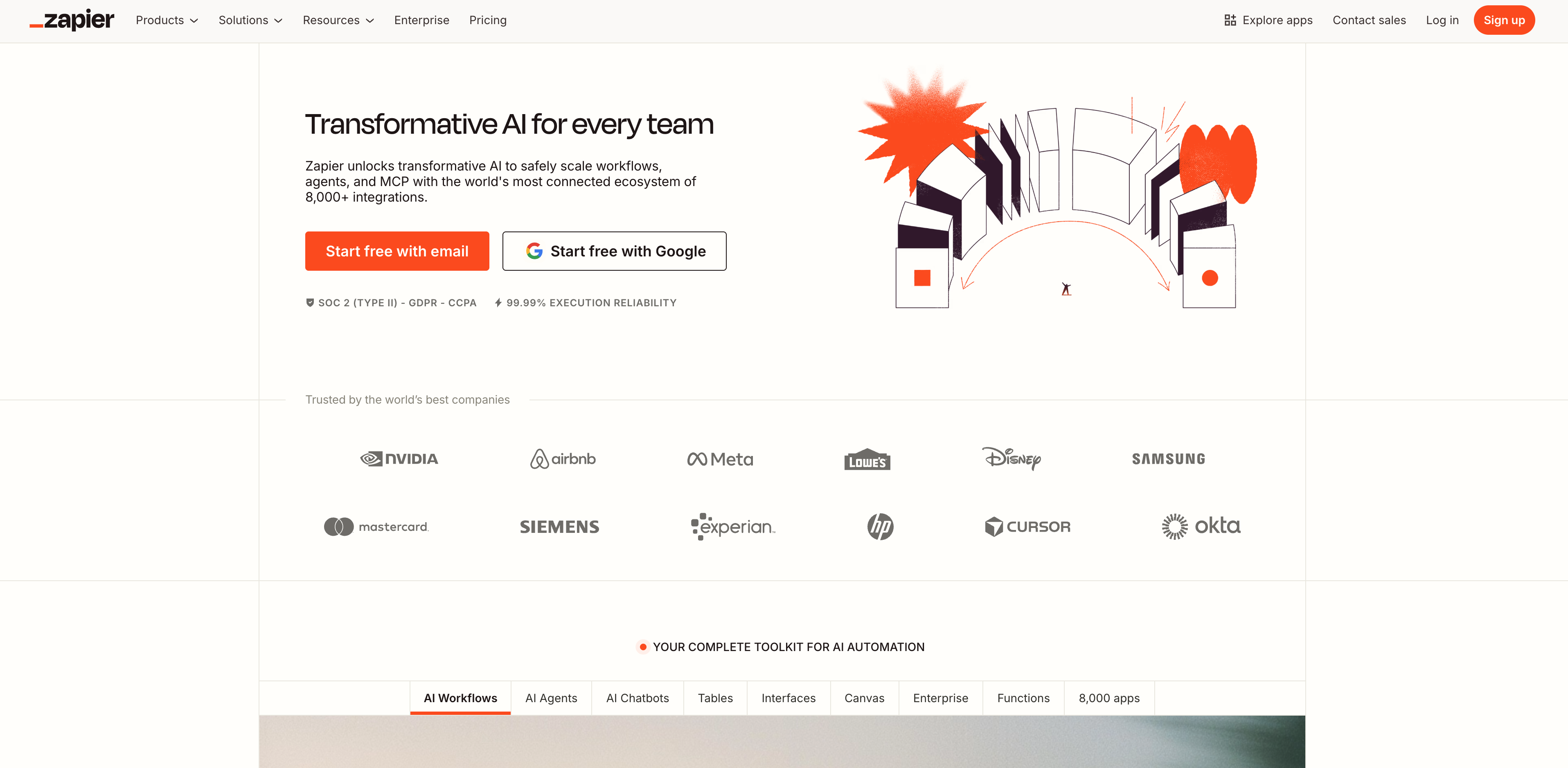
Does Zapier still matter for GTM automation?
Zapier remains the default choice for simple trigger-action patterns despite limited AI capabilities. The 7000+ integration library and extensive template marketplace mean most GTM workflows have existing starting points. Someone already built "new Typeform submission → enrich via Clearbit → add to HubSpot" — you just customize field mappings.
The platform reliability and execution consistency justify the premium pricing for teams prioritizing stability over flexibility. Zapier rarely experiences downtime or unexpected behavior changes compared to newer platforms still iterating on core architecture. For revenue-critical automations like lead routing or customer onboarding, this predictability matters.
AI functionality lags specialized platforms. Zapier added OpenAI and Anthropic integrations, but lacks the prompt management, validation logic, and multi-model orchestration that AI-first platforms provide. GTM teams building sophisticated content generation or research workflows outgrow Zapier's AI capabilities quickly.
The task-based pricing model penalizes high-volume workflows. Each trigger execution counts as a task, making lead enrichment or data syncing expensive at scale. A workflow processing 10,000 leads monthly consumes 10,000 tasks, pushing teams into higher pricing tiers ($69+/month) where competitors offer better economics.
Frequently asked questions
How do I choose between no-code and low-code automation platforms?
Choose no-code (Gumloop, Zapier, Lindy) when your team lacks Python/JavaScript familiarity and workflows follow standard patterns. These platforms optimize for speed-to-value with pre-built templates and visual interfaces. Low-code options (CodeWords, n8n) make sense when you need custom logic, complex conditional routing, or integration depth that pre-built actions can't provide. The decision point is workflow complexity, not team size. A technical founder building custom lead scoring needs low-code flexibility. A marketing team connecting form submissions to CRM benefits from no-code simplicity. Most teams eventually hit no-code limitations and migrate to platforms allowing code injection without full rewrites.
Can automation platforms replace data engineering for GTM workflows?
Automation platforms handle orchestration and transformation for structured GTM data but don't replace purpose-built data infrastructure for analytics or machine learning. CodeWords and n8n can enrich leads, score prospects, and sync data between systems — covering 80% of GTM automation needs. You still need data warehouses (Snowflake, BigQuery) for historical analysis and BI tools for reporting. The boundary sits at data volume and query complexity. Platforms excel at real-time workflow automation (enrich this lead now, send this sequence) but struggle with aggregations across millions of records or complex joins. Use automation for operational GTM tasks and data infrastructure for analytical workloads.
What integration depth should I expect from automation platforms?
Integration depth varies dramatically across platforms and specific apps. Zapier offers the broadest coverage (7000+ apps) but often provides surface-level access — creating records and updating fields without advanced API features. CodeWords and n8n expose more complete API endpoints, enabling custom requests and webhook handling. Test critical integrations before committing to a platform. Most GTM workflows need deep access to CRM (custom fields, relationship data), email platforms (sequence management, analytics), and enrichment services (batch processing, custom matching). Generic "add contact" actions suffice for simple workflows; custom lead scoring or complex nurture sequences require full API access with error handling and rate limit management.
Conclusion
The best Gumloop alternative depends on where your GTM automation complexity sits today and where it's heading. Teams building standard lead routing and simple enrichment benefit from Zapier's reliability or Make's visual power. Organizations requiring custom logic, LLM orchestration, or serverless execution should evaluate CodeWords for its Python flexibility, accessibility, and integration depth. Data-sensitive environments need n8n's self-hosted control. Teams wanting turnkey AI agents can deploy Lindy's pre-built solutions.
Most operators underestimate how quickly automation requirements evolve. You start with basic form-to-CRM syncing, then add enrichment, then multi-step validation, then custom scoring models. Platform migration costs time and introduces risk. Choose based on your 12-month roadmap, not current needs.
If you're building custom GTM workflows that combine LLMs, data enrichment, and multi-step logic, explore CodeWords to see how conversational workflow building and serverless execution eliminate the constraints you've hit with visual platforms.