The best workflow automation tools for founders in 2026
Compare 12 workflow automation tools like CodeWords and Zapier to find the best fit.
 Rebecca Pearson13 min read
On this page
Building a seamless operation often feels like being a magician attempting a new illusion. The promise is transformation, a perfectly synchronized performance that runs itself, yet the reality involves wrestling with rigid props, opaque instructions, and technical misfires.
The best workflow automation tools are not just connectors; they are the magic words that turn intent into action. According to Gartner's 2023 forecast, over 70% of new enterprise applications will use low-code or no-code technologies by 2025. Unlike generic AI automation posts, this guide shows real CodeWords workflows, not theoretical advice. For many founders, this means automating repetitive tasks like creating and sending emails directly from Notion based on database updates, and we’ll explore the tools that actually deliver.
This article validates the operational drag you feel and promises a path to reclaiming at least 10 hours per week through intelligent automation. We also preview a counterintuitive solution: the most powerful tool can be the most human-friendly, using natural language instead of complex visual builders.
TL;DR
- By 2025, Gartner (2023) predicts over 70% of new enterprise apps will use low-code or no-code tools.
- Modern AI tools like CodeWords use natural language, letting you describe workflows instead of building them visually.
- The right platform transforms manual processes, freeing up intellectual capital for strategy and growth.
What are workflow automation tools?
Workflow automation tools are software platforms designed to construct, manage, and execute sequences of tasks across different applications without manual intervention. Think of them as the architects of a digital assembly line. Instead of a person manually moving data from a CRM to a spreadsheet and then to an email client, these tools build the connections and logic to perform the entire sequence automatically.
Here’s the deal: this architecture can be simple or complex. A basic automation might be a "trigger-action" sequence: when a new lead fills out a form on your website (trigger), a new contact is automatically created in your CRM (action). More advanced systems orchestrate multi-step processes with conditional logic, data transformation, and connections to both cloud-based and on-premise software. The primary goal is to turn repetitive, rule-based human work into reliable, machine-driven processes, thereby boosting efficiency and reducing errors.
Why is AI changing automation software?
AI is fundamentally changing automation software by shifting the paradigm from instruction to intent. Traditional workflow automation tools require users to meticulously build a workflow, step-by-step, like assembling a complex Lego model. You have to know precisely where each block goes. However, there’s a problem most tools ignore: this process is slow and requires you to learn the tool's specific language of triggers and actions.
AI-native platforms operate differently. They act as translators, converting your natural language commands — your intent — into a fully functional, coded workflow. Instead of dragging and dropping modules, you simply describe what you want to achieve. For example, you might tell an AI assistant, "When a new customer signs up in Stripe, find their company details on LinkedIn, and send a personalized welcome message in Slack." The AI not only understands this but also writes, tests, and deploys the underlying code to execute it. This is not just a user interface improvement; it is a complete redefinition of the creator's role, moving from builder to director.
Which automation tool is right for you?
Choosing the right automation tool depends on three core factors: team skillset, process complexity, and required governance. You might think the tool with the most integrations is always the best choice. Here’s why that's not the full story: an extensive library is useless if the platform is too complex for your team to use or too rigid to handle your specific workflow logic.
What are the best workflow automation tools?
1. CodeWords
CodeWords represents a significant shift in how workflow automation tools are built and used. Instead of relying on visual, drag-and-drop interfaces that can become complex and rigid, CodeWords leverages a chat-native experience. You simply describe the automation you need in plain English to its AI assistant, Cody, which then generates, tests, and deploys the underlying code for you in seconds. This approach makes powerful automation accessible to non-technical users while retaining the flexibility and scalability that code provides.
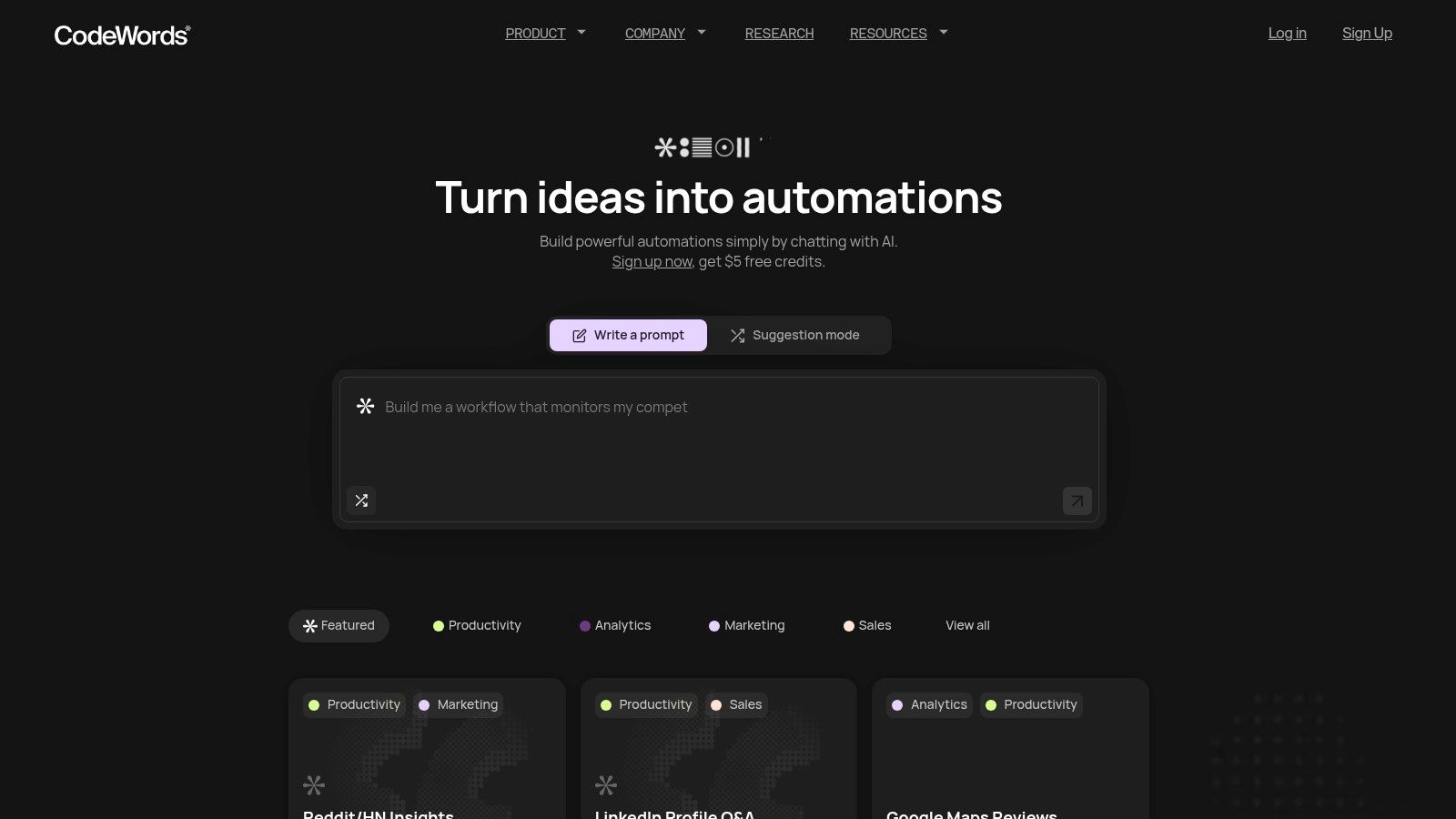
The platform is built to handle the entire lifecycle of an automation, from initial idea to production deployment. Cody doesn't just write the script; it also runs tests and performs automatic debugging — a critical step that often derails projects. This removes common roadblocks and allows teams to ship reliable automations with confidence and speed. With a library of over 2,700 integrations, CodeWords connects the tools teams already use, from Salesforce and Slack to Google Drive and Webflow.
CodeWords Workflow: Competitor Social Media Monitoring
Prompt: "Every day at 9 AM, check the Twitter accounts of our top 3 competitors for new tweets containing keywords like 'launch' or 'update', then post a summary to our #competitor-intel Slack channel."
Output: A daily Slack message containing links to relevant competitor tweets.
Impact: Reduces manual monitoring time by 95% — from 20 minutes daily to under one minute.
You can explore the platform's capabilities and find inspiration from the detailed breakdowns of CodeWords features. The user experience is supported by clear documentation and an active Discord community. New users receive starter credits to experiment. The pricing model is usage-based, offering flexibility for starting small and scaling.
-
Best For: Founders and operators who need to build and deploy custom automations quickly without writing code.
-
AI-powered, chat-based workflow creation is exceptionally fast.
-
Automated testing and debugging significantly improve reliability.
-
Extensive integration library (2,700+) and a proven template gallery.
-
Usage-based pricing can be less predictable for large-scale workflows.
-
Users accustomed to visual editors may have a slight learning curve.
Get started at: https://codewords.ai
2. Zapier
Zapier stands as one of the most recognized and accessible workflow automation tools, often serving as the entry point for non-technical users. It operates on a simple trigger-and-action model, allowing you to build automated workflows, or "Zaps," without writing a single line of code. Its primary strength lies in its immense library of over 6,000 application integrations, making it the de facto connector for nearly any popular SaaS tool.
This platform excels at rapid prototyping. A marketing manager can create a Zap that automatically adds new Facebook Lead Ad submissions into a Google Sheet and sends a Slack notification to the sales team. The process can be built in under ten minutes. While its simplicity is a major advantage, highly complex automations can become difficult to manage. For teams running mission-critical operations, the per-task pricing and potential for tangled workflows are important limitations. If you find the pricing model restrictive, exploring some powerful Zapier alternatives may be beneficial.
3. Make (formerly Integromat)
Make, formerly known as Integromat, is a visually powerful workflow automation tool designed for users who require intricate control over their automated processes. It moves beyond the simple trigger-and-action model with a drag-and-drop canvas where you build "scenarios." This visual approach allows for complex logic, including branching paths, looping through data, and sophisticated error handling.
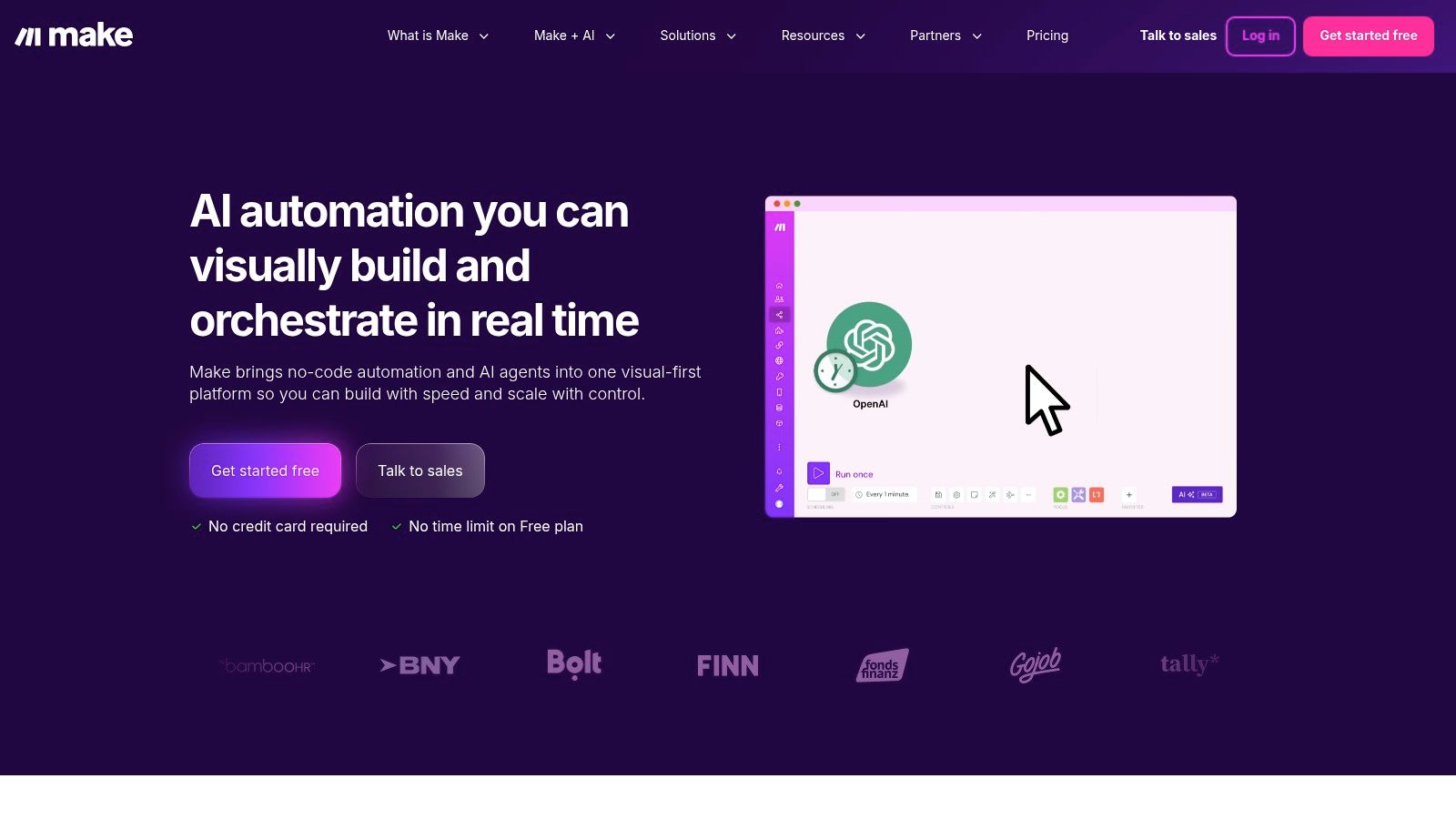
This platform excels at orchestrating complex, multi-step workflows that require data transformation. For example, an operations manager can build a scenario that watches for a new project in Asana, finds related customer data in HubSpot, and generates a detailed project brief in a Google Doc. While its visual power is a significant advantage for complexity, Make has a steeper learning curve than simpler tools. For those needing different options, several strong Make alternatives are available.
4. Workato
Workato positions itself as an enterprise-grade Integration Platform as a Service (iPaaS), built for mission-critical and high-volume processes. It moves beyond simple logic to handle complex data integration, API management, and process automation across an entire organization. Its core strength lies in providing robust governance, security, and lifecycle management tools.
This platform is designed for scenarios where reliability and security are non-negotiable. An IT department could use Workato to automate employee onboarding by connecting its HRIS (like Workday) to Active Directory and department-specific tools like Salesforce. This ensures permissions are provisioned correctly and access is logged for compliance. While powerful, its sophistication and cost make it less suitable for smaller teams.
5. n8n
Positioned for more technical users, n8n is a source-available platform that offers powerful workflow automation tools. It stands out by providing both a cloud version and a self-hosted option, giving teams complete control over their data. Its node-based visual workflow editor allows for complex logic, branching, and data transformations that go beyond simple trigger-action models.
The primary appeal of n8n is its flexibility. A DevOps engineer could build a workflow that listens to a webhook from a Git repository, runs a custom script, and then posts deployment status updates to Slack. This level of customization is where n8n excels. While powerful, it comes with a steeper learning curve, and maintaining a self-hosted instance requires technical expertise.
6. Tray.io (Tray.ai)
Tray.io is an enterprise-grade iPaaS designed for teams that need more power and control than standard no-code tools. It provides a flexible, low-code visual builder that scales from simple tasks to complex, company-wide workflow automation tools. Its strength lies in blending a user-friendly interface with enterprise-ready features like granular security controls and audit logs.
This platform is engineered for scenarios where governance and scalability are paramount. For instance, a fintech company could use Tray.io to build a secure customer onboarding workflow that connects their CRM, a compliance verification API, and their internal database. While its power is ideal for technical teams, the lack of transparent pricing makes it less accessible for small businesses.
7. Pipedream
Pipedream is a developer-centric integration platform that bridges the gap between no-code simplicity and full-stack coding power. It operates as a serverless environment designed for creating powerful workflow automation tools that require custom logic. Its primary strength is the ability to run Node.js, Python, Go, or Bash code as steps within any workflow.
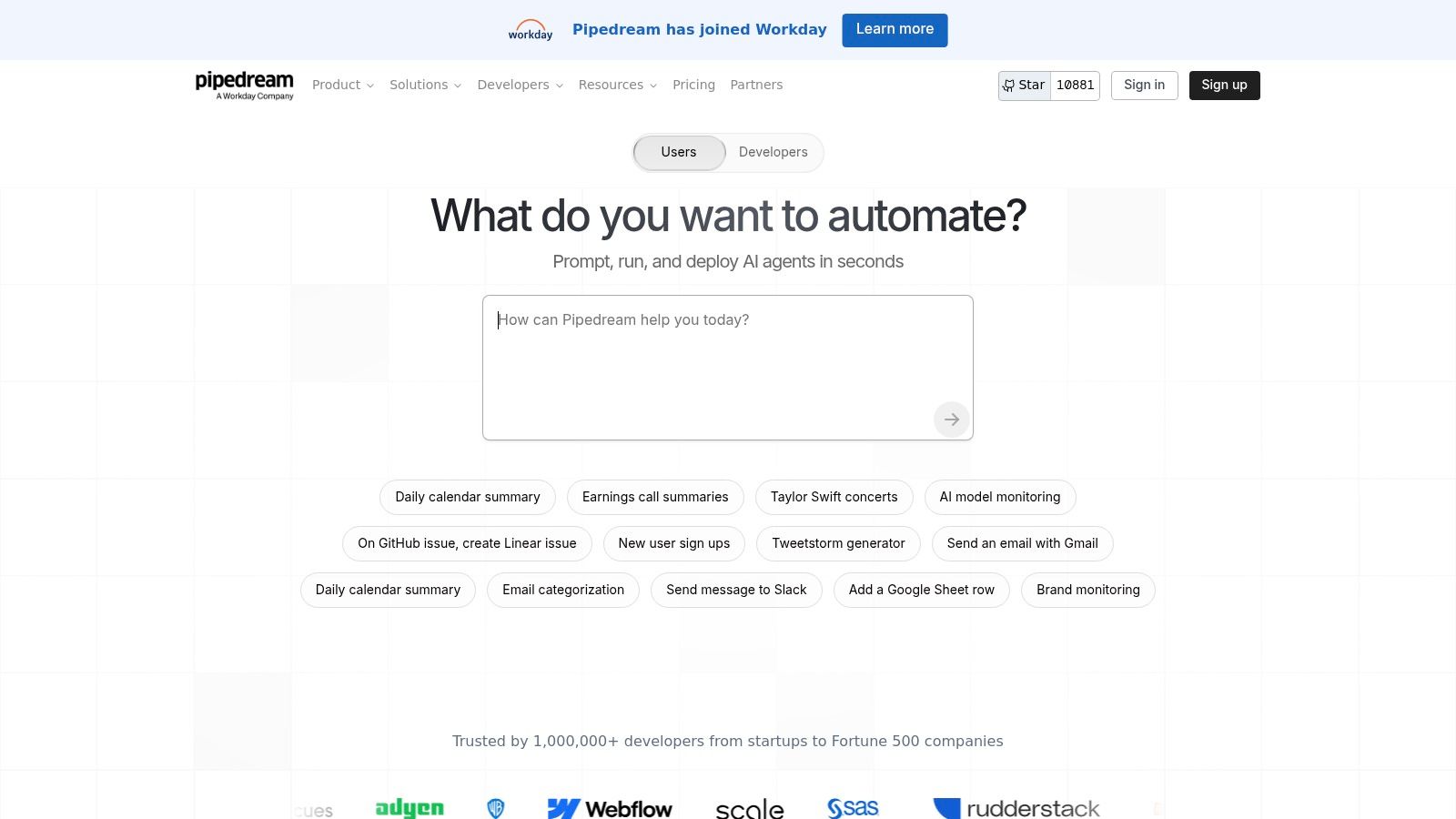
This platform excels where others fall short, especially for complex API orchestration. A developer could build a workflow that triggers on a new GitHub commit, runs a custom Python script to test the code, and then posts a detailed message to Slack. While Pipedream's power is immense, it is best suited for technical users comfortable with code.
8. Parabola
Parabola carves out a specific niche among workflow automation tools by focusing intently on data-centric tasks. Instead of a trigger-and-action model for connecting apps, it provides a visual interface for building complex data transformations. Users pull data from sources like APIs or files and manipulate it through a series of steps.
This platform excels where others might require custom code. An operations manager can build a "flow" that pulls daily sales data from Shopify, enriches it with shipping information, and pushes a formatted summary report to Google Sheets. That's not the full story: it is not designed for the real-time, event-driven app orchestration that tools like Zapier handle. Its strength is in scheduled, batch-based data processing.
9. UiPath
UiPath moves beyond simple SaaS integrations into the domain of Robotic Process Automation (RPA), making it one of the most powerful workflow automation tools for enterprises. It specializes in creating software "robots" that can mimic human actions to interact with legacy systems and desktop applications where traditional APIs are not available.
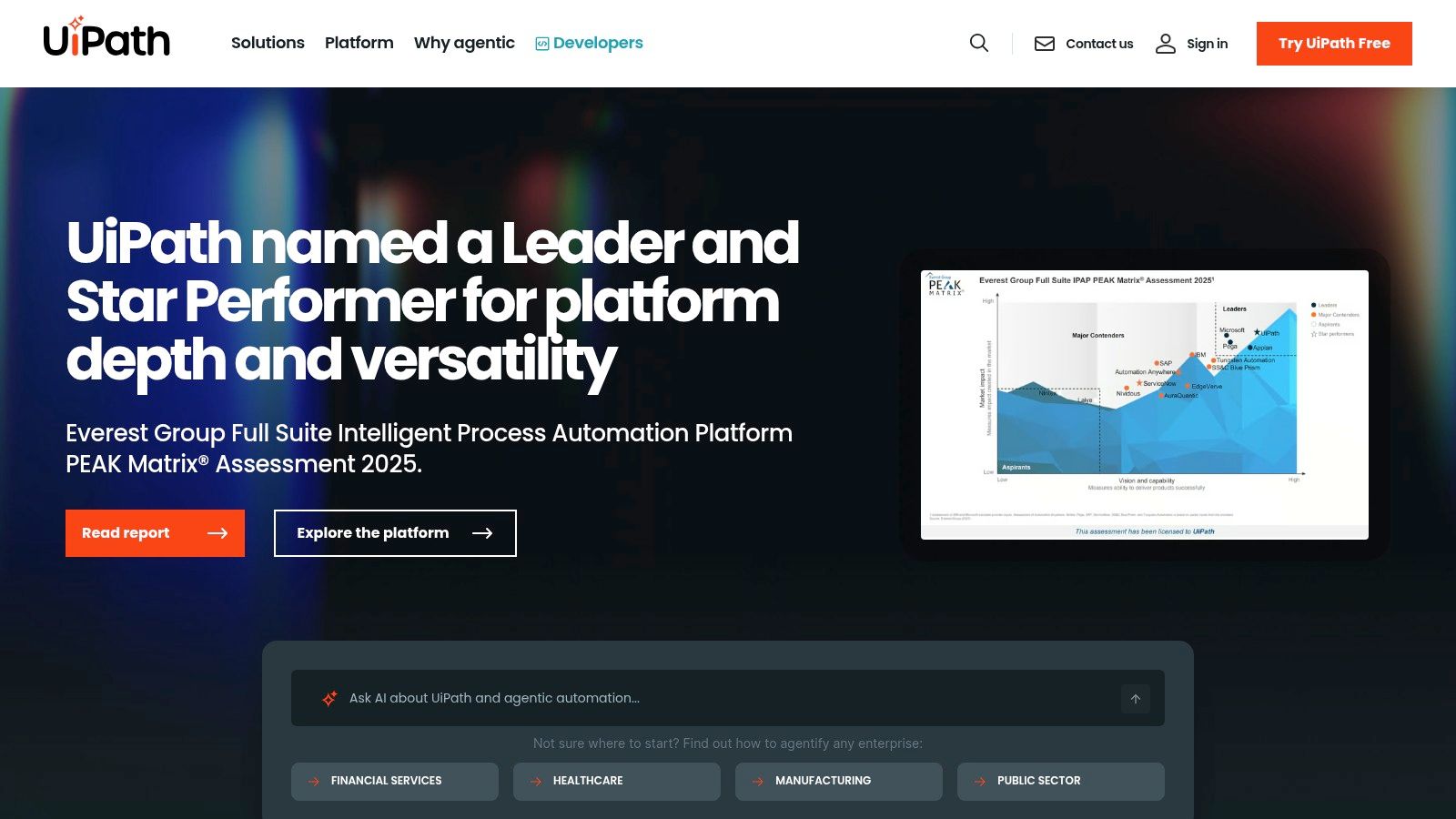
This platform enables complex deployments. A finance department could deploy a robot that logs into a desktop accounting application, extracts invoice data from PDFs using AI, and enters the figures into an ERP system. This automates a high-volume process that previously required significant manual effort. While powerful, UiPath has a steep learning curve and a more complex pricing structure.
10. Microsoft Power Automate
For organizations deeply embedded in the Microsoft ecosystem, Power Automate provides a native and powerful solution among workflow automation tools. It bridges the gap between simple cloud-based application connections and complex, on-premise tasks through Robotic Process Automation (RPA).
Its key differentiator is the seamless integration with Microsoft 365, Dynamics 365, and Azure. An IT manager can build a "cloud flow" that triggers when a new file is added to a OneDrive folder, uses AI Builder to extract text, and then creates a new record in Dynamics 365. For older systems without APIs, a "desktop flow" can be deployed to mimic user actions on a local machine.
Frequently asked questions
What is the main benefit of workflow automation?
The primary benefit of workflow automation is increased operational efficiency. It reduces the time employees spend on repetitive, manual tasks, which minimizes human error and frees them up to focus on strategic, high-value work. This leads to faster processes, lower costs, and improved productivity.
Can non-technical users create automations?
Yes. Most modern workflow automation tools are designed with no-code or low-code interfaces, allowing non-technical users to build automations using visual, drag-and-drop builders or natural language prompts. Platforms like CodeWords and Zapier are particularly accessible for business users.
How much do workflow automation tools cost?
Costs vary widely. Many tools offer a free tier for basic usage. Paid plans typically scale based on factors like the number of tasks or operations per month, the complexity of workflows, and the number of users. Simple tools can cost $20-$50/month, while enterprise platforms can be thousands.
What is the difference between workflow automation and RPA?
Workflow automation primarily connects cloud-based applications through their APIs to automate digital processes. Robotic Process Automation (RPA) uses software "robots" to mimic human actions on a user interface, allowing it to automate tasks in legacy systems, desktop applications, and other environments that lack APIs.
How to choose the right workflow automation tool
The journey through the landscape of workflow automation tools reveals a clear evolution from simple connectors to intelligent creators. They act as translators, converting manual, repetitive tasks into streamlined processes. This translation saves time, but its true value lies in the transformation that follows. When mundane work is handled by machines, human intellect is freed to focus on strategy and creativity. This is not just about efficiency; it's about elevating the nature of work.
Selecting the right tool requires a shift in mindset. Instead of asking, “Which tool has the most features?” the better question is, “Which tool best understands my intent?” This is the critical distinction. Legacy platforms require you to learn their rigid structure. However, the next generation of tools reverses this dynamic. Platforms built on conversational AI don't ask you to learn their system; they learn from you.
The most significant implication is the democratization of creation. The right workflow automation tools translate human intent into operational efficiency. Moving beyond rigid systems to conversational AI platforms is a fundamental shift in how we build. It is no longer about learning a machine's language but teaching the machine to understand ours. The implication is profound: automation becomes an extension of creative thought, accessible to anyone.
Start automating now