Enjoy a more intuitive and polished user experience across CodeWords.
What's new
- Live preview environments: Set up fully working test versions of your product that anyone can open and review in real time — no complicated computer setup needed.
- Smarter canvas preview tabs: Tabs close properly, a new menu keeps things tidy when you have lots of previews open, and you'll see a clean error page instead of a confusing technical message when something goes wrong — it all just works how you'd expect.
- Chat and canvas polish: Resizing panels feels smoother, messages look better, and the overall layout is cleaner and easier to read.
- Sidebar and navigation tweaks: Easier to click where you mean to, icons line up properly, and project menus are simpler — fewer accidental clicks and visual messiness.
- Persistent preferences: Your favorite view and chat settings are remembered, even if you refresh the page.
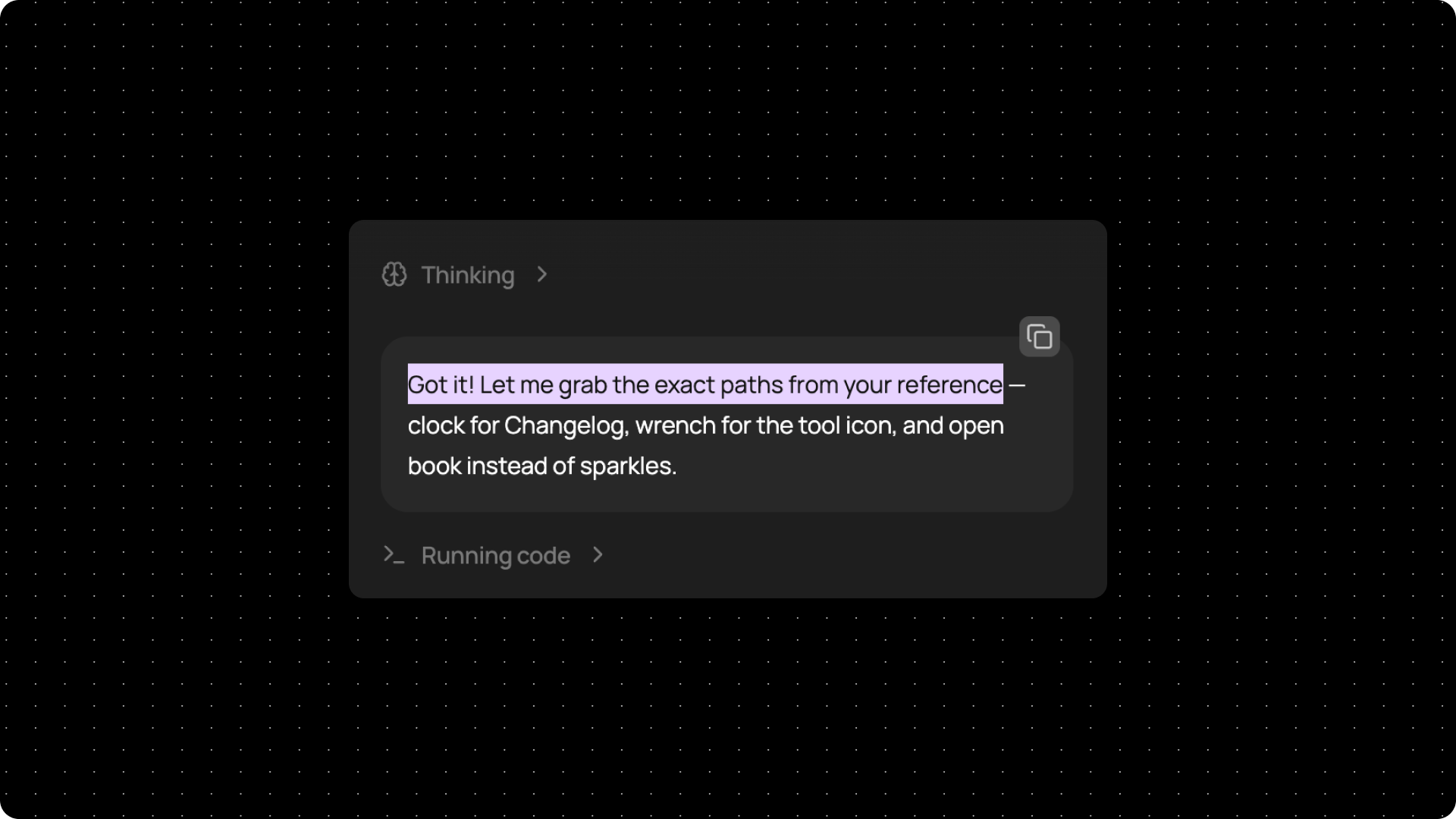
- Lilac text selection: Highlighted text now shows up in CodeWords lilac across the whole product.