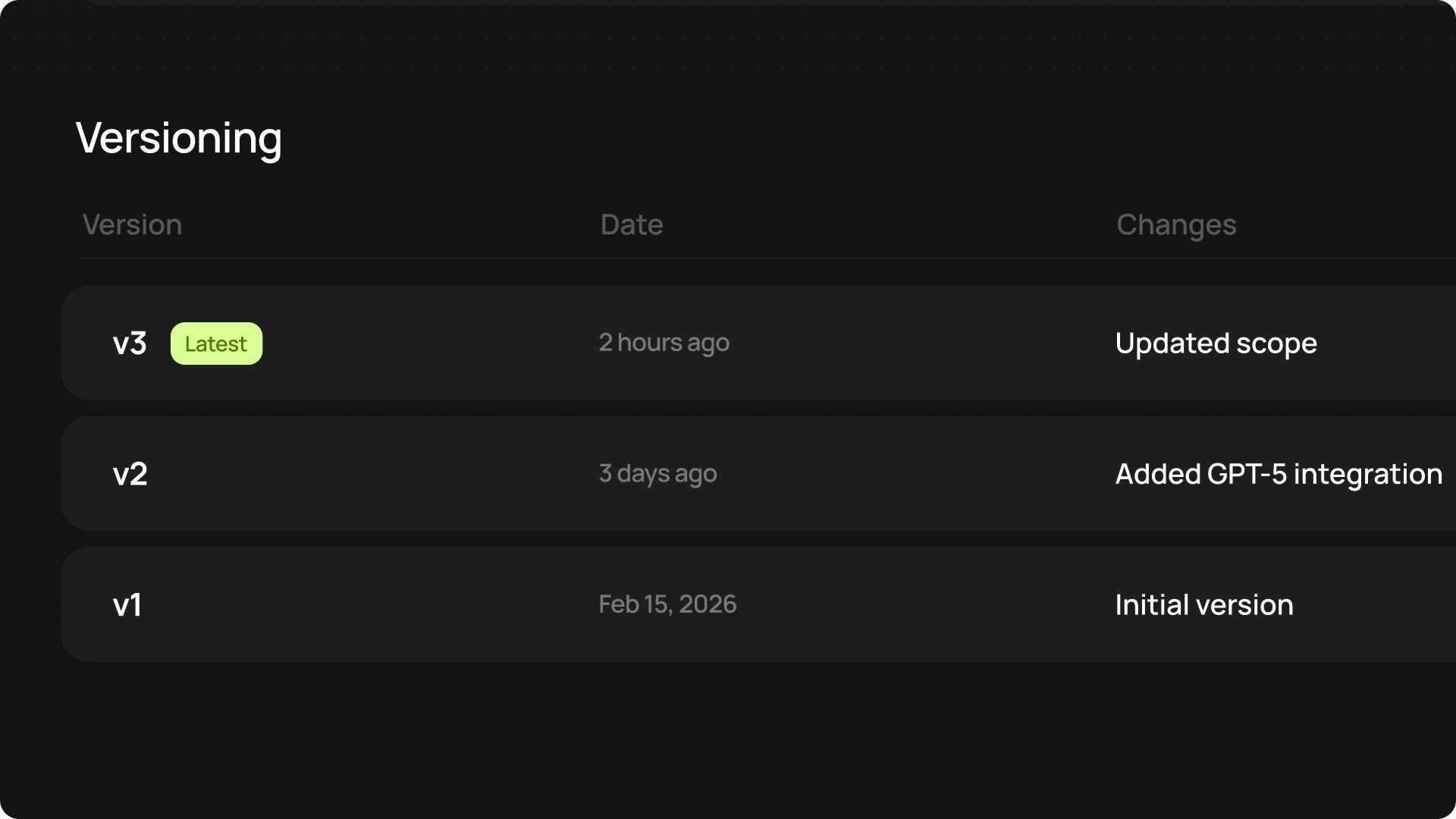
Return to previous versions of anything you’ve built and deployed through CodeWords.
You can revert changes through the following options:
Versions are created every time you deploy or update a service. Only one version is active at any one time, and the latest version will always be the active one, unless you’ve returned to a previous version.
View all versions, summaries, and timelines for a specific workflow or app in the activity pages on each project.
What’s new
- Revert versions from chat: Select the three dots in the navbar to view previous versions of your chat.
- Full version history: All previous versions are kept, and a summary of changes made is applied to each version, so you can always return to previous versions.
- Rollback anytime: If something breaks after a new deployment, you can instantly revert to any previous working version.