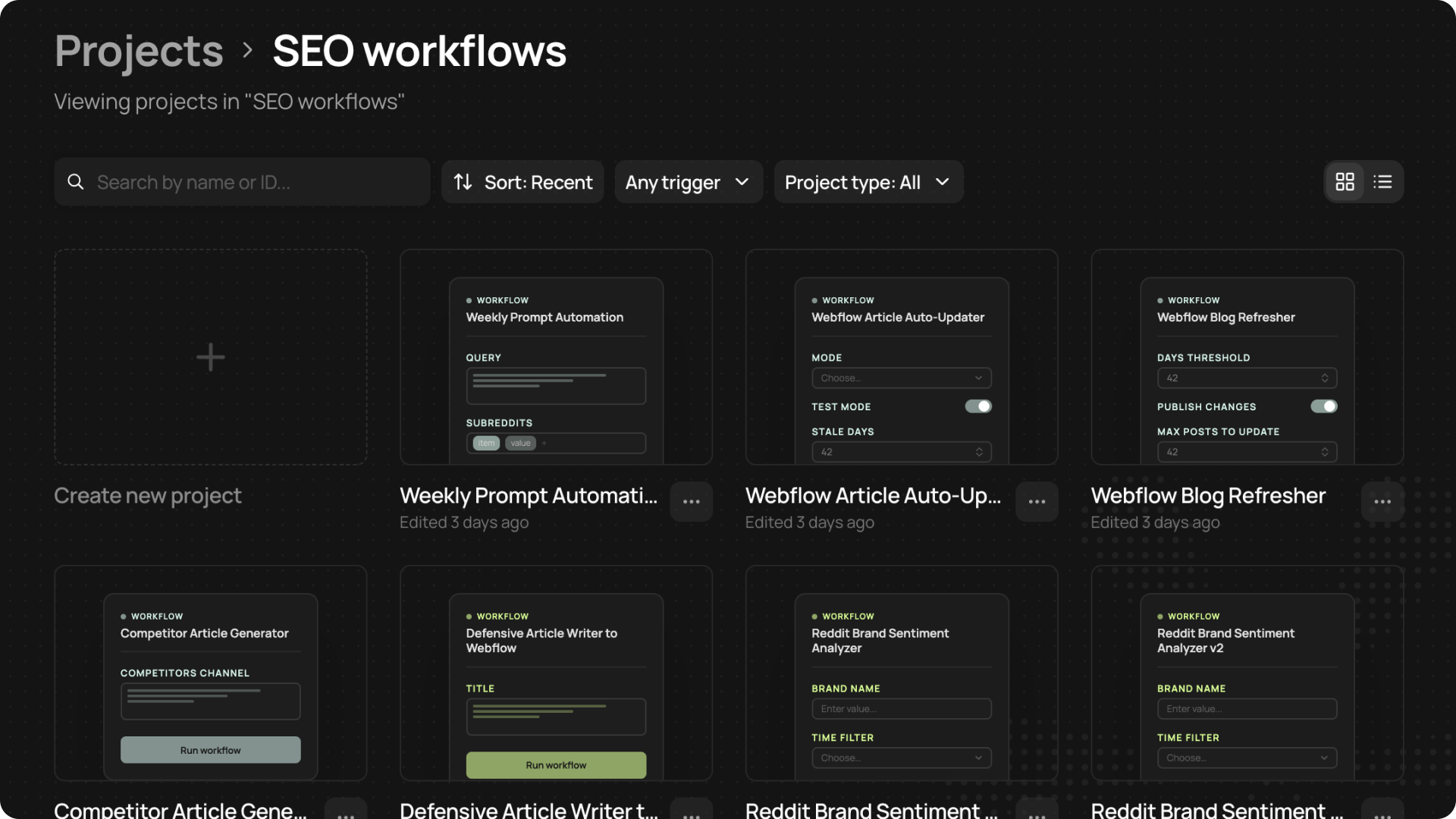
Every time you deploy a workflow or app, the finished version will appear in the Projects page. From there, you can revisit your workflows, organize your work into folders, and get a quick overview of any workflow.
What you get
- Create folders: We’ve made it easy to organize your workflows and apps. Select Create folder to group your projects and organize client systems.
- Organize existing projects: Click the three dots on a project to access a range of actions. Go to that project’s chat, rename, duplicate, delete, or add it to a folder.