AI Applicant Scorer — rate candidates, export results fast
Evaluate job applicants instantly using AI, apply your custom scoring rules, and get export-ready breakdowns — all in Google Sheets.
How can I score applicants in bulk, hands-free?
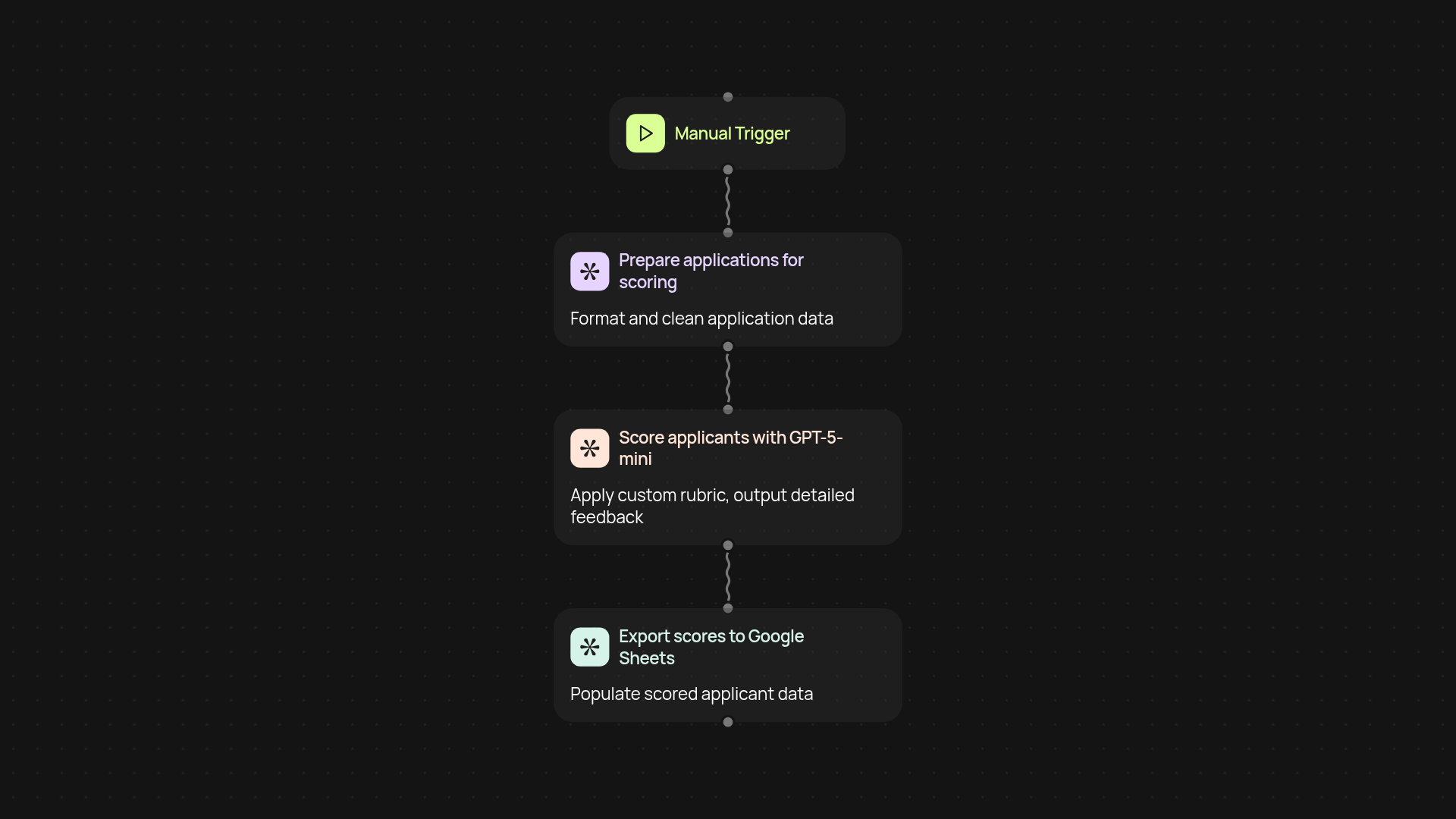
With the AI Applicant Scorer, you can evaluate hundreds of job applications in one go without manual work. Just upload your CSV export, choose your scoring rubric, and let CodeWords do the heavy lifting — from analysis to a detailed scoring sheet, it’s all handled for you. Get insights with zero wait and skip the tedious spreadsheet work entirely.
How does the AI apply my scoring rules?
The tool instantly runs every application through your rubric using advanced GPT-5-mini AI. It checks skills, experience, custom criteria, or anything you specify. Each candidate gets clear scores and feedback, so you get results you can trust — no more subjective sorting or guesswork.
Where do I get the results and what’s included?
All your feedback and final scores are delivered to Google Sheets, organized and export-ready. You’ll see breakdowns for each rubric category and simple visual cues to spot top candidates fast. It’s easy to share or review with your team.
How do I set up AI-powered scoring?
To get started, you’ll just need a CSV file of applicants, your scoring rules, and access to Google Sheets. Connect everything in a few clicks — after that, every batch is scored automatically, so you can focus on interviews, not admin tasks.
Get started today
Your first agent is free to build.
Describe what you need. Cody handles the build, the connections, and the deployment.