AI Logo Applicator — place your brand on any photo, instantly
Easily apply your company’s logo to any photo with perfect lighting and perspective. Use the AI Logo Applicator to see your branding on real-world images—no design skills needed.
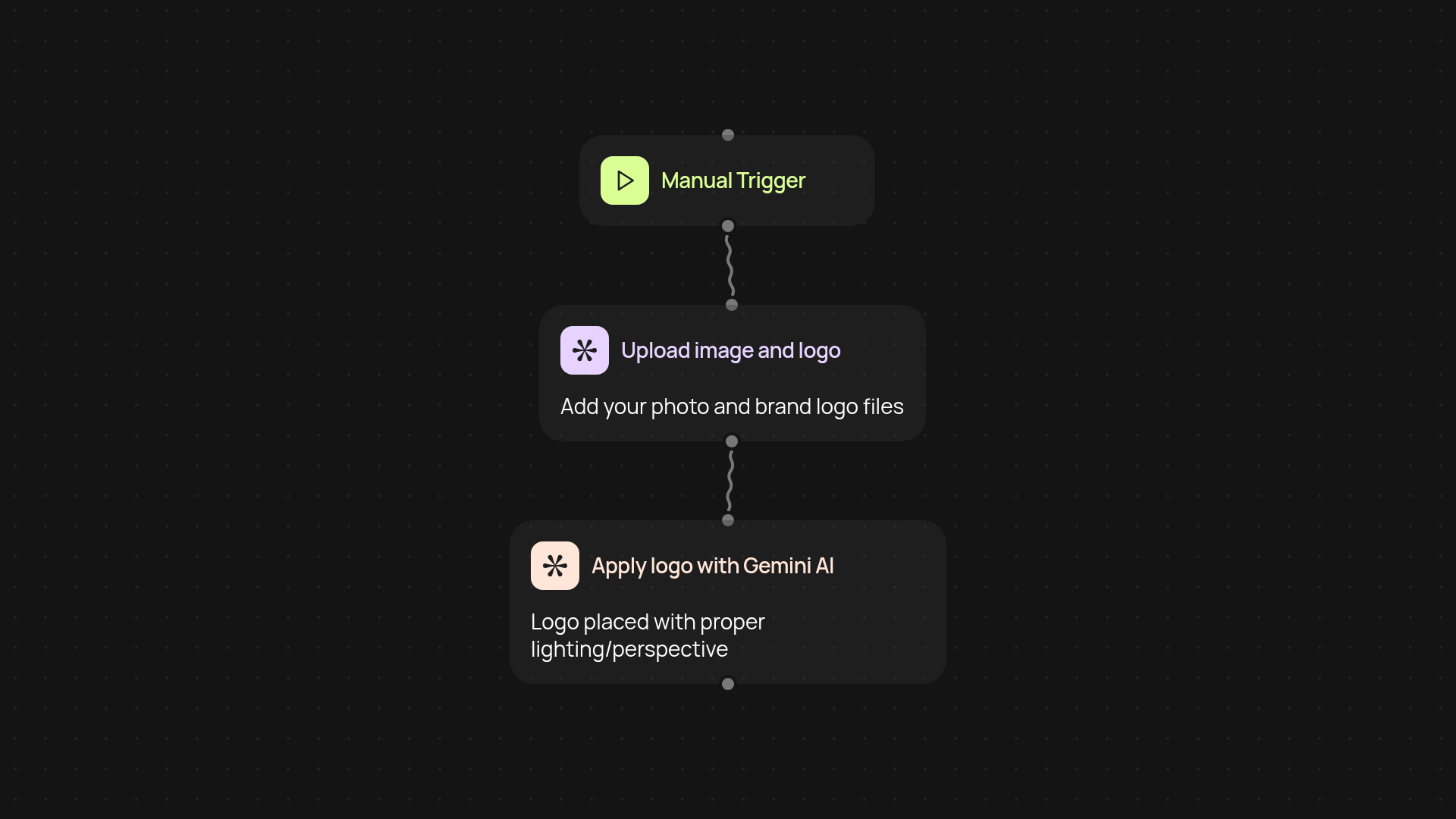
What can the AI Logo Applicator do for you?
The AI Logo Applicator takes the guesswork and manual effort out of adding your brand’s logo to marketing images. Upload your photo, pick your logo, and our AI handles the rest. Your logo will appear on any surface — perfectly resized, lit, and angled — as if it was always part of the scene. This tool helps anyone show off branded visuals in seconds, whether you’re prepping client mockups, building visual ads, or personalizing product shots.
How does it place logos so naturally?
The magic is built on Gemini 2.5 Flash Image AI, which analyzes both the background and your logo to match lighting, color, and perspective. You don’t have to tweak anything — the software instantly adapts your logo to each photo, delivering studio-quality results. Plain images turn into branded assets you’ll actually be excited to share.
Can I use it with any logo or photo?
Absolutely. You can upload any high-quality logo and any photo where a surface is visible. The platform works behind the scenes to adapt your logo, ensuring it fits into each image context. This means less back-and-forth with designers and no need for advanced editing skills.
How do you set it up and get started?
Just pick a trigger — on-demand or on a schedule — then upload your image and logo. You only need your brand logo in PNG or JPEG format and the photos you want to brand. The AI runs in the background and returns your finished visual, ready to use for campaigns, presentations, or pitches. You’ll be turning out branded content in no time, all without lifting a finger.
Get started today
Your first agent is free to build.
Describe what you need. Cody handles the build, the connections, and the deployment.