Dewey Decimal Classifier — organize book titles automatically
Classify and organize book titles with Dewey Decimal codes from Excel files, instantly. Save hours sorting your library data.
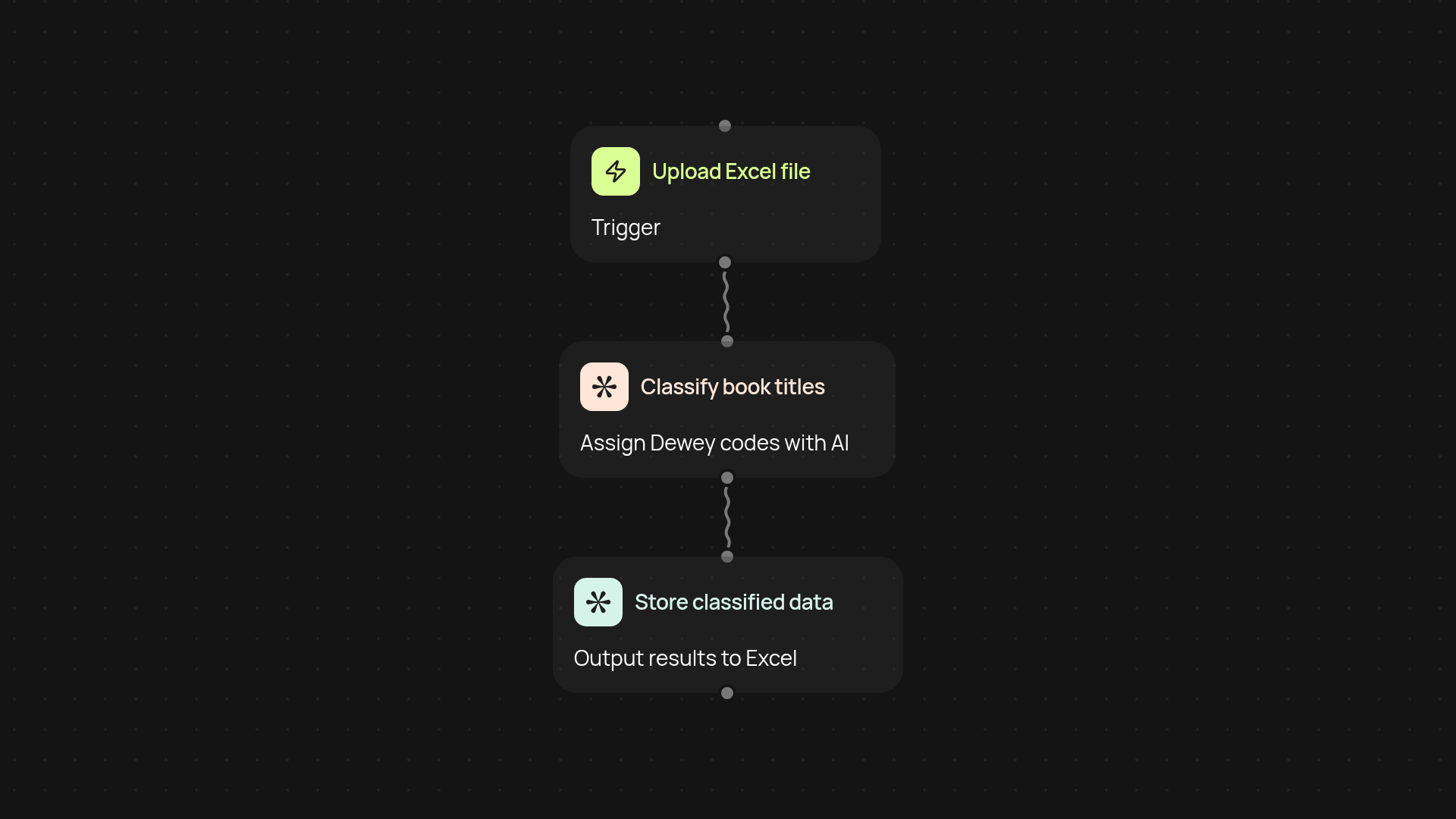
How does the Dewey Decimal Classifier organize my book titles?
The Dewey Decimal Classifier instantly sorts your entire list of book titles by assigning the correct Dewey Decimal Classification to each one. Upload your Excel file — CodeWords handles all the matching, so you can find and organize every book with precision, without manual cataloging.
Can I use this tool with my existing Excel files?
Absolutely. Just provide a spreadsheet of book titles, and the tool classifies each title by its relevant Dewey Decimal code. There’s no need to reformat or prepare your data. Everything works in the background, saving you hours of work and making your library database far more usable.
How accurate is the classification?
CodeWords combines AI-powered recognition with established Dewey Decimal rules. That means you get results you can trust and easily review. If you upload hundreds or thousands of titles, accuracy scales with your library’s needs — from school collections to larger institutional lists.
What do I need to get started?
All you need is your list of book titles in an Excel file. Sign up for CodeWords, select the Dewey Decimal Classifier template, and let the process run. Your organized, searchable catalog is just a few clicks away.
More templates
Get started today
Your first agent is free to build.
Describe what you need. Cody handles the build, the connections, and the deployment.