Dialogue Video Generator — turn scripts into lively videos
Transform dialogue scripts into videos with voiceovers and text overlays. Save time and engage your audience—no editing skills needed.
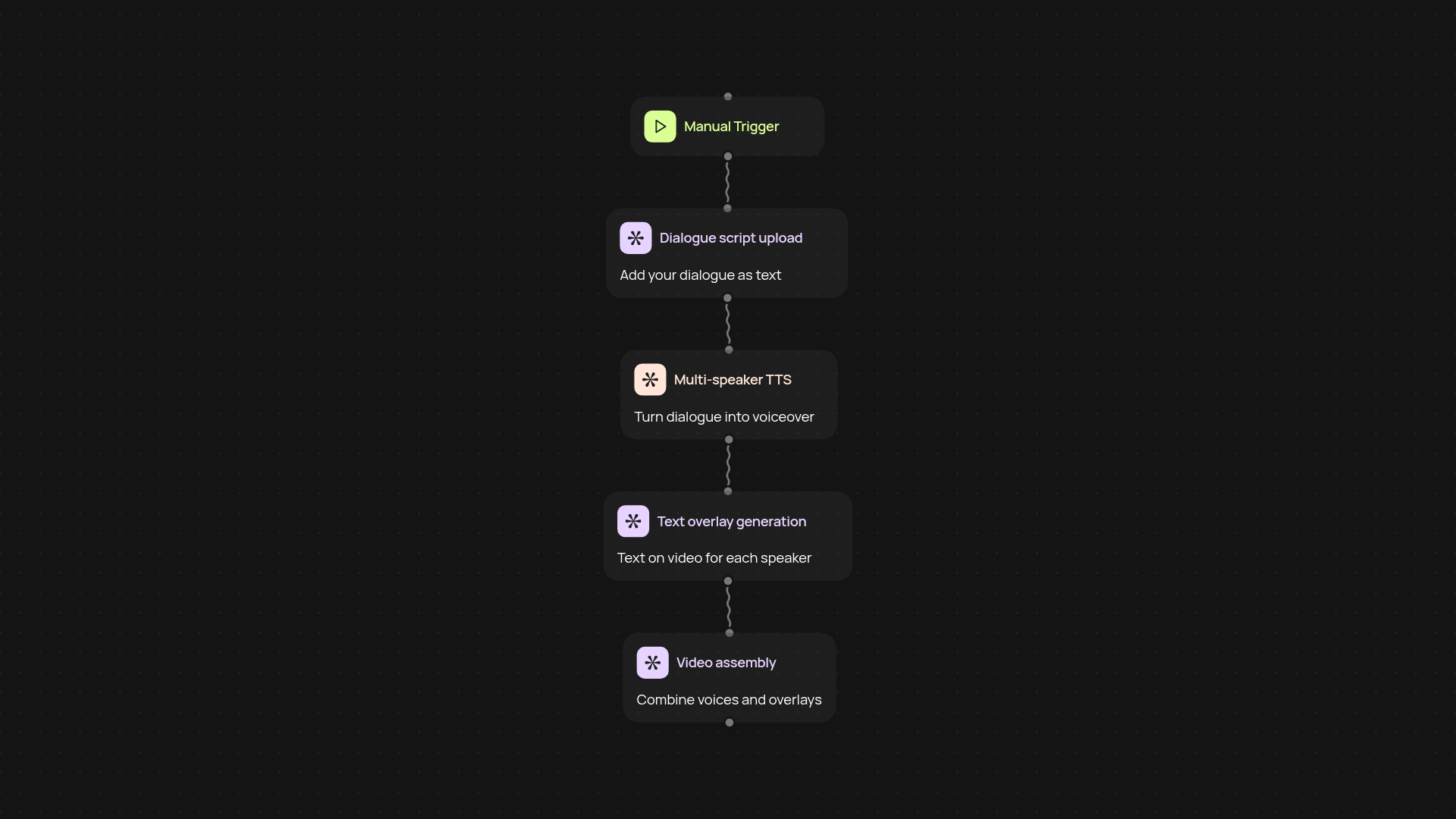
How does the dialogue video generator turn scripts into videos?
It takes your dialogue script and transforms it into an engaging video—on autopilot. Just upload your script. The generator creates voiceovers using multi-speaker text-to-speech, pairs them with matching text overlays, and combines everything into a polished video. Your audience sees each speaker’s words on screen while hearing realistic voices, giving your content a professional touch without manual editing.
What makes this tool ideal for sharing conversations?
You instantly get a video that looks and sounds like a real dialogue—great for explainer content, training, or even sales pitches. Capture attention with natural-sounding speakers, even if you don’t want to record real voices. Since overlays show exactly who is saying what, viewers can follow along easily. You save hours compared to traditional video creation methods.
Can I customize the voices and visuals?
Yes, you control the voices for each speaker and customize how the text appears on screen. Want a different accent, tone, or language? Choose the best fit for your audience in seconds. You can also adjust font, colors, and background styles to make each video match your brand or story.
How do you get started with dialogue video generation?
Getting started is straightforward. Just provide your dialogue script as text—no formatting needed. Select your preferred voices and visual styles, then trigger the workflow. You’ll have your first video within minutes, hands-free. All you need is your script and a few clicks to watch your story come alive.
Get started today
Your first agent is free to build.
Describe what you need. Cody handles the build, the connections, and the deployment.