LinkedIn auto poster — post content on LinkedIn without lifting a finger
Skip manual work—this LinkedIn auto poster instantly publishes updates to your LinkedIn profile or company page. Save time, post hands-free.
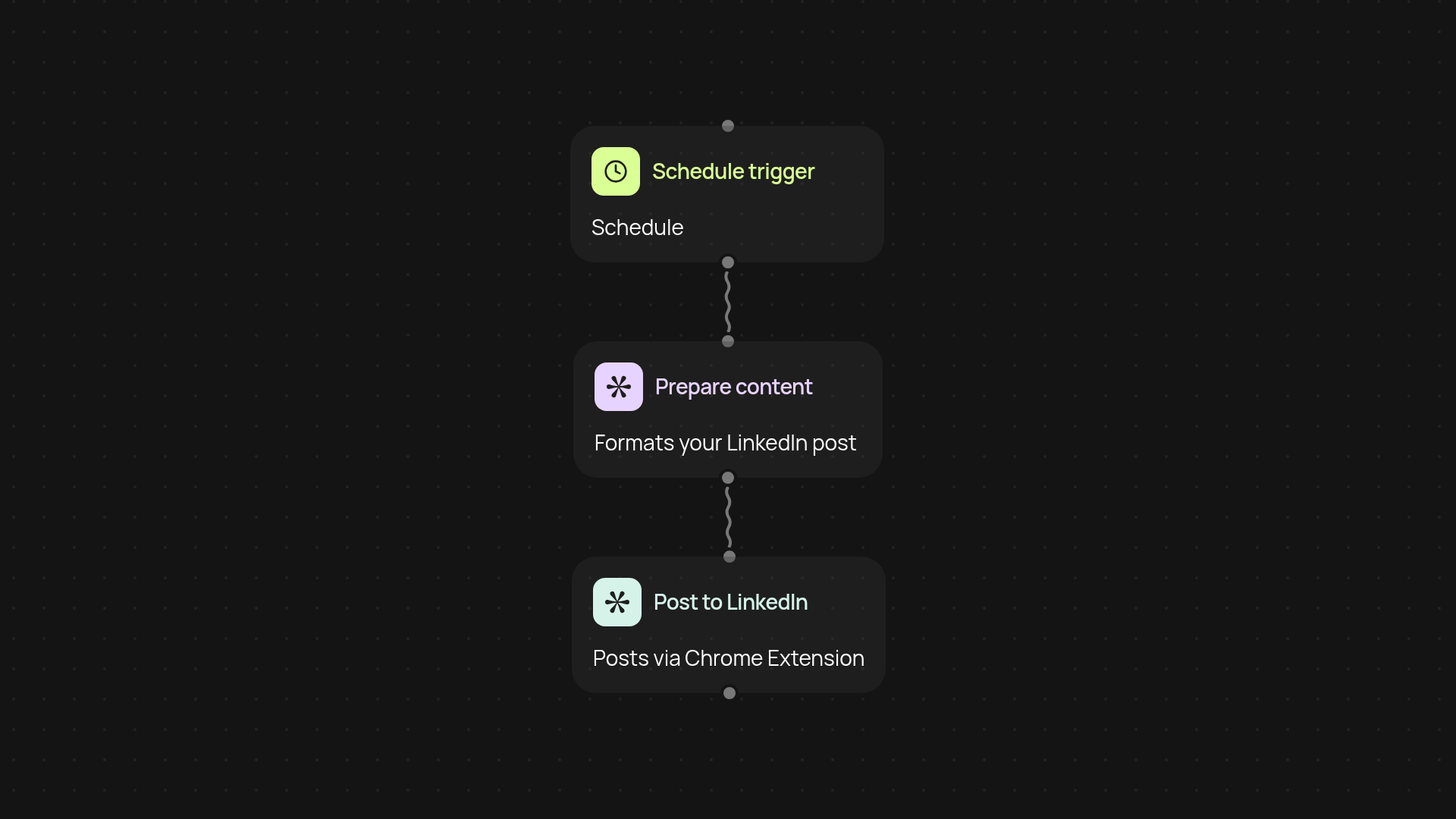
How does the LinkedIn auto poster save you hours each week?
The LinkedIn auto poster handles posting to LinkedIn for you—from first draft to published update. Just set your content and timing. The template instantly delivers your message to your profile or company page, so you stay visible and active without manual effort. Imagine having a steady LinkedIn presence on autopilot, even on your busiest days.
Can you schedule and customize posts?
Yes. You choose what and when to share. Schedule posts around your content calendar or real-time updates. Customize each message, include hashtags, links, or images, and the app posts straight to LinkedIn—all in the background. No more scrambling to post at just the right moment.
What types of LinkedIn content can this handle?
Whether it's job updates, blog links, company news, promotions, or thought leadership, this tool supports all content types popular on LinkedIn. Preparation is simple—just line up your content in advance and let posting run hands-free.
How do you set up LinkedIn auto posting?
Getting started is quick. Install the Chrome extension and connect your LinkedIn account. Prepare your content and select your posting schedule. That’s it—the auto poster takes over from there. No technical setup or training needed. Stay active on LinkedIn without lifting a finger.
Get started today
Your first agent is free to build.
Describe what you need. Cody handles the build, the connections, and the deployment.