Notion Task Automation — never miss a deadline again
Stay on top of your work with Notion Task Automation. Get deadline reminders & automate your task management—no more manual updates or missed due dates.
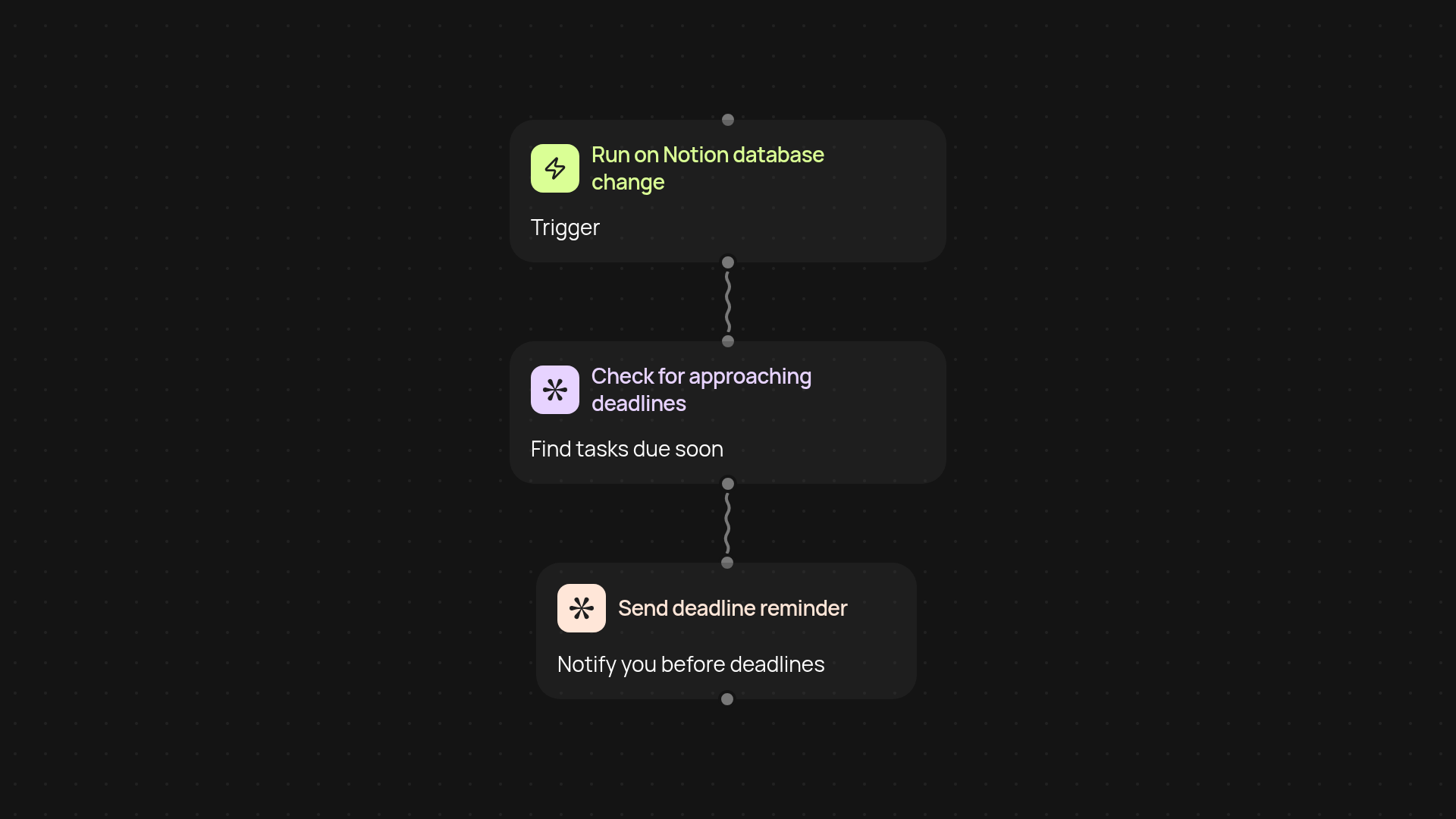
How does notion task automation keep you on schedule?
Notion Task Automation tracks your tasks in Notion, sends deadline reminders, and updates your dashboard in one continuous flow. You’ll always know what to work on next — without lifting a finger. No more scrambling or searching for what’s due today. Everything just gets handled in the background, so you’re free to focus on your priorities.
Can you avoid missed deadlines and manual tracking?
Yes — your tasks and reminders sync automatically. When you add or edit a task in Notion, notifications are generated and sent before it’s overdue. You stop worrying about things slipping through the cracks. The entire process removes the need for daily checks or setting alerts yourself.
Will it work with my existing Notion setup?
Absolutely. No new apps required. This template integrates with your current Notion workspace and flows with your existing task lists. It simply overlays automatic reminders — making your system faster and more reliable, whether you’re managing a project or a personal to-do list.
How do you set it up and what do you need?
Getting started is simple: First, choose whether you want reminders sent on a schedule or triggered by changes in your Notion database. Make sure your Notion workspace is connected to CodeWords and Pipedream. From there, you’ll activate the workflow in just a few clicks. You’ll be up and running in minutes.
More templates
Get started today
Your first agent is free to build.
Describe what you need. Cody handles the build, the connections, and the deployment.