Pick an agent.
Make it yours.
Choose a starting point, describe what you need, and CodeWords builds the rest — connected to your tools and live on WhatsApp.
Trusted by teams at


The best place to build
WhatsApp agents.
Describe the agent you need and Cody builds it — connected to your tools and available through a verified WhatsApp setup. Start in minutes.
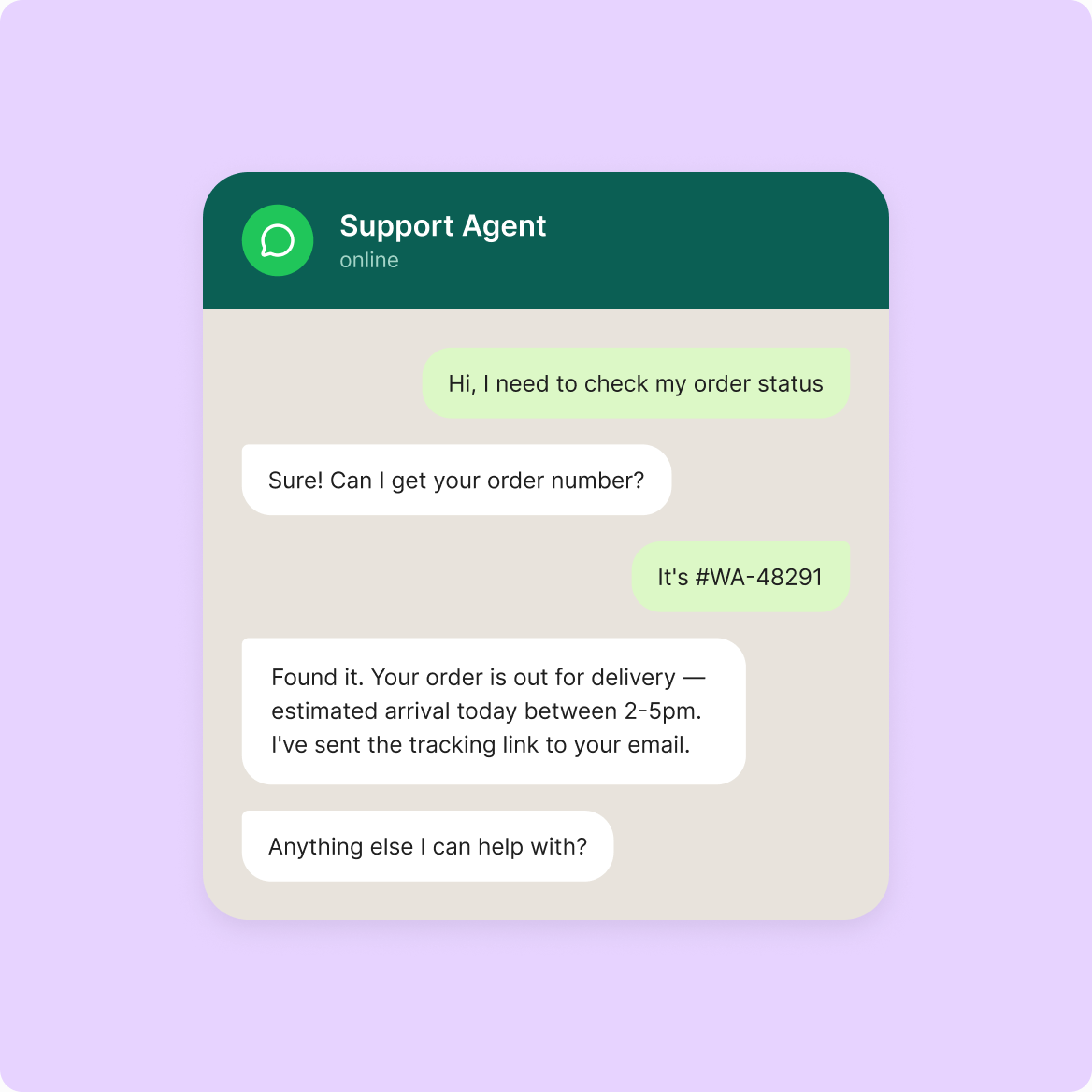
Conversational
Responds to inbound messages, asks follow-up questions, collects what it needs, escalates when needed.
Proactive
Sends transactional or consented lifecycle messages from an approved schedule or trigger, with configured caps and opt-out.
Notification
Sends approved briefings, confirmations, and alerts within the selected experience's sending policy.
From description to deployed agent.
Describe your agent
Tell CodeWords what you want your agent to do. Describe it the way you'd explain it to a colleague — it develops the idea with you.
CodeWords builds and checks it
CodeWords works out how the agent should behave, shows you the build for review, and provides guided setup for the verified connection route.
Deploy through the verified route
Review the build, complete the verified connection route for the selected WhatsApp experience, and deploy within its approved messaging boundaries.
Build agents for the work your team repeats.
Connect the tools, deploy the agent.
Use verified DM or group-chat routes.
Use the connection route shown for the selected experience. Personal-number, group-chat, and provider-managed business-number routes must not be assumed to work identically across builds.
Connect your number through a verified route.
Use the verified connection route for your selected WhatsApp experience. Connection material may persist in encrypted, provider-managed systems where required, and you can disconnect it.
Every conversation becomes data.
What used to vanish in a group chat — onboarding threads, support requests, field reports — becomes a structured, trackable outcome your team can actually use.
Brings in a person at the configured level.
An agent can provide contact instructions or notify an owner with a conversation summary. Operator-queue transfer is shown only for connected and verified builds.
Connects to anything you use in a single click.


Pick your industry
Choose an industry to explore five AI agent workflows on WhatsApp.
Accounting
Aesthetics
Appliance repair
Auto repair/MOT
Bakery
Bar/nightclub
Barbershop
Beauty/salon/spa
Car dealership
Car rental
Catering
Chiropractor
Commercial cleaning
Courier
Dental
Driving school
Electrician
Event venue
Florist
Furniture
Gym/fitness
Hotels, B&Bs & Guesthouses
HVAC/heating
Insurance broker
Landscaping
Laundry
Law firm
Locksmith
Mortgage broker
Optician
Pest control
Pharmacy
Phone repair
Physio
Plant hire
Plumbing
Property management
Real estate
Recruitment
Removals
Renovation/construction
Restaurants/cafés
Roofing
Self storage
Skip hire
Tattoo studio
Taxi/private hire
Travel agency
Tyre shop
Vet
“Our whole operation runs on WhatsApp — being able to push campaigns straight into groups and inboxes is a game changer.”
Get started today
Your first WhatsApp agent is free to build.
Just describe it and go live.