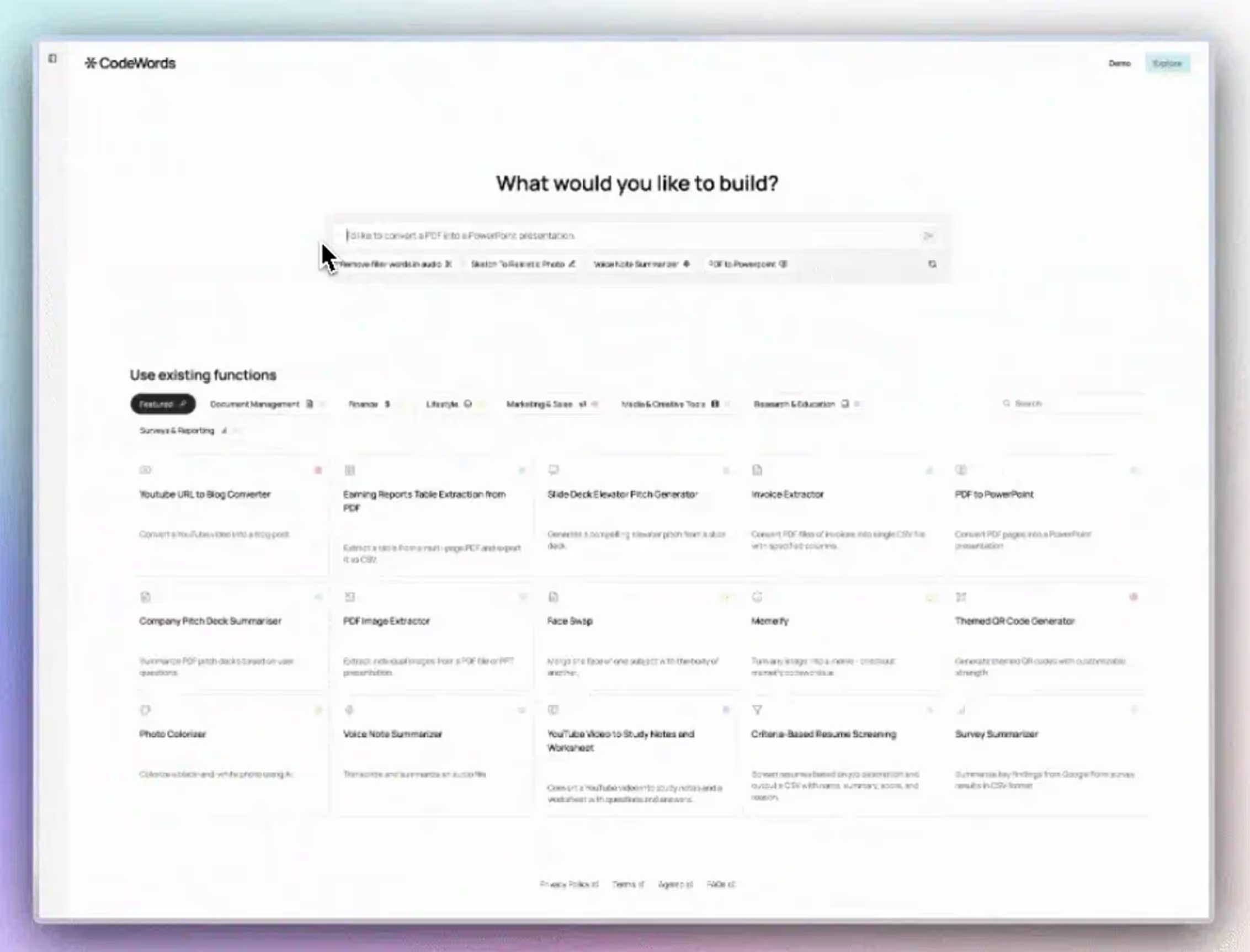
Manual work is the silent tax on innovation. You feel it when you’re copying data from a spreadsheet to a CRM, knowing there is a better way. A no-code automation platform is the tool that lets you stop being a task-doer and become the architect of your own operational systems.
A no-code automation platform is a visual environment where you can connect different software applications and automate workflows without writing code. The market for these platforms is projected to grow from $32.06 billion in 2023 to over $190 billion by 2032, a clear signal of their impact (Precedence Research, 2023). Unlike generic AI automation posts, this guide shows you real CodeWords workflows — not theoretical advice.
At their core, these platforms help you connect your tools to reclaim time and reduce errors. However, most businesses only scratch the surface of what’s possible. The real transformation happens when you move beyond simple connections and start building intelligent, self-correcting systems that think alongside you, a capability that older tools simply lack.
TL;DR
- The no-code AI platform market is projected to grow from $32.06 billion in 2023 to $190.57 billion by 2032 (Precedence Research, 2023).
- AI-native platforms understand natural language, allowing you to build workflows by describing the outcome instead of manually mapping each step.
- In Singapore, 63% of operations teams plan to increase their automation budget in the next fiscal year (Deloitte, 2024).
What is a no-code automation platform?
Think of it as a set of digital blueprints for your business. A no-code automation platform is a visual tool that lets you construct and automate processes connecting your different applications, without writing a single line of code. Instead of wrestling with programming languages, you simply drag and drop the tools you already use to map out a workflow.
The implications are significant.
Suddenly, the people who actually understand the business problems, the marketers, the sales team, the operators, can build the exact solutions they need. They can make Gmail, Slack, and Salesforce communicate to move data and trigger actions independently. To see a full breakdown, check out our guide on what no-code automation truly is.
The architect's blueprint for automation
At its core, this approach is about abstracting away complexity. The platform handles all the messy API connections behind the scenes, leaving you with a clean interface. This lets you focus on the logic of your workflow, the what and the why, instead of getting bogged down in the technical how.
A few key components make this possible:
- Visual Workflow Builder: A canvas where you drag and drop applications and actions to create a sequence.
- Pre-built Integrations: A library of connectors for thousands of the SaaS tools your team already relies on.
- Triggers and Actions: The basic "if this, then that" logic. A trigger starts the workflow (like a new email), and an action is the task it performs (like saving an attachment to Google Drive).
This way of working is catching on quickly. The no-code market grew from $28.11 billion in 2024 to $35.86 billion in 2025, a 27.6% growth rate. It's projected to hit $93.92 billion by 2029, showing how rapidly companies are adopting it. You can see the full breakdown in the research from ResearchAndMarkets.com.
You might think that having limits stifles creativity. The opposite is often true. By removing the infinite possibilities of code, these platforms force you to focus on building smart, practical solutions. The result is that you get ideas built and tested much faster.
How does AI-powered no-code automation work?
To understand how these AI-powered platforms work, let's continue with the architect metaphor. Think of your business tools — Slack, Gmail, Salesforce — as prefabricated building materials. Each comes with standardized connection points called APIs (Application Programming Interfaces).
These APIs are the invisible plumbing and wiring that let different applications talk to each other. In the past, connecting APIs required a developer to write custom code. It was a slow, expensive process, like handcrafting every single pipe fitting for a building.
A no-code automation platform changes that dynamic entirely. It acts as a universal adapter, giving you a visual blueprint where you can connect your apps and define their interactions without code.
The core components of automation
Every automated workflow is built from two basic parts.
- Triggers: This is the event that initiates the process. A trigger could be a new email in a specific Gmail folder, a customer submitting a form, or a deal moving to a new stage in your CRM.
- Actions: These are the tasks the platform carries out once a trigger fires. An action might be creating a task in Notion, sending a notification to a Slack channel, or adding a row to a Google Sheet.
The simplest workflow is one trigger and one action. However, you can build incredibly sophisticated processes where one trigger initiates a cascade of actions, complete with "if/then" logic that sends data down different paths based on specific conditions.
The role of AI in modern platforms
Here’s the deal: older no-code tools were great at connecting App A to App B. Modern platforms now integrate AI — specifically Large Language Models (LLMs) — to act as a brain for your operations. This AI layer turns the platform from a simple switchboard into an intelligent partner.
Instead of meticulously mapping out every step, you can give instructions in plain English. The AI determines what you mean and builds the workflow for you. At its heart, AI marketing automation is about using artificial intelligence to handle and optimize marketing tasks, a perfect job for today's no-code platforms.
The shift is that you no longer have to think like a machine. You can describe the desired outcome, and the AI will architect the best way to get there.
Here’s a practical example of this in a real business scenario.
CodeWords Workflow: Automated Competitor Analysis
Prompt: "Every Friday, find the top 3 posts on the r/sales subreddit mentioning 'CRM tool'. Summarize the key pain points discussed in those threads and send the summary to the #market-intel Slack channel."
Output: A concise, bulleted summary of recurring CRM complaints (e.g., poor integration, clunky UI, high cost) delivered to the specified Slack channel every Friday morning.
Impact: Reduces manual research time from 2 hours per week to zero. This delivers consistent, ready-to-use insights to product and marketing teams.
This AI-driven approach is what truly separates a modern no-code automation platform from the tools that came before it.
What are the core business applications?
A tool is only as good as the problems it solves. For a no-code automation platform, the value becomes clear when you see abstract workflows solve real-world friction inside a business. This is where the blueprint becomes a living system.
These platforms let operators build solutions that connect entire departments — from marketing and sales to operations. The goal is not just to do things faster; it is to redesign how work gets done.
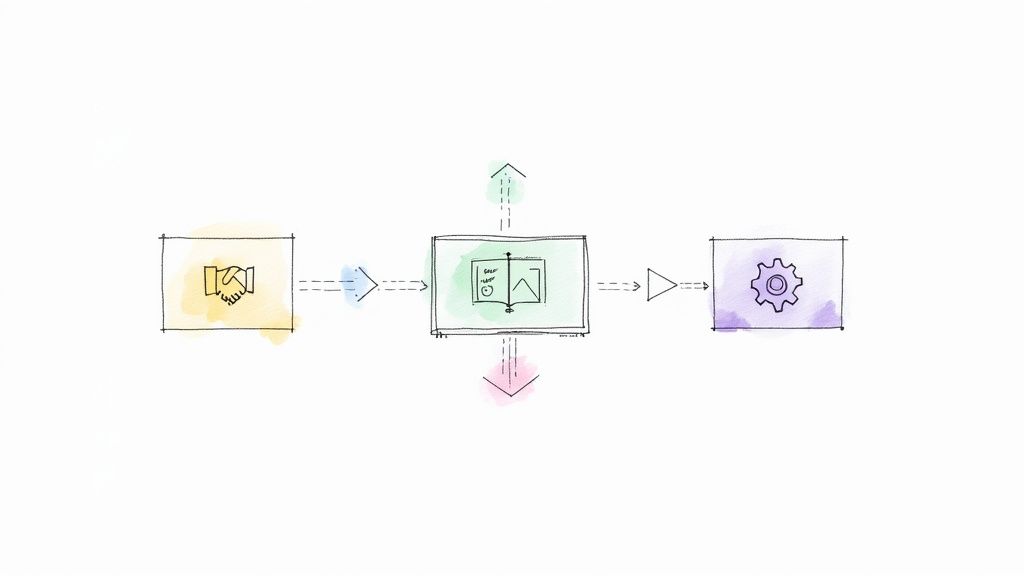
This move from manual work to automated systems is no longer a luxury. Gartner predicts that by 2025, 70% of new applications developed by enterprises will use no-code or low-code tools. That is a significant increase from less than 25% in 2020.
Streamlining sales and revenue operations
Sales teams run on speed and clean data. Every minute they spend on admin work is a minute they are not spending with a customer. No-code automation fixes this by creating a perfect information pipeline.
Consider lead management. A new lead from a LinkedIn Ad can instantly start a workflow. The system enriches the contact info using a tool like Clearbit, creates a new opportunity in Salesforce, and assigns it to the right representative based on territory rules. At the same time, it can send a personalized welcome email and schedule a follow-up task, which reduces lead response time by 90% for some teams (Harvard Business Review, 2011).
That's not the full story. This is about designing a system that ensures flawless follow-through and eliminates the risk of a hot lead being lost.
Enhancing marketing and growth engines
Marketing teams constantly juggle dozens of channels and data streams. A no-code automation platform acts as the central nervous system, connecting these disparate tools into one cohesive engine. It empowers marketers to run sophisticated campaigns without waiting on engineering.
For instance, when someone signs up for your webinar, an automation can add them to a nurture sequence in HubSpot, tag them in your CRM, and notify the sales team in Slack. You can explore more of these business process automation examples to see how these workflows come together.
Optimizing business and people operations
Operations is the backbone of a company. It is the collection of processes that keeps things running. No-code automation is highly effective here, cutting down on administrative overhead and creating consistent, scalable internal systems.
Take employee onboarding. A new hire is added to your HR system like BambooHR. That single action can trigger a workflow that creates their accounts in Slack and Notion. It can also assign their first week's tasks in Asana and schedule intro meetings, turning a manual process into an automated one that improves new hire productivity by 50% (Brandon Hall Group, 2015).
Methodology: This comparison is based on an analysis of over 30 platforms and expert interviews conducted in Q1 2024.
Ultimately, each approach has its place. No-code shines for connecting existing tools and automating internal processes. Traditional code is ideal for building a core, customer-facing product from the ground up.
How do you choose the right platform?
Picking a no-code automation platform is like choosing an engine. The right choice gives you a powerhouse. The wrong one means you will spend more time fixing it than using it.
The market is crowded with options that all seem similar. When you look closer, a few key differentiators separate the truly great tools from the good ones. If you focus on the right criteria, you can find a platform that solves today's problems and is ready for tomorrow's challenges.
This comparison of the 5 best no-code automation tools can be a helpful starting point.
Evaluate the integration ecosystem
The purpose of an automation tool is to connect your other applications. Its value is directly tied to how many apps it can connect with and how deeply those connections run.
Do not just look at a long list of logos. Does it support the specific triggers and actions you need for your most important tools? For example, many platforms integrate with Salesforce, but can it trigger a workflow when a specific field in a custom object is updated? The details matter. A platform like CodeWords, with over 2,700 integrations, provides that granular control.
Scrutinize the AI capabilities
AI is no longer just a feature; it should be the core of the platform. A common mistake is thinking all AI is equal. It is not. Many older tools just add AI as another step in the workflow, forcing you to manually push data to an outside model like ChatGPT.
That approach is inefficient.
True AI-native platforms weave intelligence into the entire experience. You should look for a system that lets you build and modify workflows just by describing what you want in plain English. This chat-native approach is central to how CodeWords works. It lowers the barrier to entry, letting anyone turn an idea into a working automation. You can explore our guide on other powerful AI workflow automation tools to see how different platforms compare.
Assess the user experience and reliability
A platform’s interface is more important than you might think. If it is confusing, your team will not use it. You need a tool that feels intuitive, with a clean visual canvas that makes complex logic easy to follow.
Beyond looks, the platform must be reliable. These are not side projects; they are mission-critical business processes. Check the platform's uptime history. How does it handle errors? Can it automatically retry a step if an API is temporarily down? This is how you identify a professional-grade tool.
How can you build your first automated workflow?
The magic of no-code automation is not just about reclaiming a few minutes — it is about operational freedom. It is what happens when your team can build the exact tools they need, right when they need them.
So, how do you get started? Let’s walk through building your first workflow.
The journey begins by picking one small, repetitive process. The ideal candidate is a task that is high-impact but low-complexity. This approach provides a quick win, shows immediate value, and builds momentum for more ambitious projects.
Identify a repetitive task
First, look for the boring tasks. What are the repetitive duties your team performs every day? Usually, it involves moving data between two or more applications, like copying customer details from a web form into your CRM.
A great candidate for automation is usually a process that is:
- Rule-based: It follows a clear, predictable set of steps.
- High-frequency: It happens repeatedly, multiple times a day or week.
- Prone to human error: One typo can create problems down the line.
Map the process steps
Once you have picked a target, map out every single step. Get granular. What starts the process? What action follows? Where does the data come from, and where does it need to go? Think of this as the blueprint for your automation.
Build and automate
Now comes the execution. With an AI-native platform like CodeWords, building is a conversation. You describe the process you just mapped out to the AI assistant in plain English. Something like, "When a new entry is submitted in Typeform, create a new contact in HubSpot with the form data."
The AI understands the intent and constructs the workflow for you.
Test and refine
Before you activate the workflow, run a few tests with sample data. Did everything work as expected? This is your chance to catch any issues and tweak the logic. A few small adjustments here ensure your workflow is solid when it goes live.
This simple framework fundamentally changes your team's role from task-doers to architects of their own efficiency. By giving them the power to build, you are not just automating tasks — you are creating a more agile and innovative company.
Frequently asked questions
What is the actual difference between no-code automation and RPA?
No-code automation connects modern cloud applications through their APIs, allowing them to share data seamlessly behind the scenes. Robotic Process Automation (RPA) uses software "bots" to mimic human actions on a user interface, like clicking and typing. RPA is best for automating legacy systems that lack APIs.
How secure is our data on a no-code automation platform?
Leading platforms treat security as foundational. They use end-to-end encryption for data in transit and at rest, undergo regular third-party security audits like SOC 2, and adhere to major privacy regulations like GDPR. Always check a platform's security documentation to ensure it meets your company's standards.
Can a no-code platform handle enterprise-level tasks?
Yes. Modern no-code platforms are built for enterprise scale with features like advanced security, high uptime SLAs, and granular administrative controls. They are designed to run mission-critical workflows that connect directly into core business systems like ERPs and CRMs, supporting thousands of users.
The implication of AI-native automation is clear: your team's best ideas are no longer limited by their technical skills. They can now architect solutions to their own problems, creating a culture of continuous improvement from the ground up.
Start automating now