The 11 best make alternatives for AI-driven automation in 2026
Explore the best Make alternatives for AI-driven workflow automation in 2026.
 Rebecca Pearson18 min read
Workflow automation is no longer about constructing a visual blueprint. It's now a conversation where simple prompts become powerful integrations, freeing operators from the rigid architecture of node-based builders. This guide offers the best Make alternatives for those who need to direct outcomes, not just build processes. The best Make alternatives are Zapier, Microsoft Power Automate, and CodeWords for its conversational AI approach. A 2024 Gartner forecast predicts that by 2026, over 70% of large enterprises will use hyperautomation technologies, up from less than 25% in 2022, signaling a massive shift toward more accessible automation. To understand the broader ecosystem of solutions, explore the market's leading AI workflow automation tools.
Wrestling with Make’s intricate scenarios and opaque pricing can feel like a bottleneck. You spend more time debugging visual flows than you do achieving outcomes. This list promises a path to building workflows 5x faster by focusing on tools that prioritize intuitive, AI-native interfaces. The solution is not a better visual builder — it's a fundamental change in how we interact with automation software. Unlike generic AI automation posts, this guide will show you real CodeWords workflows — not just theory.
TL;DR: The best make alternatives
- The global hyperautomation market is projected to reach $1.9 trillion by 2029, with a compound annual growth rate of 25.1% (Fortune Business Insights, 2024).
- The primary differentiator is the shift from node-based visual editors to AI-powered, conversational interfaces that interpret natural language commands.
- In the United States, 59% of businesses state that automating repetitive tasks is their top priority for improving operational efficiency (Statista, 2023).
What are the best make alternatives?
1. CodeWords
CodeWords represents a significant evolution in workflow automation, positioning itself as a powerful Make alternative for users who prioritize speed over complex visual builders. Instead of dragging and dropping nodes, you describe your desired automation in plain language. Cody, the platform's AI assistant, interprets the request and builds, tests, and deploys a production-ready workflow in seconds. This conversational approach drastically lowers the barrier to entry, allowing non-technical teams to create robust automations that once required developer expertise.
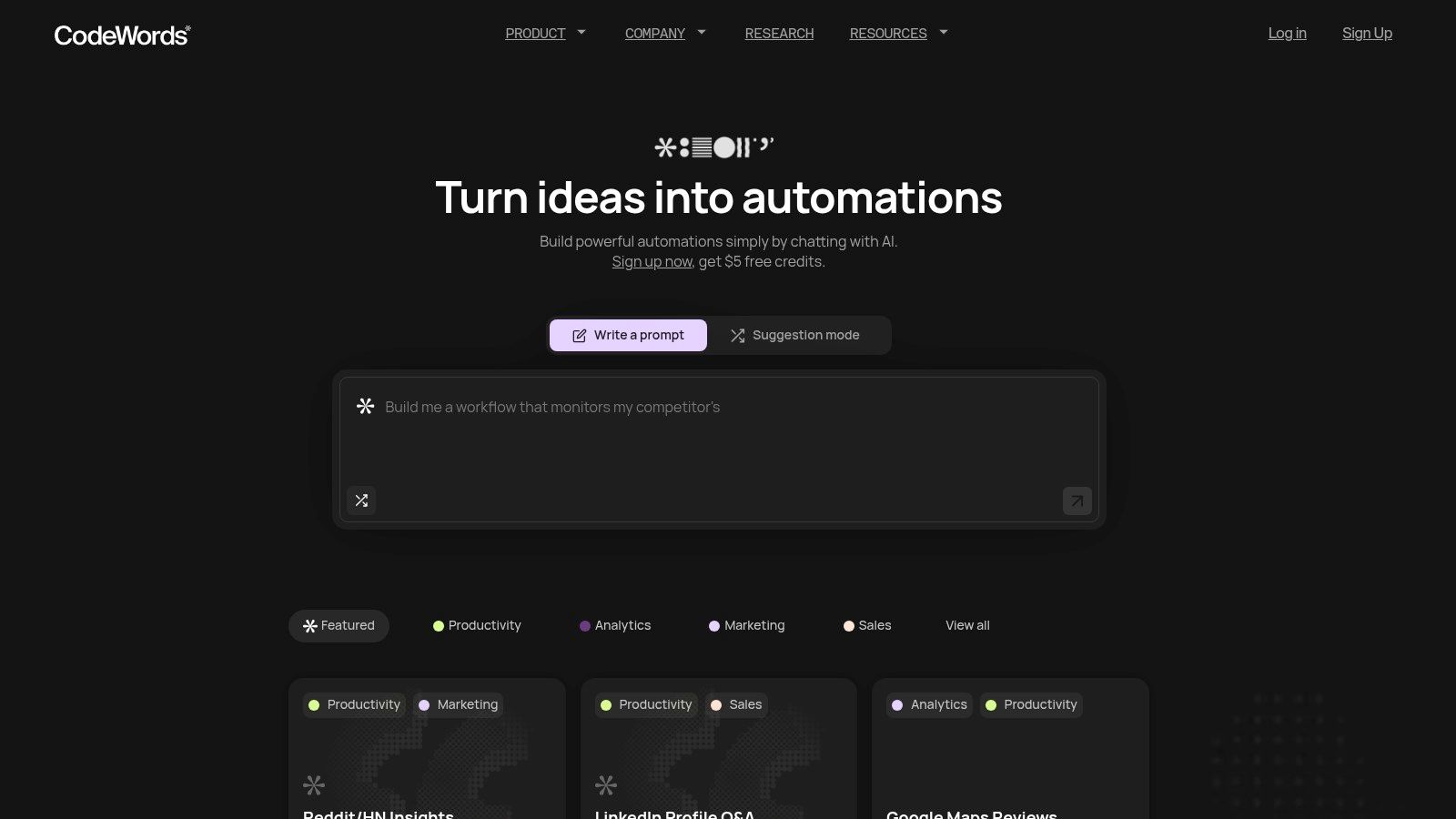
The platform's strength is its one-prompt building model, which enables users to get their first automation running in under 10 minutes. This efficiency is backed by a powerful engine with over 2,700 integrations, connecting tools like Salesforce, Slack, Notion, and Gmail. It is an ideal solution for teams in marketing, sales, and operations looking to automate tasks like lead follow-ups and data synchronization without a steep learning curve. While it simplifies creation, it does not sacrifice power; it provides developer-grade capabilities through an accessible chat interface.
Key details & pricing
- Best For: Non-technical founders, marketing/sales teams, and operations managers who need fast, powerful automations without coding.
- Pros: Chat-first building is exceptionally fast; automatic testing and deployment reduce errors; extensive integration library; large template gallery accelerates setup.
- Cons: AI-generated workflows may need minor tuning for complex edge cases; usage-based credit system requires monitoring to manage costs effectively.
- Pricing: Offers a Free plan with starter credits. Paid plans include Pro at $39/month and Business at $100/month, with credits that roll over.
- Website: https://codewords.ai
2. Zapier
Zapier is one of the most recognized names in the no-code automation space and a major player for teams looking for reliable integrations. Its primary strength lies in its library of over 6,000 app connectors, making it one of the most accessible platforms for non-technical users. The interface is user-friendly, guiding you through a simple "trigger-and-action" setup that allows for rapid deployment of workflows. This makes it an excellent choice for marketing, sales, and operations teams who need to connect daily tools without writing code.
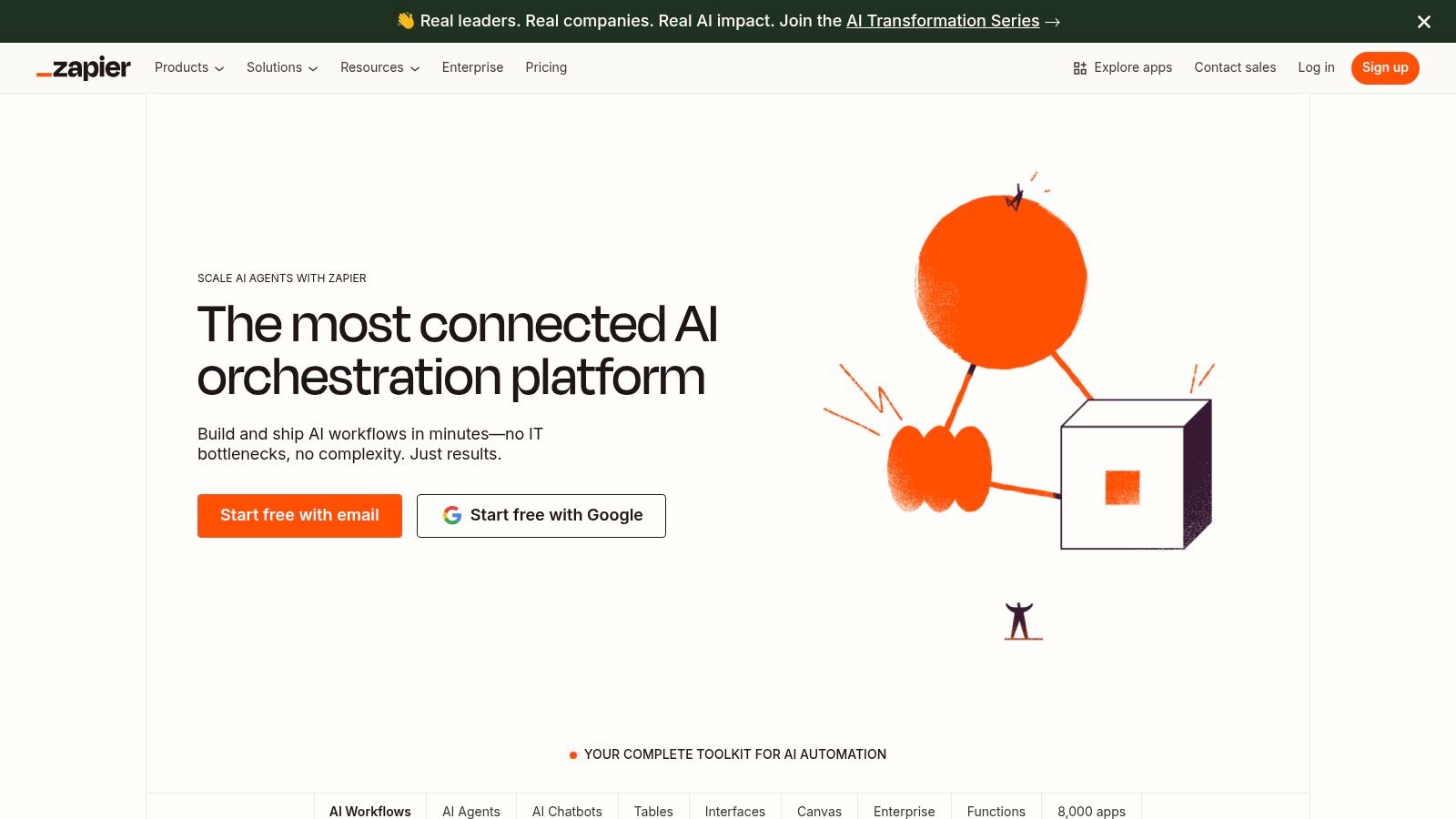
While its core offering is simple automation, Zapier has expanded its toolset to include Tables for lightweight data storage and Interfaces for building simple UIs. Its task-based pricing model is a key differentiator. You pay for each successful action a "Zap" completes, which can be predictable for simple workflows but may become costly for high-volume or complex, multi-step automations. This pricing structure contrasts with Make's operation-based model and is a critical consideration for teams at scale.
Key details & use cases
- Ideal Use Cases: Perfect for marketing teams automating lead funnels, sales teams streamlining follow-ups, or anyone needing to connect two popular SaaS tools quickly.
- Pros: Extremely easy to learn, massive app ecosystem, strong documentation and community support.
- Cons: Can become expensive as task volume grows, and advanced logic like branching paths requires higher-tier plans.
- Pricing: Free tier available for basic zaps; paid plans start around $20/month, scaling with task usage and feature access.
3. Microsoft Power Automate
For organizations deeply embedded in the Microsoft ecosystem, Power Automate stands out as a native and powerful automation solution. It's designed to seamlessly connect Microsoft 365, Dynamics 365, Azure, and hundreds of other services. The platform excels at bridging the gap between cloud-based digital process automation (DPA) and on-premise robotic process automation (RPA), allowing users to create "flows" that handle everything from simple notifications to complex approval processes involving legacy desktop applications. This dual capability makes it a compelling Make alternative for businesses needing both API and UI-based automation.
The user experience is integrated directly into the Power Platform, which includes Power BI and Power Apps, creating a unified environment for building end-to-end business solutions. While this tight integration is a significant benefit for existing Microsoft customers, it can present a steeper learning curve for those unfamiliar with the ecosystem. The licensing model, which offers both per-user and per-flow plans, adds another layer of complexity but provides flexibility for different scaling needs. For a more detailed look at its capabilities, visit the official Microsoft Power Automate website.
Key details & use cases
- Ideal Use Cases: Enterprises automating internal processes like invoice processing, HR onboarding workflows, or connecting legacy desktop software to modern cloud apps using RPA.
- Pros: Unmatched integration with the Microsoft 365 suite, robust security features inherited from Azure, and powerful RPA capabilities.
- Cons: The interface can be complex for beginners, and the pricing structure is often difficult to navigate, especially for unattended RPA.
- Pricing: Limited free plan included with most Microsoft 365 licenses; premium plans with more features and API calls start around $15/user/month.
4. IFTTT
IFTTT, which stands for "If This Then That," is one of the original players in the consumer automation space. It excels at connecting everyday apps, services, and smart home devices through simple, conditional statements called "Applets." The platform is designed for accessibility, offering a massive library of pre-built Applets that allow non-technical users to set up automations in seconds. This makes it an ideal starting point for personal productivity, social media management, and creating a connected smart home ecosystem.
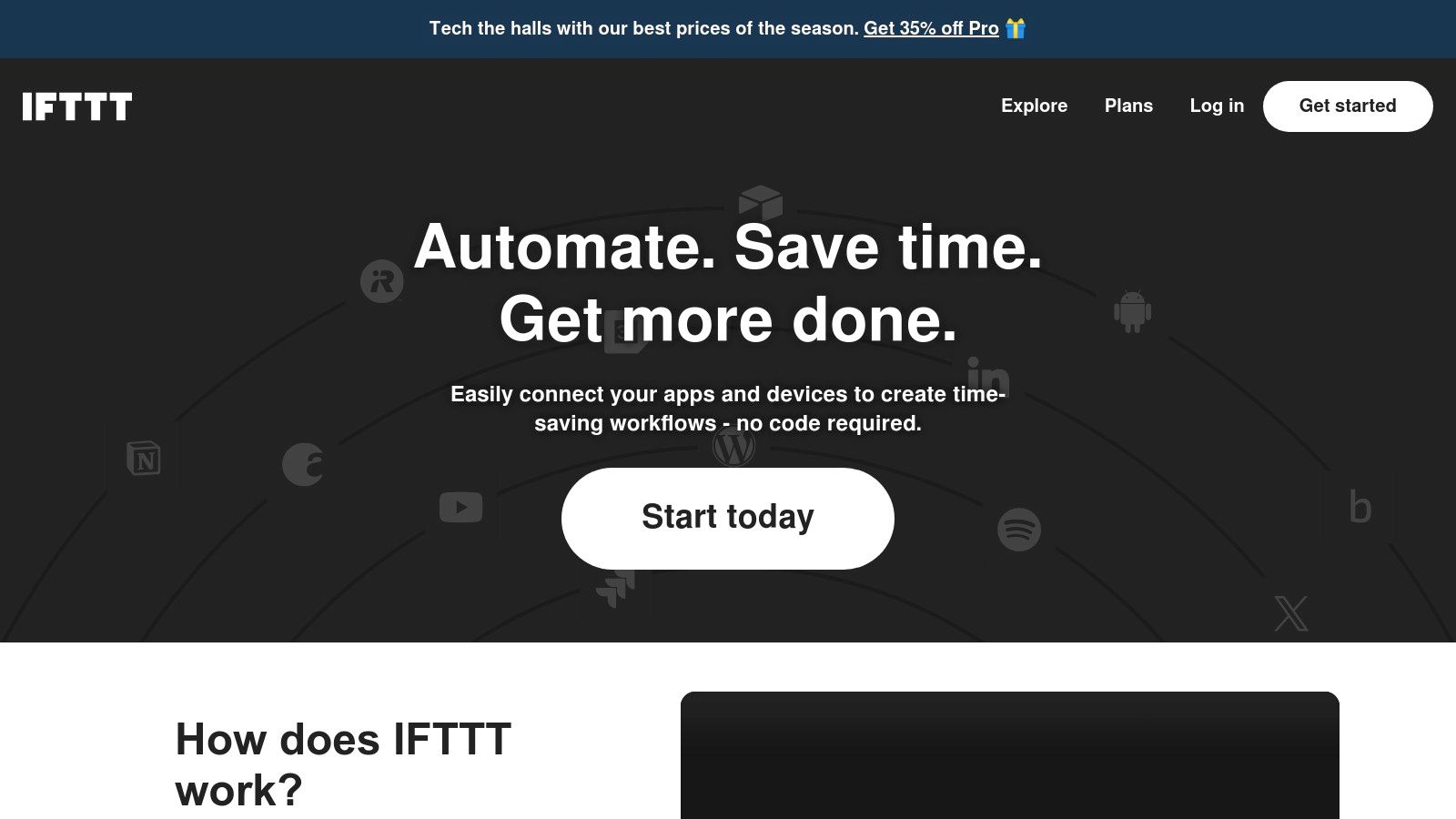
While IFTTT's strength is its simplicity, it is less suited for complex business processes compared to other Make alternatives. Its trigger-and-action model is linear and lacks the advanced branching logic, error handling, and data manipulation capabilities found in platforms like Make. For individuals and small businesses needing straightforward automations between widely used services, IFTTT remains a strong and cost-effective contender.
Key details & use cases
- Ideal Use Cases: Perfect for smart home enthusiasts, social media managers automating posts, or for personal productivity tasks like saving starred emails to a spreadsheet.
- Pros: Extremely easy to start with a huge library of ready-made applets, excellent mobile app support, and a low entry cost for personal automations.
- Cons: Less suited for complex business workflows, and feature caps on Free/Pro tiers can be restrictive for power users.
- Pricing: A limited free plan is available; paid plans like Pro and Pro+ start around $2.50/month, adding features like multi-step Applets and faster polling times.
5. Pipedream
Pipedream positions itself as the automation platform for developers, blending a user-friendly interface with the power of serverless code. It bridges the gap between no-code tools and complex, self-hosted solutions, making it a strong contender among Make alternatives for teams with technical expertise. The platform's core strength is its "code-first" approach, allowing users to run Node.js, Python, Go, or Bash scripts as steps within any workflow. This grants unparalleled flexibility for custom data transformation and complex logic that visual builders often cannot handle.
While developers are the primary audience, Pipedream also provides thousands of pre-built actions and triggers for popular apps. Its pricing is based on credits consumed per compute time, with a generous free tier that includes unlimited workflow testing. This model is ideal for developers who want to build and test without initial investment but requires monitoring for high-volume processes where costs can escalate. The ability to sync workflows with GitHub also makes it a natural fit for teams following DevOps best practices.
Key details & use cases
- Ideal Use Cases: Technical growth teams building custom data enrichment pipelines, developers creating event-driven serverless functions, or operations teams scripting interactions with internal APIs.
- Pros: Granular control with code-level steps, extensive library of pre-built integrations, and a very generous free tier for development.
- Cons: The platform's full potential is unlocked with coding knowledge, and the credit-based pricing can be less predictable than task-based alternatives.
- Pricing: Free tier with significant usage included; paid plans start around $19/month, scaling based on credit consumption.
How do you choose between so many make alternatives?
The sheer number of automation platforms can be paralyzing. However, the decision becomes clearer when you reframe the question from "Which tool has the most features?" to "Which architecture fits my team's needs?"
Here’s the deal: most tools fall into a few distinct categories.
You might think that a visual builder offers the most control. Here’s why that isn’t always true: visual tools often hide complexity behind a simple UI, but debugging a broken multi-step scenario can be more difficult than describing the desired outcome to an AI. For example, a marketing team at a SaaS startup reduced their time to deploy new lead-nurturing sequences by 80% within one month by switching from a visual builder to a conversational AI platform.
6. n8n
n8n stands out by offering an open-source, source-available model that provides unparalleled flexibility and control. It appeals strongly to technical users and companies with strict data compliance needs who prefer to manage their own infrastructure. By offering both a cloud-hosted version and a self-host option, n8n caters to a wide spectrum of users. This dual-deployment capability is its core differentiator, allowing teams to start on the cloud and migrate to a self-hosted instance as their security or customization requirements evolve.
The platform is built around a visual, node-based canvas that is more technical than some competitors but offers greater power for complex logic and custom code execution. Its pricing is based on the number of workflow executions rather than individual tasks, which can be cost-effective for complex scenarios. All integrations are available on every plan, and there are no limits on the number of users or workflows you can build.
Key details & use cases
- Ideal Use Cases: Excellent for developers building custom integrations with the code node, businesses needing to host their automation platform on-premise for data sovereignty, and teams running high-volume, complex workflows.
- Pros: Self-hosting provides maximum data control, a fair execution-based pricing model, and a powerful, flexible node-based editor.
- Cons: Has a steeper learning curve than pure no-code tools, and self-hosting requires technical resources to maintain.
- Pricing: Offers a free self-hosted tier; cloud plans begin around €20/month, scaling with execution volume.
7. Parabola
Parabola excels as a data-centric automation tool, positioning itself as an operational powerhouse for teams that need to wrangle messy data. Unlike general-purpose platforms, it operates like a visual, spreadsheet-driven workflow builder, allowing users to pull data from various sources, transform it through a series of steps, and send it to its destination. This makes it a strong Make alternative for e-commerce, operations, and analytics teams who regularly deal with complex data manipulation tasks that go beyond simple trigger-action logic.
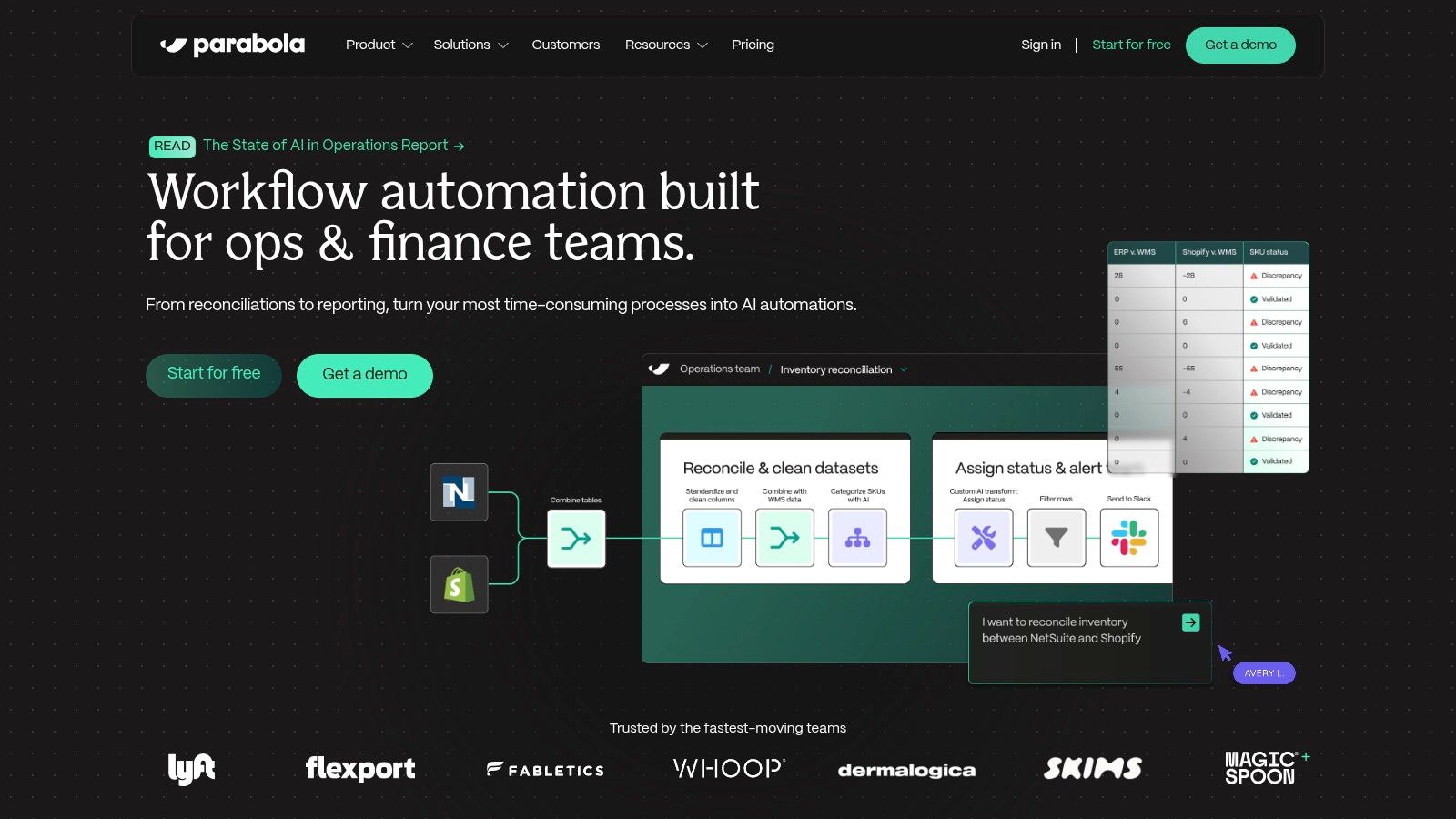
The platform's credit-based pricing model is a key differentiator. Users get unlimited active flows on all paid plans, and credits are only consumed when a flow runs successfully. Building and testing flows does not use up credits, which encourages experimentation. This is particularly beneficial for operations teams that need to iterate on complex reporting or data-cleaning processes.
Key details & use cases
- Ideal Use Cases: E-commerce teams syncing inventory, operations teams building custom internal reports, or analytics professionals cleaning and merging datasets.
- Pros: Excellent for transforming and cleaning complex data; credit model is cost-effective for development; unlimited flows on paid plans.
- Cons: Less intuitive for simple business automation tasks; the credit-based pricing requires understanding to predict costs accurately.
- Pricing: Offers a free tier for small jobs; paid plans start around $80/month, scaling based on credit usage for flow runs.
8. Workato
Workato is a leader in the enterprise-grade integration Platform as a Service (iPaaS) space, positioning itself as one of the more powerful and secure Make alternatives for large organizations. It is designed to handle complex automations that require robust governance, security, and lifecycle management. The platform goes beyond simple workflows, offering tools for managing large-scale automation deployments, including version control and environment management. This enterprise focus makes it a go-to choice for IT departments integrating core systems like ERPs, CRMs, and HRIS platforms.
Unlike platforms with transparent, tiered pricing, Workato uses a usage-based model that often requires direct engagement with their sales team. This approach combines a base platform fee with costs tied to transaction volume, making it less accessible for small teams but well-suited for enterprises that need predictable costs at scale. Its ability to connect to on-premise systems solidifies its position as a top-tier solution for businesses where data governance is non-negotiable. For a comprehensive look, learn more at Workato's official website.
Key details & use cases
- Ideal Use Cases: Perfect for enterprise-level automations like employee onboarding across HR, IT, and finance systems; synchronizing data between Salesforce and an on-premise ERP; or managing complex financial close processes.
- Pros: Built for large organizations needing high security and scale; offers advanced lifecycle management; available through AWS Marketplace.
- Cons: Pricing is not public and requires sales engagement; total cost of ownership is significantly higher, making it unsuitable for small businesses.
- Pricing: Custom pricing based on platform edition and usage volume; no free tier or publicly listed plans available.
9. Tray.io
Tray.io positions itself as a low-code automation platform built for the enterprise, offering a powerful combination of workflow orchestration and AI capabilities. It targets organizations that need more than simple point-to-point connections, providing a robust solution for complex processes. The platform is engineered for scalability and security. Its "Merlin" Agent Builder allows teams to create and deploy sophisticated AI agents with built-in guardrails, making it a strong contender for businesses integrating AI at scale.
Unlike platforms focused on individual users, Tray.io is built around a governance-first model. It offers workspaces, enterprise-grade add-ons like SSO and HIPAA compliance, and regional data hosting to satisfy stringent corporate policies. The platform’s flexible pricing is based on task and API call volume, accommodating high-throughput workflows. This enterprise focus makes it a compelling alternative to Make for larger organizations that have outgrown simpler tools.
Key details & use cases
- Ideal Use Cases: Perfect for enterprise IT teams automating multi-departmental workflows, product teams embedding AI agents into their applications, and regulated industries requiring HIPAA compliance.
- Pros: Strong enterprise posture with advanced security and governance, powerful tools for AI agent creation, flexible and scalable for high-volume processes.
- Cons: Pricing is not publicly listed; the feature set may be overly complex for startups or small teams.
- Pricing: Custom enterprise pricing. Plans are tiered (Pro, Team, Enterprise) and based on task usage.
10. Activepieces
Activepieces carves out a unique space among Make alternatives by championing an open-source approach combined with powerful features. It appeals directly to developers and cost-conscious teams who want full control over their automation stack. Its core proposition is flexibility: you can use their managed cloud platform or self-host the entire system for ultimate data privacy and cost management. This dual-deployment model is a significant differentiator in a market dominated by closed, cloud-only solutions.
The platform stands out by including AI steps and code execution even in its generous free tier, lowering the barrier for experimenting with advanced workflows. For instance, you can build automations that connect apps and use an AI agent to summarize content. This makes it an excellent choice for technical founders needing bespoke integrations. While its app ecosystem is still growing, its open nature allows users to contribute their own connectors.
Key details & use cases
- Ideal Use Cases: Technical teams wanting to self-host their automation platform, developers building custom integrations with code steps, and startups looking for a low-cost, AI-enabled tool.
- Pros: Generous free tier with AI features, open-source model with self-hosting options, and ability to write custom code pieces directly in flows.
- Cons: Smaller app connector library than major competitors, and its user interface may feel more geared toward a technical audience.
- Pricing: A free cloud plan is available; paid plans offer more tasks and features, with self-hosting providing a cost-effective alternative.
11. Unito
Unito offers a distinct approach by focusing intensely on one critical problem: deep, two-way data synchronization. Instead of building linear, trigger-based workflows, its core function is to keep records and tasks perfectly aligned between different project management and CRM tools. This makes it an essential tool for cross-functional teams who need a single source of truth across platforms like Asana, Jira, Trello, and HubSpot, eliminating manual data entry.
The platform excels at mapping fields between tools with granular control, allowing you to sync specific details like assignees, due dates, and custom fields in both directions. This live sync ensures that an update in one system is immediately reflected in the other. While it is less suited for complex multi-step automation, it is one of the best make alternatives for organizations whose primary challenge is maintaining data consistency.
Key details & use cases
- Ideal Use Cases: Syncing engineering tickets in Jira with project tasks in Asana, connecting HubSpot deals to Trello boards for fulfillment, or creating a master project overview by pulling data from multiple team tools.
- Pros: Best-in-class for reliable, deep two-way synchronization, and offers enterprise-grade features like SSO.
- Cons: Not designed for broad, multi-app workflow automation; final pricing can be less transparent until configured in-app.
- Pricing: Offers a free trial; paid plans are based on the number of active users and items in sync, with pricing starting around $10/month per user.
Frequently asked questions
Is Zapier better than Make?
Zapier is often considered easier to use for beginners due to its simpler interface and vast library of over 6,000 app integrations. However, Make can be more cost-effective for complex, multi-step workflows due to its operation-based pricing.
What is the cheapest Make alternative?
For self-hosters, open-source options like n8n or Activepieces can be the cheapest. For cloud-based tools, IFTTT offers low-cost plans for simple personal automations, while CodeWords provides a free starting tier for more advanced AI-driven workflows.
Can I build custom integrations with these Make alternatives?
Yes, several alternatives are developer-friendly. Pipedream allows you to run Node.js, Python, or Go code as a step in your workflow. n8n and Activepieces also support custom code, providing high flexibility for bespoke integrations.
The search for effective Make alternatives isn't just about finding a tool with a better UI. It reflects a fundamental shift in how we approach automation. For years, the dominant model has been that of the builder, meticulously connecting blocks in a visual canvas. This approach, while powerful, requires you to architect every step.
The implication of new AI-driven tools is the transition from a hands-on builder to a high-level director. Instead of constructing a rigid process, you issue a command. You describe the desired outcome, not the mechanics. This is a profound change that frees you from the tyranny of the interface and allows you to focus on strategy. This evolution has critical implications: it increases speed, improves accessibility, and builds more resilient systems. When you can create complex processes with a simple sentence, your ability to adapt increases dramatically. According to a 2023 report from McKinsey, generative AI could automate up to 70% of business activities over time, and this speed is a core driver. Emerging platforms like CodeWords are shaping this future.
Choosing the right platform depends on where you want to spend your time. Do you want to continue being the builder? Or are you ready to become the director, orchestrating intelligent agents to execute your vision?
Start automating now